Description
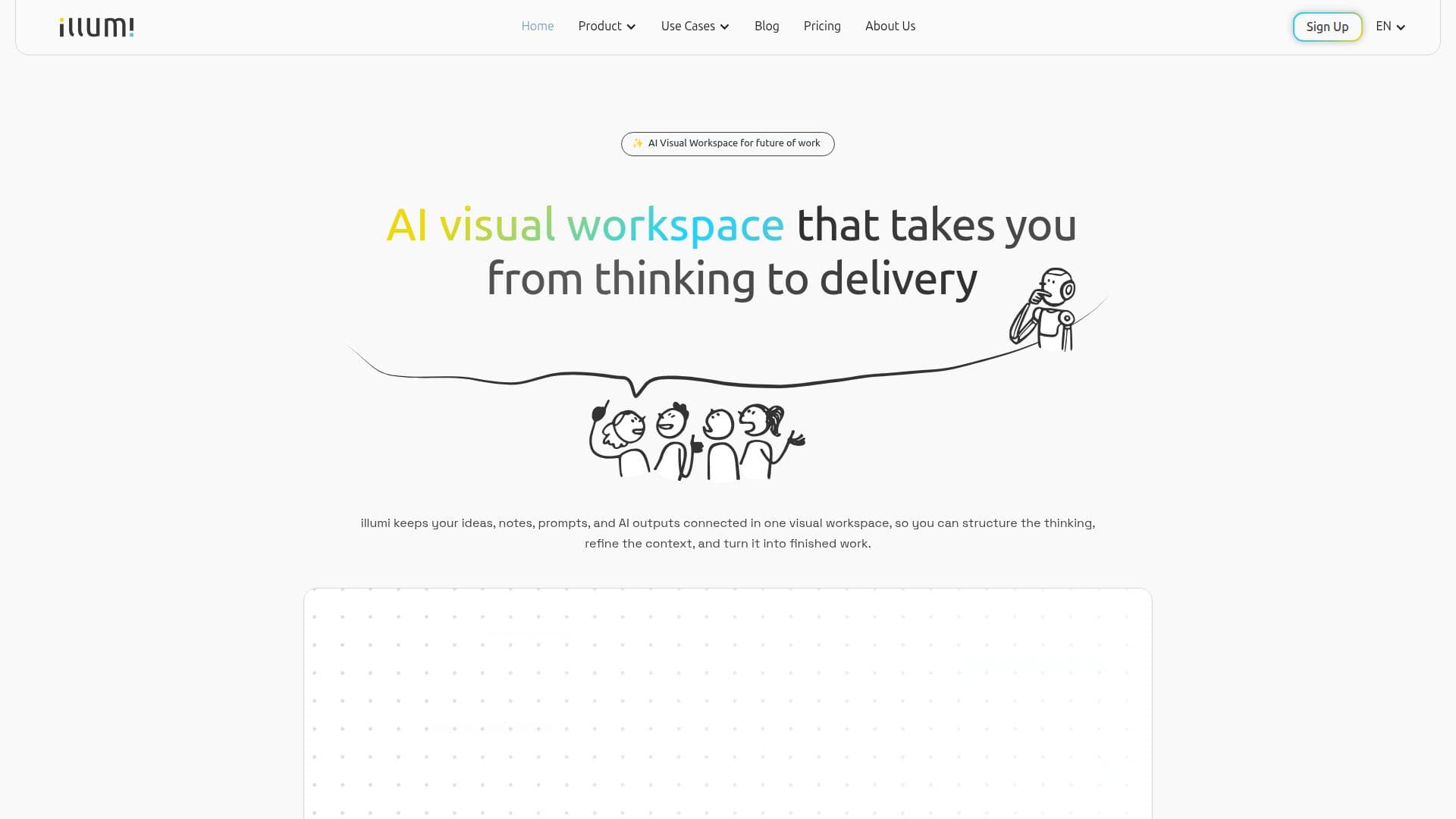
illumi is an AI visual workspace, a multiplayer AI whiteboard on an infinite canvas that takes teams from thinking to delivery. It keeps ideas, notes, prompts, and AI outputs connected in one place, so users can structure the thinking, refine the context, and turn it into finished work rather than losing the thread across scattered chats, docs, and folders.
Read More
The canvas brings multiple AI models into one workspace and lets people prompt AI from the right context, compare directions, and refine outputs spatially. Because it holds persistent team knowledge across sessions, work can start alone and be shared when the thinking is ready, with teammates, clients, or workshop participants contributing notes and reviewing AI outputs while feedback stays connected to the context behind the work.
illumi centers on Structured Thinking, grouping related inputs and showing how ideas connect before they become output, and Workflow Templates that turn repeated processes into reusable boards with the right sections, prompts, context slots, and output structures already in place. It is built for the messy middle of expert work such as research synthesis, strategy, GTM planning, client proposals, and workshop follow-through.
The platform connects many models across tiers, including Claude, GPT, Gemini, Grok, and DeepSeek variants, and supports real-time collaboration, guest viewers, and export to PDF, Markdown, and DOCX. It is aimed at consultants, founders, researchers, and strategists, with a free-forever Starter tier and paid Pro, Team, and Design Partner plans.
- CategoryAI Knowledge Management
- Pricing ModelFreemium
- DeploymentCloud
- PlatformsWeb
illumi's Core Features
Multiplayer AI whiteboard on an infinite canvas
Multiple AI models in one workspace, including Claude, GPT, Gemini, and Grok
Structured Thinking to group inputs and show how ideas connect
Prompting AI from the right shared context
Persistent team knowledge across sessions
Reusable Workflow Templates with prompts and context slots
Real-time collaboration with guest viewers and publish rights
Export to PDF, Markdown, and DOCX
How to use illumi?
Add your inputs: Bring notes, prompts, and AI outputs onto the canvas.
Structure the workspace: Group related inputs into clear sections and show how they connect.
Prompt with context: Prompt AI models from the right context on the board.
Compare and refine: Compare directions and refine outputs without starting over.
Turn it into output: Share the working structure and export it into finished work.
illumi's Use Cases
- Research synthesis
- Strategy work
- GTM planning
- Client proposals and delivery
- Workshop follow-through