Description
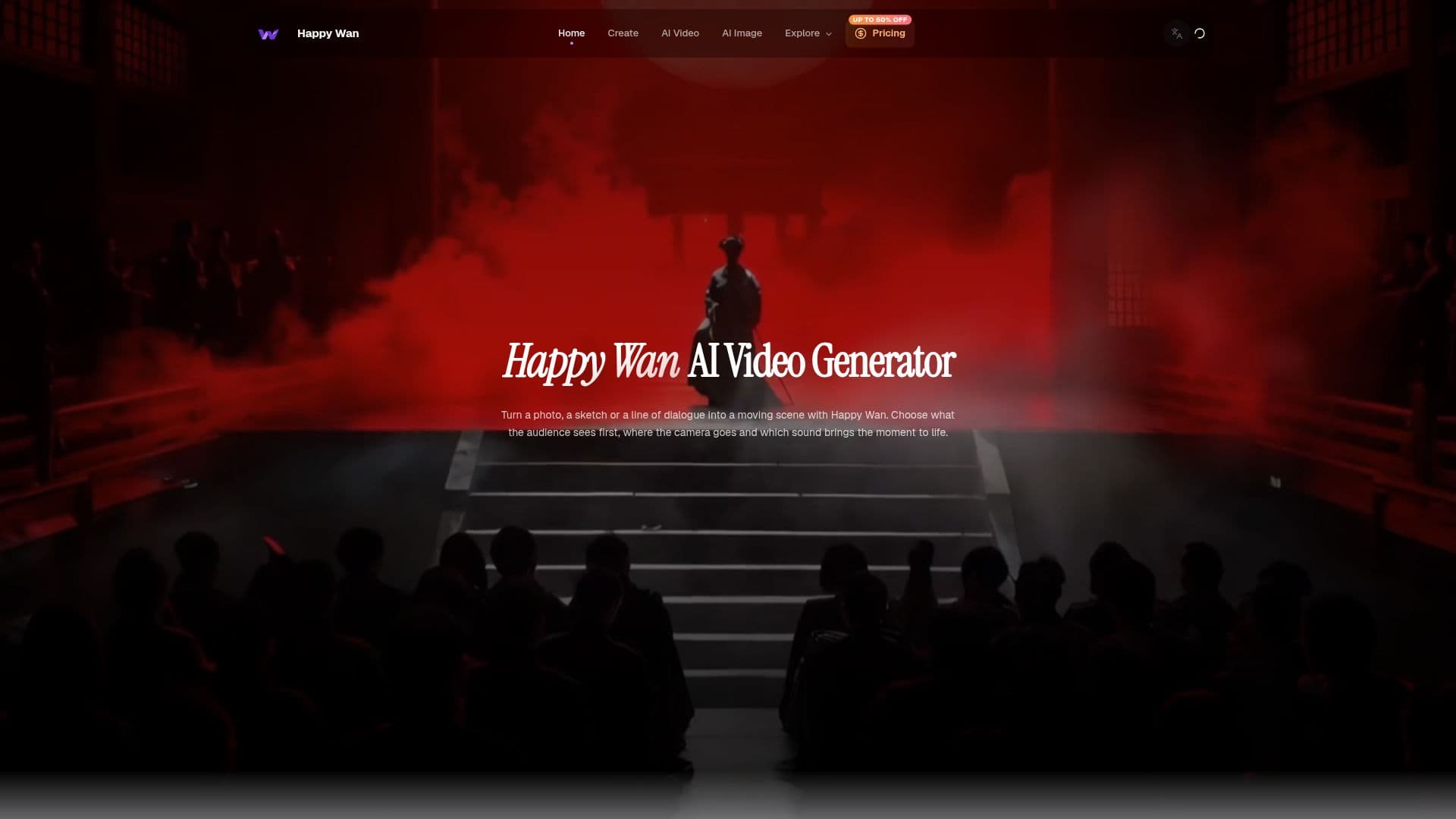
Happy Wan AI Video Generator allows users to create compelling video content from a variety of starting points, including text descriptions, single photographs, or pairs of keyframes. The platform provides tools to direct camera movement, plan precise cuts, and incorporate sound elements, enabling creators to turn initial concepts into polished video takes.
Read More
Users can choose between a "first frame" approach, where the video opens on a specific photograph with its original pose and framing, or a "subject reference" method, which places a consistent character in different settings. This flexibility extends to continuing existing clips by providing footage and the next desired action, or even animating drawings by supplying character appearance and rehearsal clips for choreography.
The platform supports detailed scene direction, allowing users to define character references, props, and locations. For instance, a portrait can establish a speaker's appearance, enabling Happy Wan to generate dialogue in sync with lip movements and background sounds, even when camera angles or settings change. This capability facilitates the creation of dialogue scenes where listeners react realistically within the same frame.
Happy Wan also offers robust editing features for existing footage. Users can modify objects, change settings, or alter the visual style of a clip while preserving a desired performance. This is achieved by supplying the original clip and a reference image for specific replacements, with options to carry through intricate details like a performer's interaction with an object.
For product demonstrations, Happy Wan can animate how a product functions, such as a clasp opening, by combining a product photo with a short clip of the desired motion. The platform also enables the creation of product variations by replacing items in existing footage while maintaining the actor's movements. Happy Wan provides a credit estimate before submission, allowing users to manage costs based on model selection and duration. It offers various pricing plans, including subscriptions and one-time credit packs, with features like commercial licenses and concurrent generation batches.
- CategoryAI Video Generators
- Pricing ModelFreemium
- DeploymentCloud
- PlatformsWeb
Happy Wan AI Video Generator's Core Features
Generate video from text descriptions
Animate photos into video clips
Create transitions between two keyframes
Direct camera movement within scenes
Plan video cuts and sound integration
Use subject references for consistent characters
Continue existing video clips
Animate drawings from rehearsal videos
Edit existing footage to change style or objects
Generate dialogue in sync with speaker's lips
Incorporate background sound into scenes
Demonstrate product functionality with animation
Create product variations in existing videos
Credit estimate before video generation
Generation history and result downloads
How to use Happy Wan AI Video Generator?
Choose Input: Select whether to start with text, a photo, or two keyframes for your video.
Define Scene: Provide descriptions for actions, characters, props, and locations, using reference images as needed.
Direct Movement: Specify camera movements, character actions, and desired transitions between shots.
Add Sound: Describe background sounds or dialogue, and time them with visual events.
Review Estimate: Check the credit estimate for your chosen settings and duration.
Generate Video: Submit your inputs to Happy Wan to create the video clip.
Compare Takes: Review generated clips, compare different versions, and make adjustments.
Download & Share: Download your preferred video take for further editing or sharing.
Happy Wan AI Video Generator's Use Cases
- Storyboard Visualization
- Product Demonstrations
- Dialogue Scene Creation
- Character Animation
- Video Style Editing
- Social Media Content
- Concept Exploration
- Product Variation Design