
Description
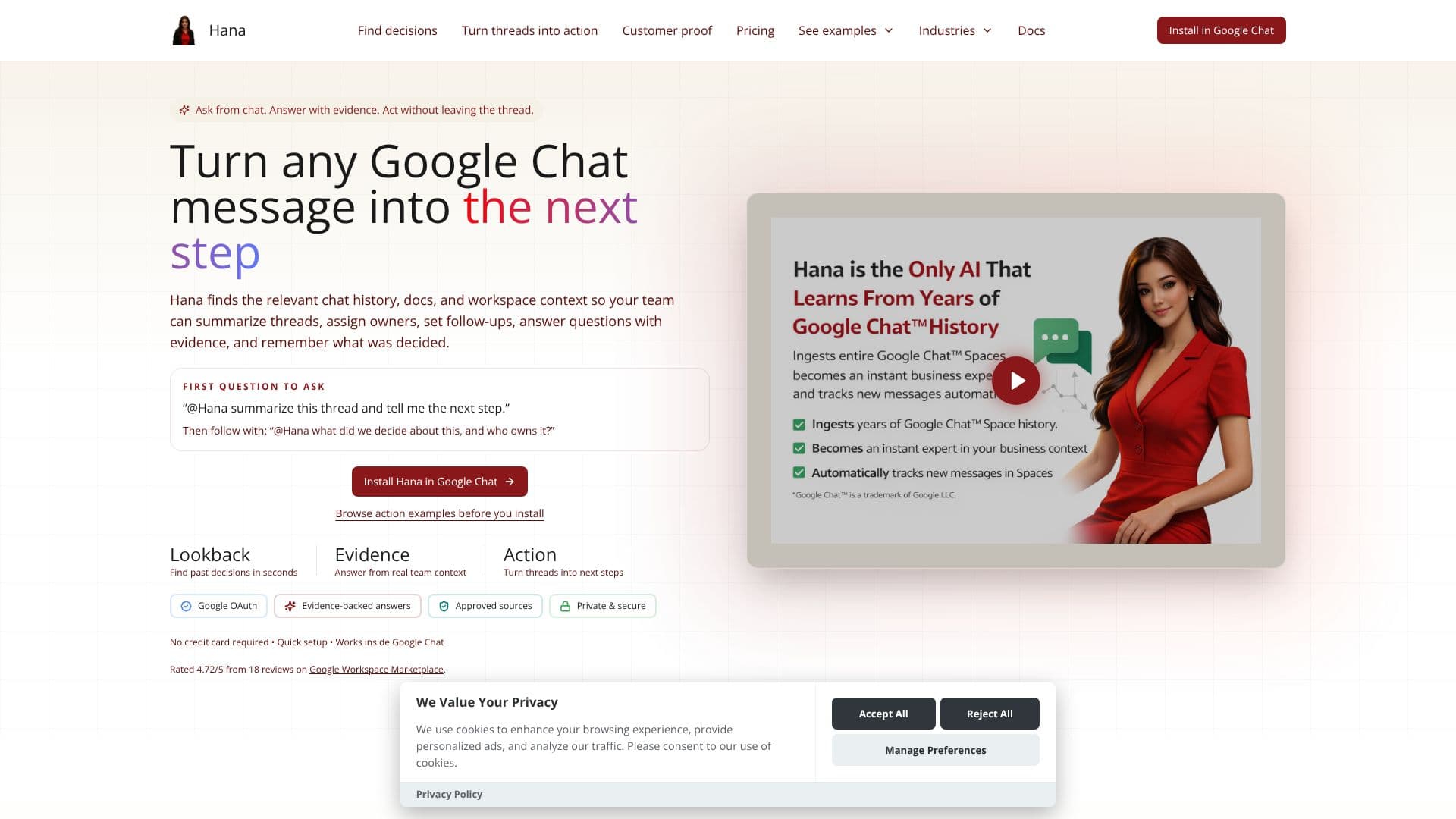
Hana is an AI application designed to enhance productivity within Google Chat by enabling teams to act directly on messages. It functions by accessing and processing relevant chat history, connected documents, and other workspace context to provide grounded answers and facilitate concrete actions.
Read More
Users can interact with Hana by mentioning it within a Google Chat thread. For instance, a user might ask, "@Hana summarize this thread and tell me the next step." Hana then analyzes the conversation and connected sources to provide a summary and identify the subsequent action. It can also answer questions with evidence by referencing specific documents or past decisions, such as asking, "@Hana what did we decide about this, and who owns it?"
The core value proposition of Hana lies in its ability to turn any Google Chat message into a tangible next step. This includes creating reminders, tasks, polls, or summaries without users needing to leave the chat interface. The application distinguishes between the Google Chat interface, where most user interactions occur, and a dashboard for administrative setup, source control, and rollout management.
Hana supports a structured onboarding process designed for quick value realization. Users install Hana in Google Chat, connect at least one active space or source, and then begin interacting with Hana by asking real team questions. The system guides users to ask for specific outputs like summaries, owners, reminders, polls, tasks, or replies with evidence. The goal is to achieve a grounded answer and a visible next-step artifact within the first day of use.
The tool is built on a trust layer that grounds answers in approved workspace evidence, pulling context from sources like Google Drive and other connected systems. It emphasizes privacy and security, requiring no credit card for initial setup and utilizing Google OAuth for authentication. Hana aims to solve the problem of buried decisions, slow information retrieval, and scattered knowledge by providing a unified context layer directly within the team's primary communication tool.
- CategoryAI Meeting Assistants
- Pricing ModelFreemium
- DeploymentCloud
- PlatformsGoogle Chat
Hana's Core Features
Summarize Google Chat threads
Answer questions with evidence from workspace context
Turn messages into reminders, tasks, polls, or replies
Retrieve relevant chat history, documents, and workspace context
Assign owners and set follow-ups directly in chat
Integrates with Google Chat
Dashboard for admin setup and source control
Evidence-backed answers from approved sources
Quick setup and installation
Privacy-first defaults for personal workflows
Team Actions for shared follow-through
Personal Actions for individual planning
How to use Hana?
Install Hana in Google Chat
Connect one active space or source
Mention @Hana with a team question
Ask for specific follow-through (summary, owner, reminder, task, poll, reply)
Review grounded answers and visible next steps
Hana's Use Cases
- Summarize Threads
- Answer with Evidence
- Create Action Items
- Assign Ownership
- Onboarding New Engineers
- Operational Triage
- Knowledge Reuse
- Meeting Follow-ups
- Compliance Checks
- Reporting Updates