Description
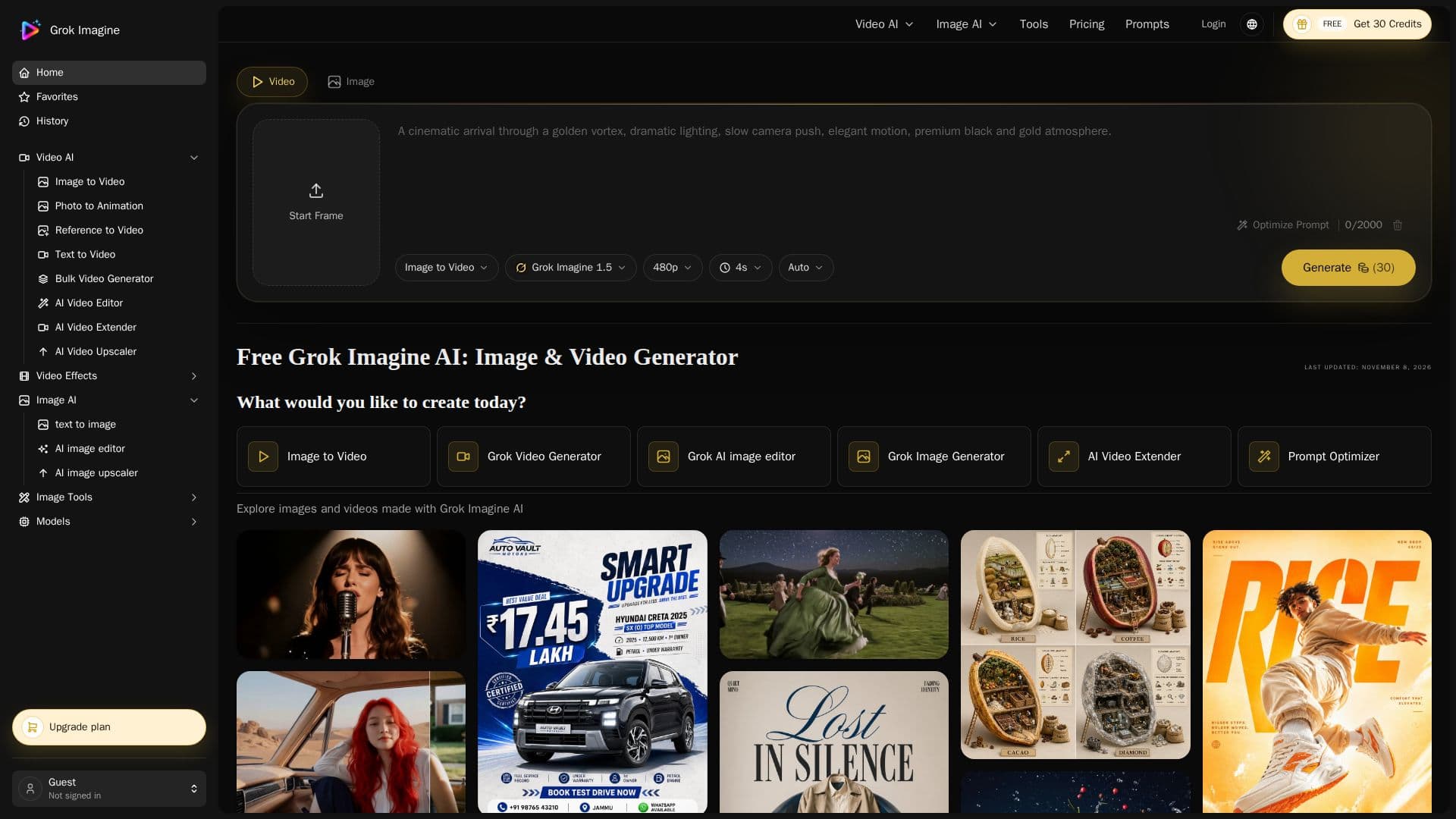
Grok Imagine is a versatile online AI image and video generator designed for creators, social media users, and marketers who need to produce shareable visuals quickly and efficiently. The platform enables users to transform text prompts into unique images, edit existing photos, and animate still images into dynamic short videos complete with sound.
Read More
Users can start their creative journey with 30 free credits upon signing up, allowing them to experience the platform's capabilities without an initial subscription. An image generation costs 20 credits, while a 4-second 480p image-to-video clip costs 30 credits, making the first video free. The platform clearly displays the credit cost before each generation, ensuring transparency.
Grok Imagine offers two primary video models: Grok Imagine and Grok Imagine 1.5. The original Grok Imagine model supports both text-to-video and image-to-video generation, producing clips from 6 to 30 seconds in length. It features Normal, Fun, and Spicy modes, with Spicy mode offering bolder, more suggestive results for text prompts and site-generated images. Grok Imagine 1.5 is a newer image-to-video-only model, animating a single image into a 1 to 15-second clip with an automatic aspect ratio and standard mode.
Key capabilities include generating AI images from text, comprehensive photo editing, and converting images or text into videos. The platform supports various aspect ratios (2:3, 3:2, 1:1, 9:16, 16:9) and resolutions (480p, 720p) for video output. Users can also utilize an AI Video Extender to add 6 or 10 seconds to existing clips. For optimal results, the platform advises focusing prompts on one subject, one main action, and one camera move.
While Grok Imagine provides a free starting point, it operates on a credit-based system. Users can purchase additional credit packs as needed, with various monthly or yearly plans available for consistent creators. The platform emphasizes that it is an independent site and not affiliated with xAI or X, providing web access to the Grok Imagine models.
- CategoryImage Generation & Editing
- Pricing ModelFreemium
- DeploymentCloud
- PlatformsWeb
Grok Imagine's Core Features
AI Image Generation from Text
Photo Editing Tools
Image-to-Video Conversion
Text-to-Video Generation
Multiple Video Modes: Normal, Fun, Spicy
Adjustable Video Length (1-30 seconds)
Multiple Aspect Ratios (2:3, 3:2, 1:1, 9:16, 16:9)
Selectable Video Resolution (480p, 720p)
Credit-Based Usage with Transparent Costs
30 Free Welcome Credits for New Accounts
AI Video Extender for Longer Clips
Generation History Tracking
Audio Generation with Video (Grok Imagine 1.5)
Pay-as-you-go Credit Packs
Monthly and Yearly Credit Plans
How to use Grok Imagine?
Choose a Tool: Select either the image generator, photo editor, image-to-video, or text-to-video tool.
Add Input: Provide a text prompt for image or text-to-video generation, or upload a photo for editing or image-to-video.
Set Parameters: Adjust video length, aspect ratio, resolution, and choose a mode (Normal, Fun, Spicy) if available for your selected model.
Review Cost: Check the displayed credit cost for your generation before proceeding.
Generate Content: Click to generate your image or video.
Download Output: Review the generated content and download your image or video.
Grok Imagine's Use Cases
- Social Media Content Creation
- Marketing and E-commerce Visuals
- Concept Art and Storyboarding
- Portrait Animation
- Text-to-Video Production
- Photo Enhancement and Stylization
- Travel and Landscape Videos
- Anime Scene Generation