Description
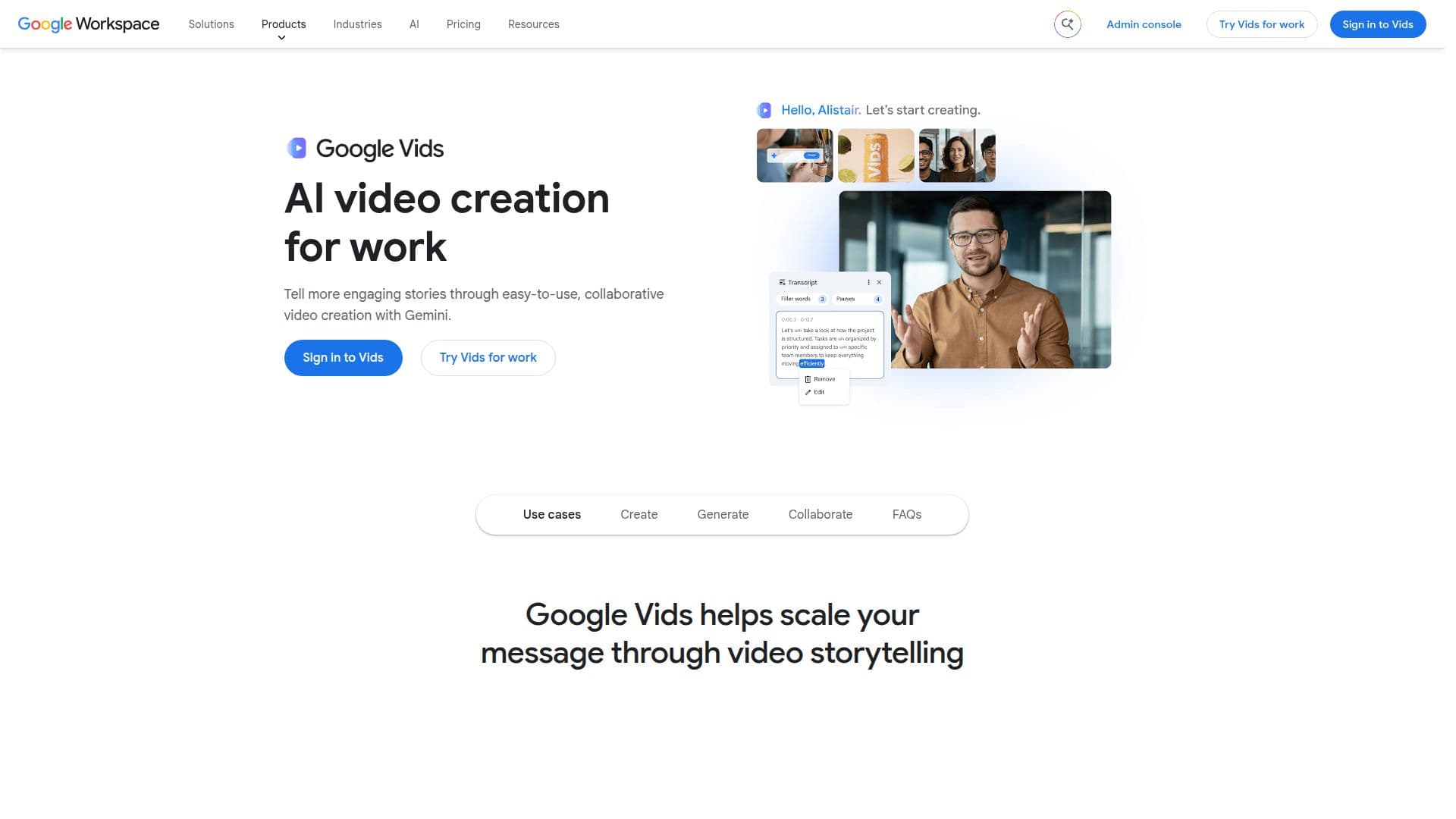
Google Vids is an AI-powered video creator and editor integrated within Google Workspace. It allows users to create, edit, and share engaging video content with ease. The platform is designed to scale video storytelling for businesses and individuals, offering a rich library of millions of high-quality, royalty-free media assets. Users can start creating videos without any prior editing experience, thanks to its intuitive interface and AI-driven features.
Read More
One of the standout features of Google Vids is its ability to generate videos from simple prompts, making it easy for users to get to a first draft quickly. The platform also supports the addition of customizable avatars and the animation of images using AI, enhancing the storytelling experience. Collaboration is seamless with simple sharing controls and secure export options, including direct uploads to YouTube.
Google Vids is part of the Google Workspace suite, which offers flexible pricing plans suitable for businesses of all sizes. While specific pricing details for Google Vids are not provided, it is included in the broader Google Workspace offerings, which range from Starter to Enterprise plans. These plans provide varying levels of storage, security, and collaboration tools.
The platform is ideal for businesses looking to enhance their communication through video, educators aiming to create engaging content, and marketers seeking to leverage video for storytelling. Google Vids integrates with other Google Workspace tools, ensuring a cohesive workflow across different applications. Its AI capabilities, powered by Google's Gemini technology, make it a powerful tool for creating dynamic video content.
- CategoryAI Video Editors
- Pricing ModelIncluded in Workspace
- DeploymentWeb-based
- PlatformsCloud
Google Vids: AI Video Creator's Core Features
AI-powered video creation
Rich content library with royalty-free assets
Generate video from simple prompts
Customizable avatars
Animate images with AI
Seamless collaboration and sharing
Secure export options
Integration with Google Workspace
How to use Google Vids: AI Video Creator?
Create: Start a new video project
Edit: Use AI tools to enhance content
Collaborate: Share with team members
Export: Publish to YouTube or other platforms
Google Vids: AI Video Creator's Use Cases
- Business Communication
- Educational Content
- Marketing Campaigns
- Social Media Content
- Training and Development