
Description
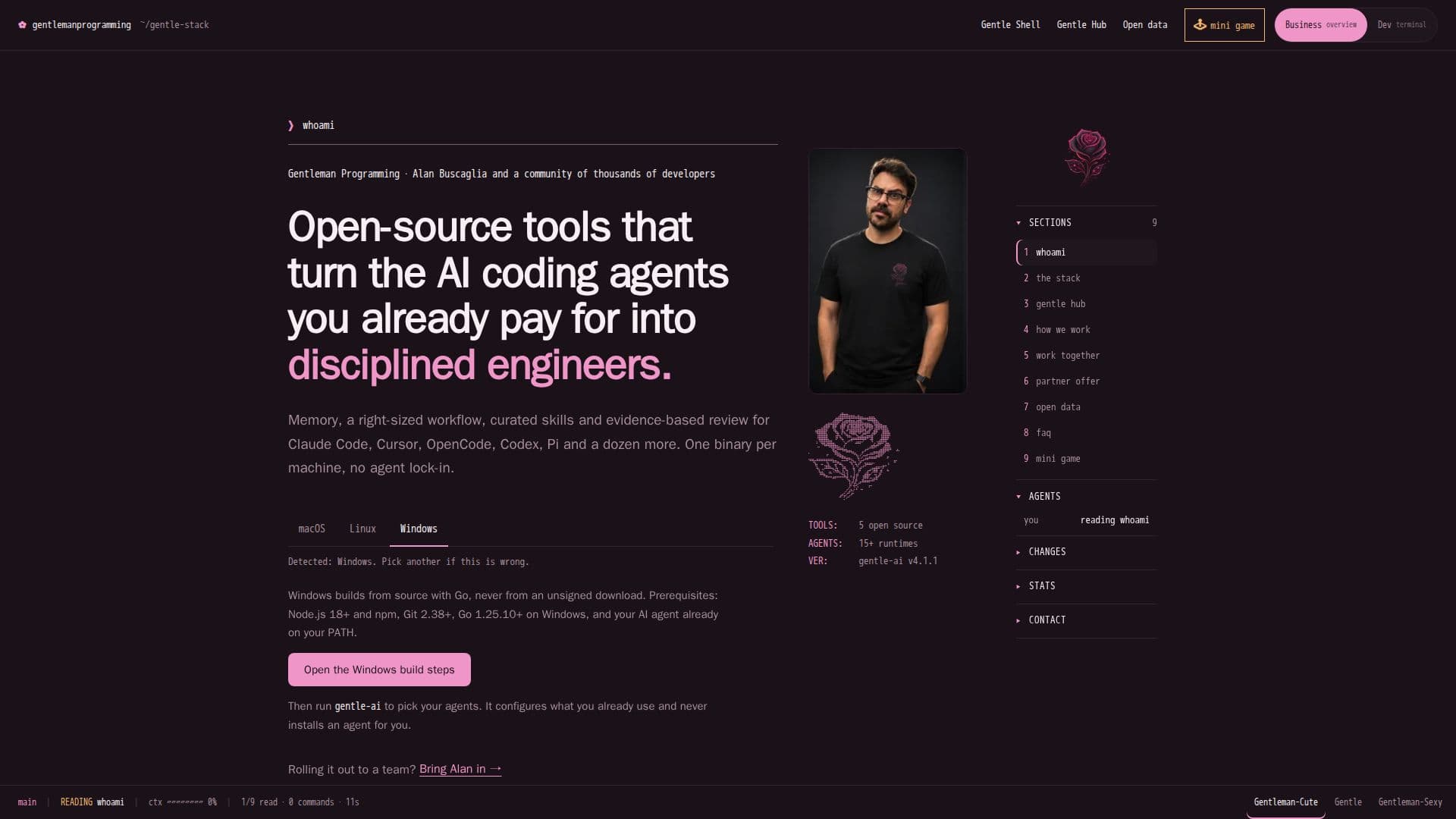
The Gentle-AI Stack is an open-source ecosystem designed to transform existing AI coding agents into disciplined engineers for development teams. It provides essential components like persistent memory, a structured workflow, curated skills, and an evidence-based review process. The core of the stack, Gentle AI, configures agents already present on a machine with memory, an Organic Driven Development (ODD) workflow, a skill library, MCP tool servers, model routing, a persona, and review guardrails. It explicitly does not install new AI agents, instead focusing on enhancing the capabilities of agents developers already use.
Read More
Key components of the Gentle-AI Stack include Engram, which offers persistent memory for every agent through a Go binary with SQLite and full-text search. Engram supports local-first operation, Git Sync for sharing memory across machines, and optional project-scoped replication via Engram Cloud. Gentle Shell provides a Pi-native workspace for AI-assisted development, integrating coding agents, live tasks, Git diffs, and permission controls. It's designed for a human-led workflow, ensuring every change has a plan and is reviewable. Gentleman Guardian Angel (gga) facilitates AI code review as a Git pre-commit hook, supporting various providers like Claude, Gemini, and Ollama.
The stack emphasizes an opinionated approach to development, shipping with a working set of principles such as requirements-first, tests as evidence, and reviewable work units to prevent teams from re-litigating operational decisions. It supports a wide range of AI agents for both full delegation (e.g., Claude Code, OpenCode, Cursor) and solo-agent conversations (e.g., Codex, Windsurf). The system is designed to be efficient, handling low-risk tasks inline without subagents or extensive documentation, significantly reducing processing time and cost for small bugs.
Installation is straightforward, with one command per machine for Gentle AI, Engram, and gga, and a double-click installer for Gentle Shell. The entire stack is open source, with Gentle AI, Engram, and Gentleman Guardian Angel licensed under MIT, and Gentleman.Dots under Apache-2.0. It is fully tested on Windows, macOS, and Linux, with Gentleman.Dots specifically targeting Windows through WSL. The stack also offers an optional Gentle Partner plan for model access, providing tokens for DeepSeek V4 Flash and GLM 5.3 Flash.
- CategoryAI Coding Assistants
- Pricing ModelFreemium
- DeploymentOn-Premise
- PlatformsmacOS, Linux, Windows, WSL, Termux
Gentle-AI Stack's Core Features
Persistent Memory for AI Agents (Engram)
Organic Driven Development (ODD) Workflow
Curated Skill Library for Coding Agents
Evidence-Based AI Code Review (Gentleman Guardian Angel)
Configures Existing AI Agent Runtimes
Pi-Native Workspace for AI-Assisted Development (Gentle Shell)
Local-First Memory with Git Sync and Cloud Replication Options
Support for Multiple AI Agent Providers (Claude, Gemini, Codex, Ollama, etc.)
Opinionated Development Workflow Guardrails
Efficient Task Sizing for Inline or Delegated Work
Cross-Platform Compatibility (macOS, Linux, Windows)
Open-Source Licensing (MIT, Apache-2.0)
Terminal UI for Memory Management and Agent Setup
Comprehensive Development Environment Installer (Gentleman.Dots)
Optional Model Access Plan
How to use Gentle-AI Stack?
Install Gentle-AI: Run `brew install gentleman-programming/tap/gentle-ai` on macOS/Linux, or follow Windows build steps.
Install Gentle Shell: Download and double-click the installer for macOS, Linux, or Windows.
Install Engram: Run `brew install gentleman-programming/tap/engram` on macOS/Linux, or follow Windows README.
Install Gentleman Guardian Angel: Run `brew install gentleman-programming/tap/gga` on macOS/Linux.
Configure Agents: Run `engram setup` for your chosen AI agent to integrate MCP and memory.
Update the Stack: Run `gentle-ai upgrade` followed by `gentle-ai sync`.
Gentle-AI Stack's Use Cases
- Enhancing AI Coding Agents
- Team AI Adoption
- Evidence-Based Code Review
- Persistent Context for Agents
- AI-Assisted Development Workspace
- Optimizing Development Workflow
- Cross-Machine Memory Sharing
- Standardizing Developer Environments
- Reducing Rework and Context Switching
- Training Vim Mastery