
Description
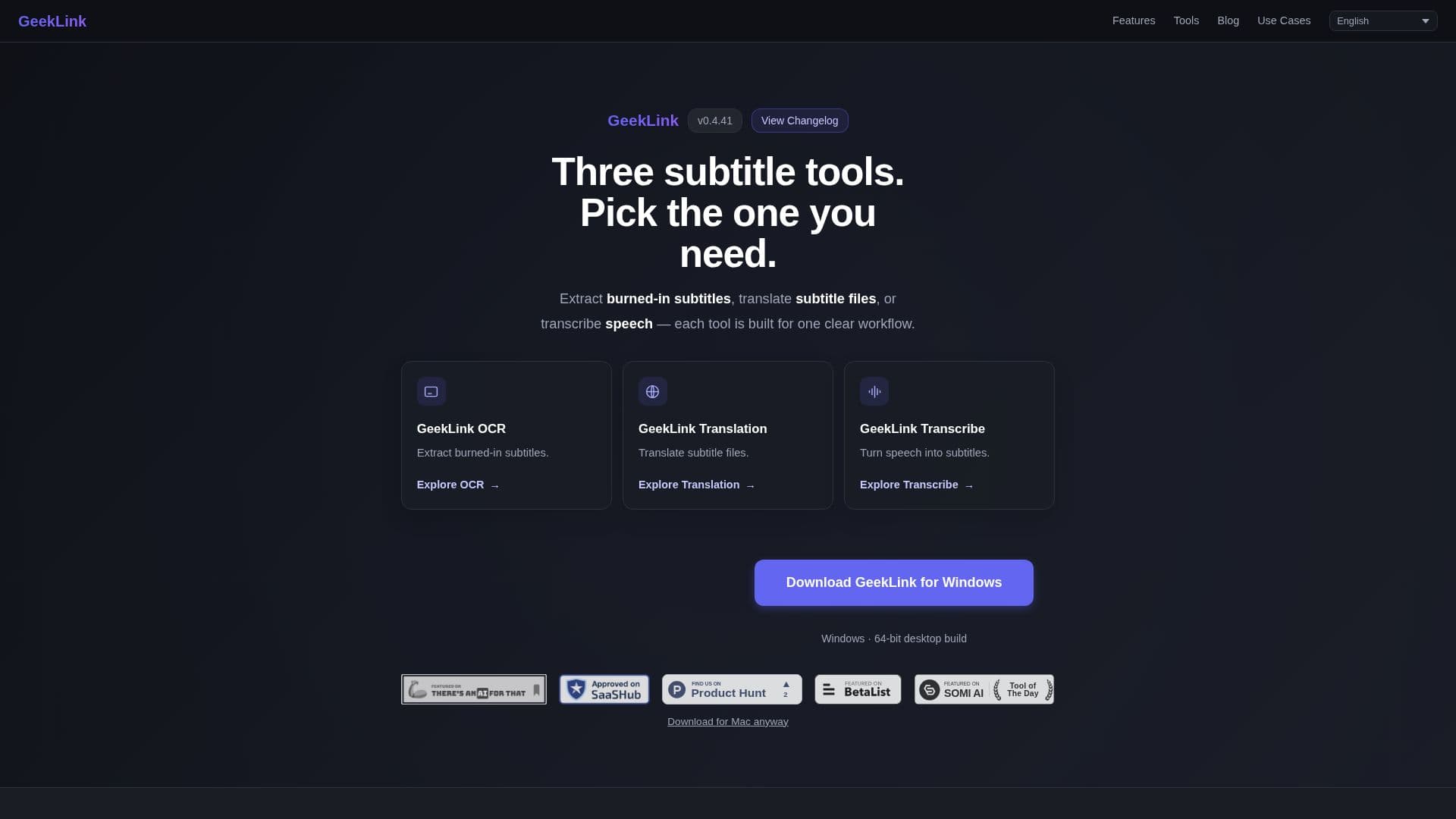
GeekLink is a comprehensive desktop application designed for Mac and Windows users to manage video subtitles efficiently. It offers a local workflow for extracting burned-in subtitles using OCR technology, transcribing speech with AI-powered recognition, and translating subtitles into more than 40 languages. The application supports batch processing, allowing users to import multiple videos simultaneously and process them through speech recognition, subtitle extraction, translation, and burn-in.
Read More
GeekLink's OCR feature is capable of detecting and extracting hardcoded subtitles from video frames, converting them into editable SRT files. This is particularly useful for videos without separate subtitle tracks or usable audio. The AI speech recognition supports over 40 languages, providing word-level timing and accuracy exceeding 95% for clear dialogue.
AI translation requires an internet connection as it utilizes cloud-based models like DeepSeek. Users can translate existing SRT files or subtitles created through OCR and speech recognition, and burn the translated subtitles back into the video. GeekLink supports common video formats such as MP4, MOV, MKV, and AVI, with MP4 or MOV recommended for optimal performance.
The application is available for free, offering a permanent free tier that includes speech recognition, subtitle editing, batch processing, and SRT/TXT export, along with 60 minutes of OCR export per month. Paid plans are available for extended features. GeekLink is ideal for creators, educators, and anyone needing to localize video content efficiently.
- CategoryAI Subtitles & Dubbing
- Pricing ModelFreemium
- DeploymentLocal
- PlatformsMac, Windows
GeekLink's Core Features
AI speech recognition with 95%+ accuracy
OCR subtitle extraction for hardcoded subtitles
AI translation into 40+ languages
Batch video processing
Local processing without uploads
Subtitle burn-in and export
Soft subtitle export (SRT, TXT)
Free tier with 60 minutes of OCR export monthly
How to use GeekLink?
Install: Download and install GeekLink on Mac or Windows
Configure: Choose OCR, Transcribe, or Translate task
Use: Import videos and process subtitles locally
Export: Save subtitles in desired format
GeekLink's Use Cases
- Anime Subtitles
- Movie Subtitles
- Training Videos
- Video Localization
- Course Subtitles