
Description
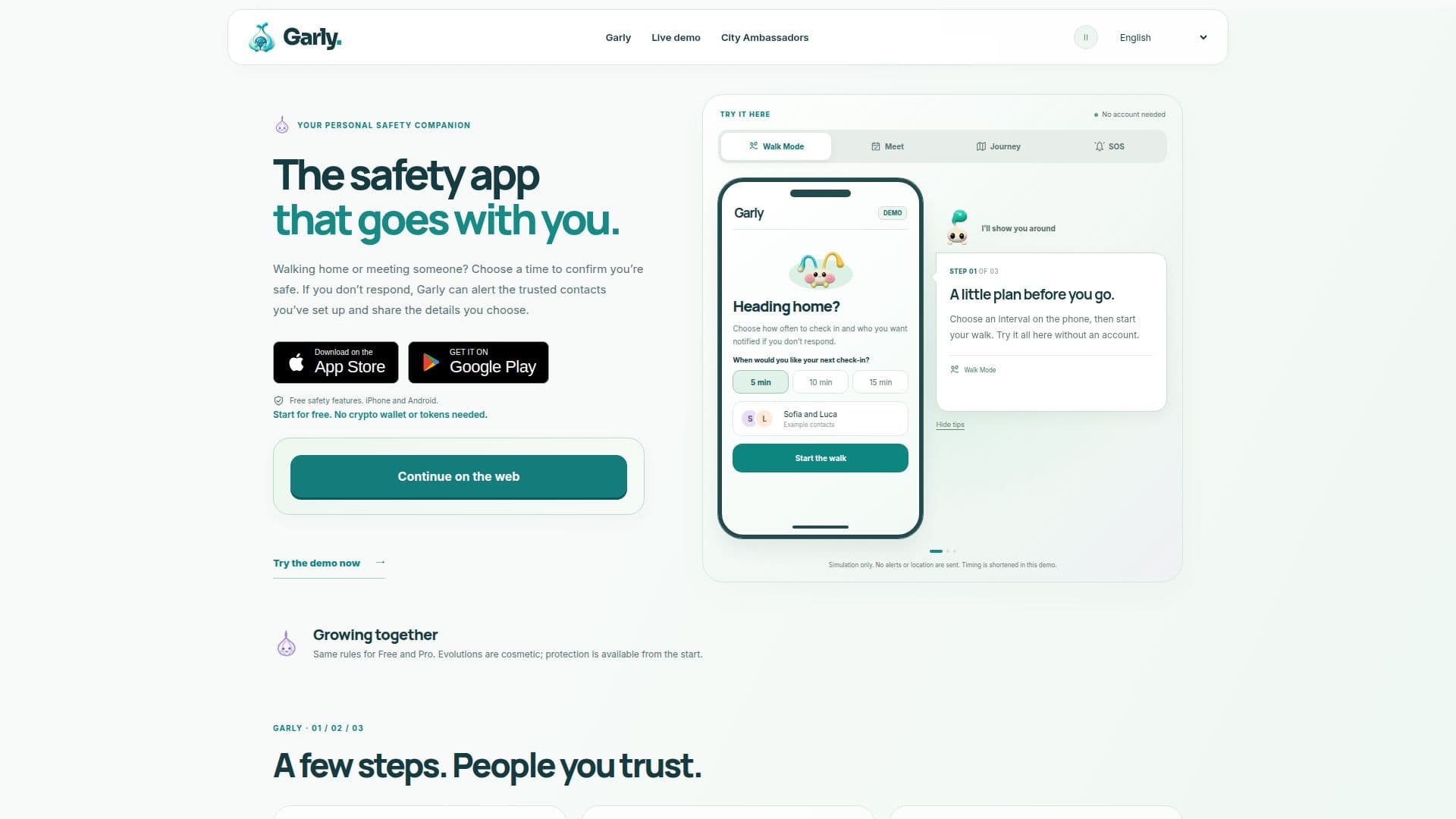
Garly is a personal safety application available for both iPhone and Android devices. It is designed to enhance personal safety by allowing users to set up safety checks and alerts for trusted contacts. Users can choose a situation, such as walking home or meeting someone, and set a time to confirm their safety. If the user does not respond, Garly can alert the configured trusted contacts through channels like Telegram, WhatsApp, or email.
Read More
The app offers various modes such as Walk Mode, Live Journey, and Protection Mode. Walk Mode allows users to set regular check-ins during a walk, notifying contacts if there is no response. Live Journey enables users to share a private link with someone they trust, allowing them to follow the user's route with location updates. Protection Mode checks on the user before alerting contacts about a possible incident.
Garly also features an SOS function, which starts a countdown that can be canceled to send an alert to configured contacts. The app does not require a crypto wallet or tokens, although community rewards depend on program rules and activity. Garly emphasizes privacy, ensuring that only the latest position is kept for up to 24 hours and that messages already delivered cannot be recalled.
Founded by Sara Masetto, Garly focuses on user experience, privacy, and long-term sustainable growth. The app is designed to work without the AI companion for its protective functions, ensuring that features like Protection Mode and SOS operate independently. Garly does not replace emergency services and advises users to contact local emergency services in immediate emergencies.
- CategorySecurity & Privacy
- Pricing ModelFreemium
- DeploymentMobile App
- PlatformsiPhone, Android
Garly's Core Features
Safety checks and alerts
Trusted contact notifications
Walk Mode with regular check-ins
Live Journey with location sharing
Protection Mode for incident alerts
SOS countdown alerts
Free features without tokens
Privacy-focused data handling
Community rewards program
Available on iPhone and Android
How to use Garly?
Configure: Set up trusted contacts and notification channels
Use: Choose a safety mode for your activity
Monitor: Allow Garly to run in the background
Alert: Use SOS feature if needed
Garly's Use Cases
- Walking Home
- Meeting Safety
- Live Journey Sharing
- Protection Mode
- Community Engagement