
Description
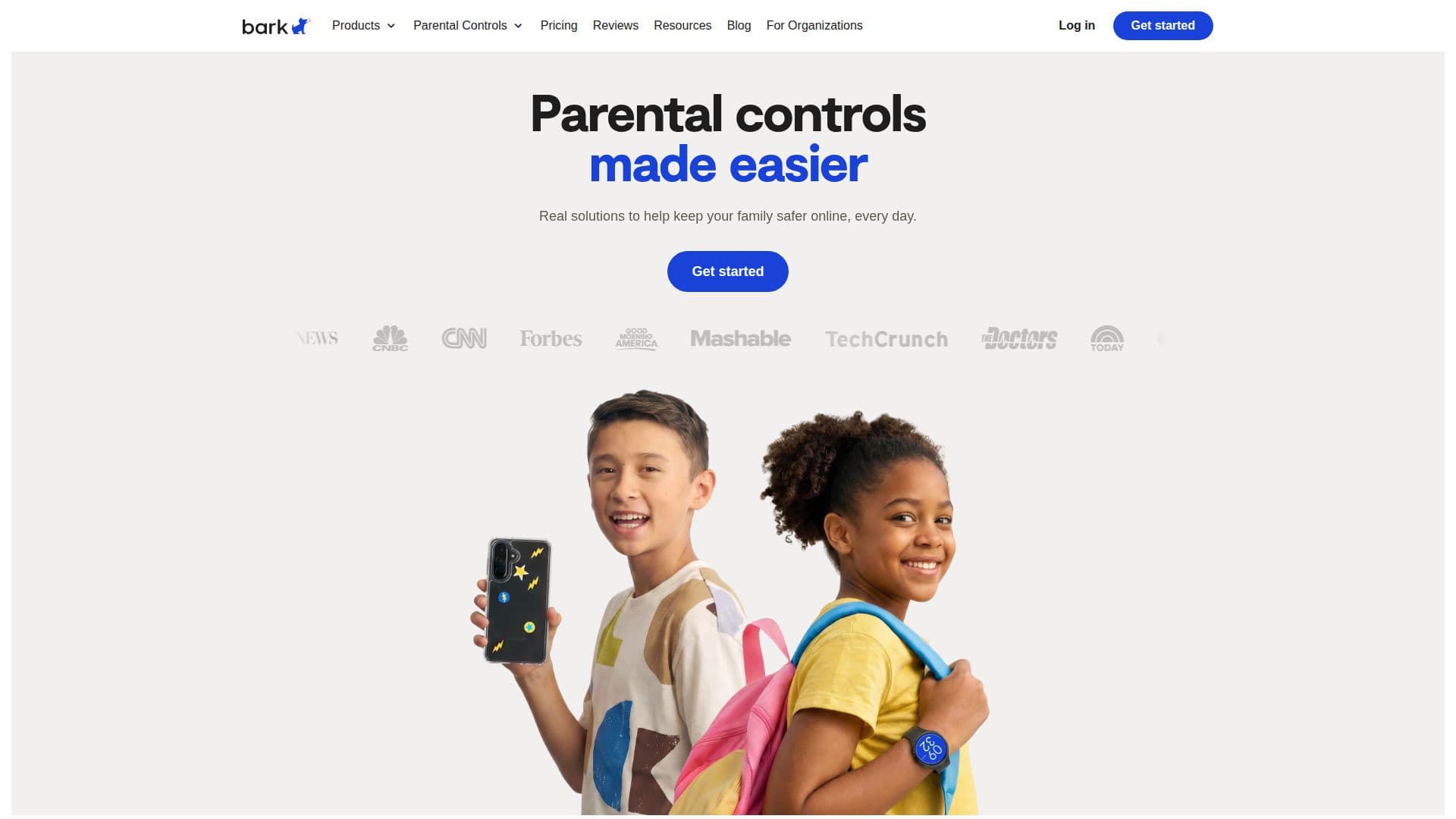
Bark is a parental-controls platform that helps families keep kids safer online. It uses AI-powered content monitoring to scan texts, social media, email, and web activity, sending parents timely alerts across more than 29 categories of potential dangers, from bullying and threats to drugs and inappropriate content. Parents can customize how sensitive the alerts are for each category.
Read More
Beyond monitoring, Bark lets families manage screen time with custom schedules for school, free time, and bedtime, block specific apps and websites, and track a child's location with live GPS, location alerts, and check-ins. It is offered as an app for iOS and Android, as well as through dedicated hardware including the Bark Phone, Bark Phone Pro, Bark Watch, and the Bark Home network device. A single subscription covers unlimited kids and devices in a family.
The Bark Assistant lets parents manage a child's account in plain language, asking questions like who their top contacts are this week or which apps use the most screen time, and taking actions like pausing the phone, blocking an app, or turning on bedtime, all through natural-language requests.
Bark's algorithms are trained in English, Spanish, and Afrikaans, and the service is available in the United States, South Africa, and Australia, with the Bark Phone currently US-only. Data is protected with SSL encryption and stored in an encrypted database. Pricing spans app plans and device plans, with a 7-day free trial.
- CategoryAI Content Moderation
- Pricing ModelFreemium
- DeploymentCloud, Mobile app
- PlatformsiOS, Android
Bark's Core Features
AI content monitoring of texts, social media, email, and web activity
Safety alerts across 29+ categories with adjustable sensitivity
Screen time schedules for school, free time, and bedtime
App and website blocking, including by category
Location tracking with live GPS, location alerts, and check-ins
Bark Assistant for natural-language insights and account actions
Dedicated hardware: Bark Phone, Bark Watch, and Bark Home
One subscription covering unlimited kids and devices
How to use Bark?
Add a device or account: Add one of your child's devices or social media accounts to be monitored.
Install the kids app: Install the Bark Kids app (or use a Bark Phone or Watch) to enable monitoring, blocking, and location tracking.
Set rules and schedules: Configure screen time schedules, block apps and websites, and set alert sensitivity by category.
Review alerts: Receive AI-powered alerts about potentially harmful activity and check in with your child.
Manage with the Assistant: Ask the Bark Assistant for insights or make instant changes to settings in plain language.
Bark's Use Cases
- Social media monitoring
- Screen time management
- Location safety
- Starter phone for kids
- Whole-home controls