Description
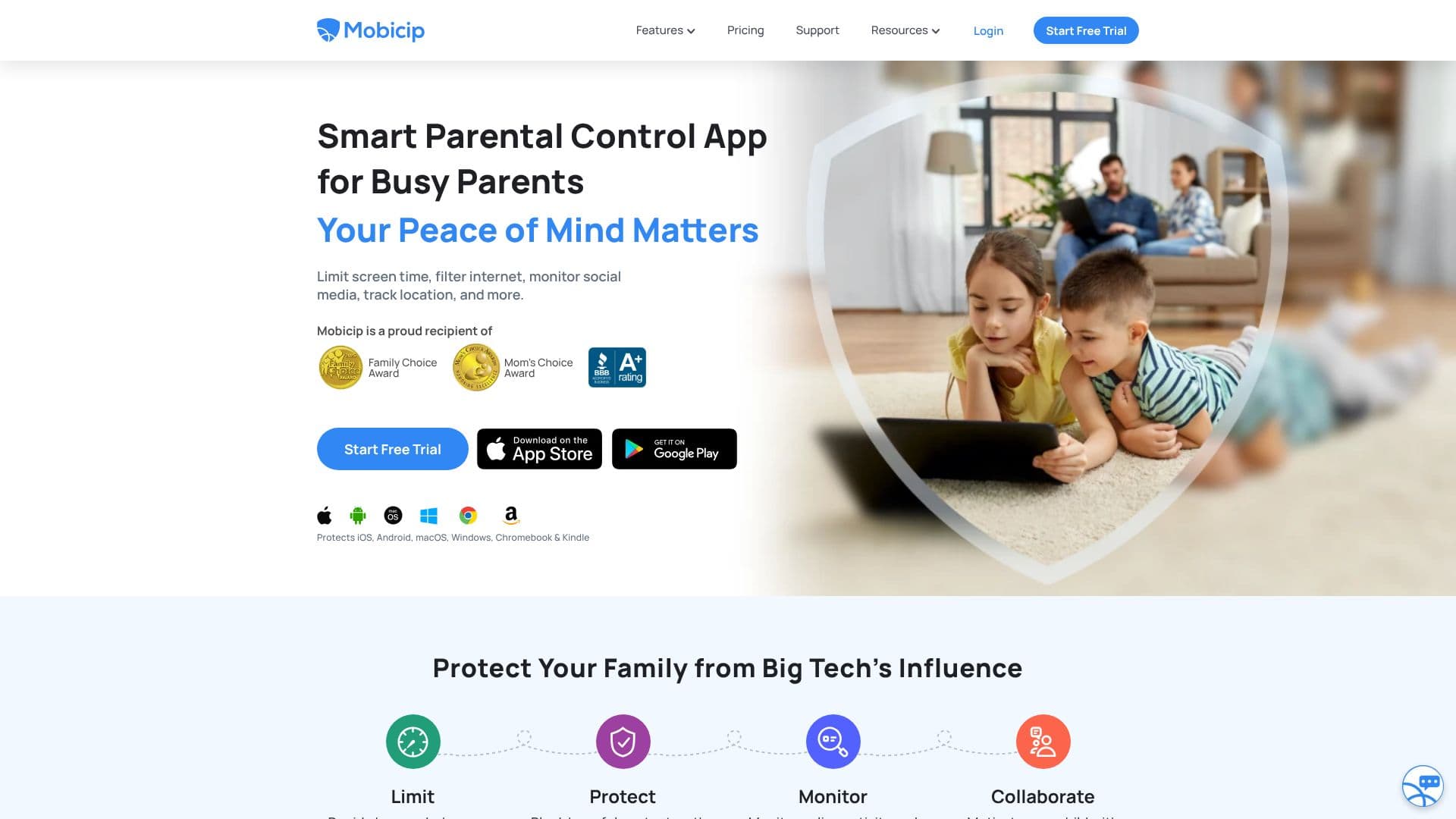
Mobicip offers a comprehensive suite of parental control features designed to help busy parents manage their children's digital lives effectively. The app aims to provide peace of mind by enabling parents to limit screen time, filter internet content, monitor social media interactions, and track their child's location.
Read More
With Mobicip, parents can decide how and when their children access videos, games, and social media. The platform allows for blocking harmful content on the web and within applications, ensuring a safer online environment. Parents can also monitor online activity and intervene when necessary to prevent risky behaviors. The app is recognized with the Family Choice Award and Mom’s Choice Award, underscoring its value in family digital safety.
Key features include effective screen time management, allowing parents to set daily or weekly limits, app-specific limits, and custom schedules for different routines like work or sleep. The AI-based parental control system actively filters inappropriate content, blocks distracting apps, and includes an SOS button for children to quickly request help in emergencies. The internet filter is robust, designed to block adult websites and keep browsing safe.
Monitoring capabilities extend to social media, where Mobicip proactively checks for harmful content. The family locator feature allows parents to view live locations and set geofences to receive alerts when children enter or leave designated areas. Activity summaries provide insights into how children spend their time online. Furthermore, Mobicip facilitates collaboration among parenting partners and allows children to view their own screen time usage, fostering self-regulation through a child dashboard.
Mobicip supports a wide range of platforms, including iOS, Android, macOS, Windows, Chromebook, and Kindle, ensuring protection across all devices. It bridges the gap often found with platform-specific controls by applying consistent settings across any device where it's installed. The app is designed for simple setup and ease of use, providing informative reports on children's activities.
- CategoryOther AI Tools
- Pricing ModelFree Trial
- DeploymentCloud
- PlatformsiOS, Android, macOS, Windows, Chromebook, Kindle
Mobicip Parental Control App's Core Features
Screen time management with daily/weekly limits
App blocking for specific applications or categories
Customizable schedules for app and website access
AI-based internet content filtering
Social media monitoring for harmful content
Real-time family location tracking
Geofencing with entry/exit alerts
Activity summary reports
SOS button for emergency alerts
Goal setting and rewards for children
Guardian sharing for collaborative parenting
Child dashboard for self-regulation
Cross-platform device support
How to use Mobicip Parental Control App?
Install: Download and install the Mobicip app on your child's devices and your own.
Configure: Set up screen time limits, app restrictions, and content filters via the parent dashboard.
Monitor: Review activity summaries, track locations, and check social media alerts.
Collaborate: Set goals with your child and share parenting responsibilities with other guardians.
Adjust: Modify settings as needed based on your child's age and behavior.
Utilize: Leverage features like the SOS button for immediate assistance.
Mobicip Parental Control App's Use Cases
- Manage Screen Time
- Block Apps and Websites
- Monitor Online Activity
- Ensure Child Safety
- Location Tracking
- Promote Healthy Habits
- Collaborative Parenting