Description
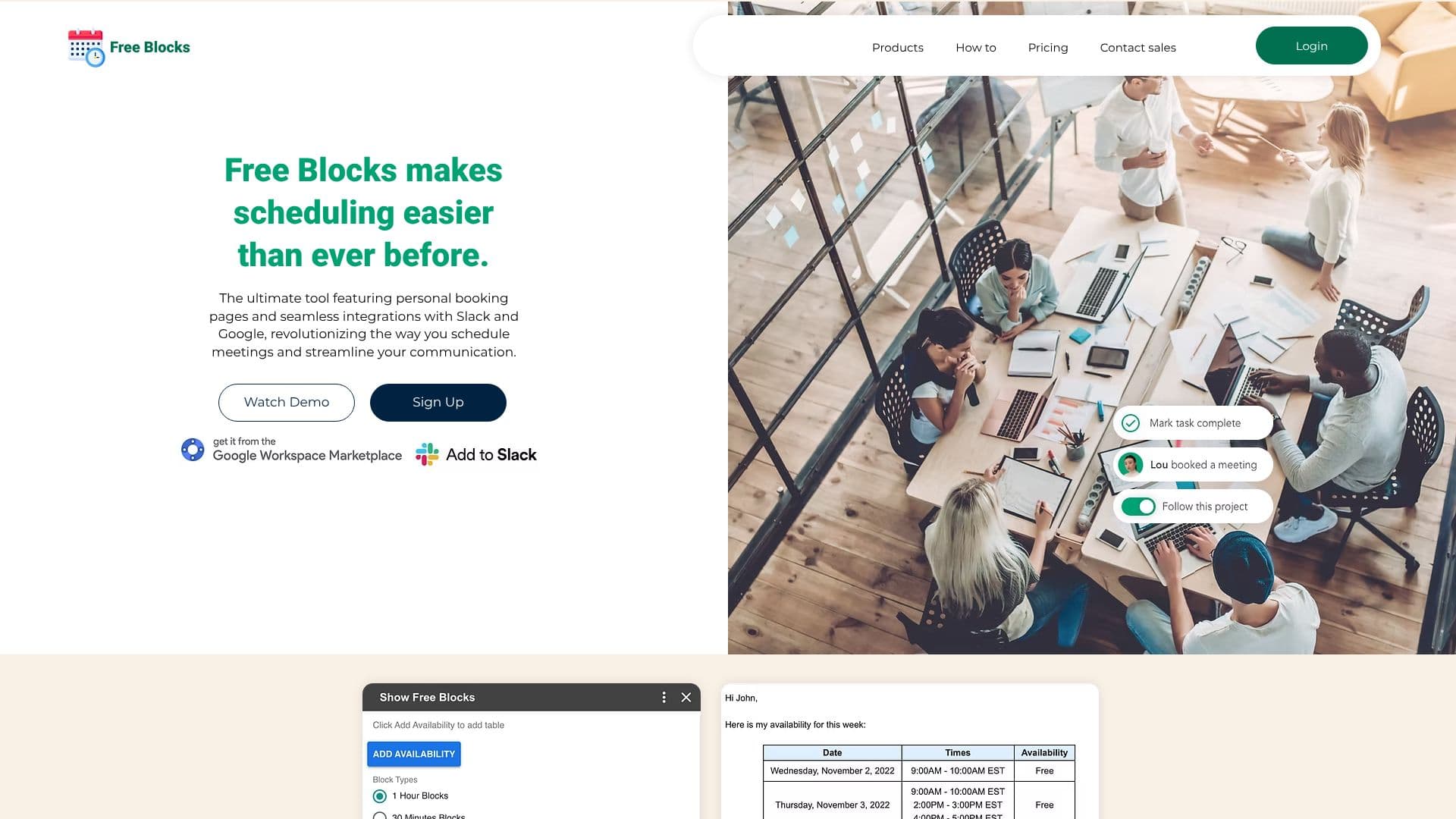
Free Blocks is an AI-powered application designed to revolutionize how individuals and teams schedule meetings. It provides personal booking pages that seamlessly integrate with Google Calendar and Slack, making it easier than ever to share your availability and coordinate appointments. The core functionality revolves around composing emails with visually appealing tables that clearly display your free time slots.
Read More
By connecting with your primary Google Calendar, Free Blocks accurately determines your availability and allows you to block off entire days, ensuring that only suitable times are presented to others. This intelligent approach eliminates the back-and-forth emails typically associated with scheduling, saving valuable time and reducing frustration. The workflow is intentionally simple and approachable, enabling users to share their availability with clients and colleagues with just a click.
Integration with industry-leading software is a key feature. Free Blocks works directly with Google Calendar and Gmail, creating a completely seamless scheduling experience without the need for additional service sign-ups. The application is also available for download in the Google Workspace Store, further enhancing its accessibility and integration capabilities.
For larger groups, coordinating meetings can often become a lengthy process. Free Blocks accelerates this by making it easier to find the best times that work for everyone involved. The platform emphasizes a free-to-try model, encouraging users to experience the benefits of seamless scheduling firsthand. The ultimate goal is to make scheduling effortless and efficient for all users, fostering better team collaboration and communication.
- CategoryAI Scheduling Tools
- Pricing ModelFree
- DeploymentCloud
- PlatformsGoogle Workspace Store
Free Blocks Calendar Sharing's Core Features
Personal booking pages for sharing availability
Seamless integration with Google Calendar
Integration with Slack for streamlined communication
Automatic generation of availability tables for emails
Ability to block off entire days for unavailability
Simple and approachable scheduling workflow
Facilitates coordination for large groups
Available on the Google Workspace Store
Free to try
How to use Free Blocks Calendar Sharing?
Connect Google Calendar: Link your primary Google Calendar to Free Blocks.
Create Booking Page: Set up your personal booking page with your availability preferences.
Share Availability: Send out your booking page link to clients or colleagues.
Receive Bookings: Allow others to select available slots directly from your page.
Sync Meetings: Automatically add confirmed meetings to your Google Calendar.
Free Blocks Calendar Sharing's Use Cases
- Meeting Scheduling
- Calendar Management
- Team Coordination
- Client Bookings
- Email Availability Sharing