
Description
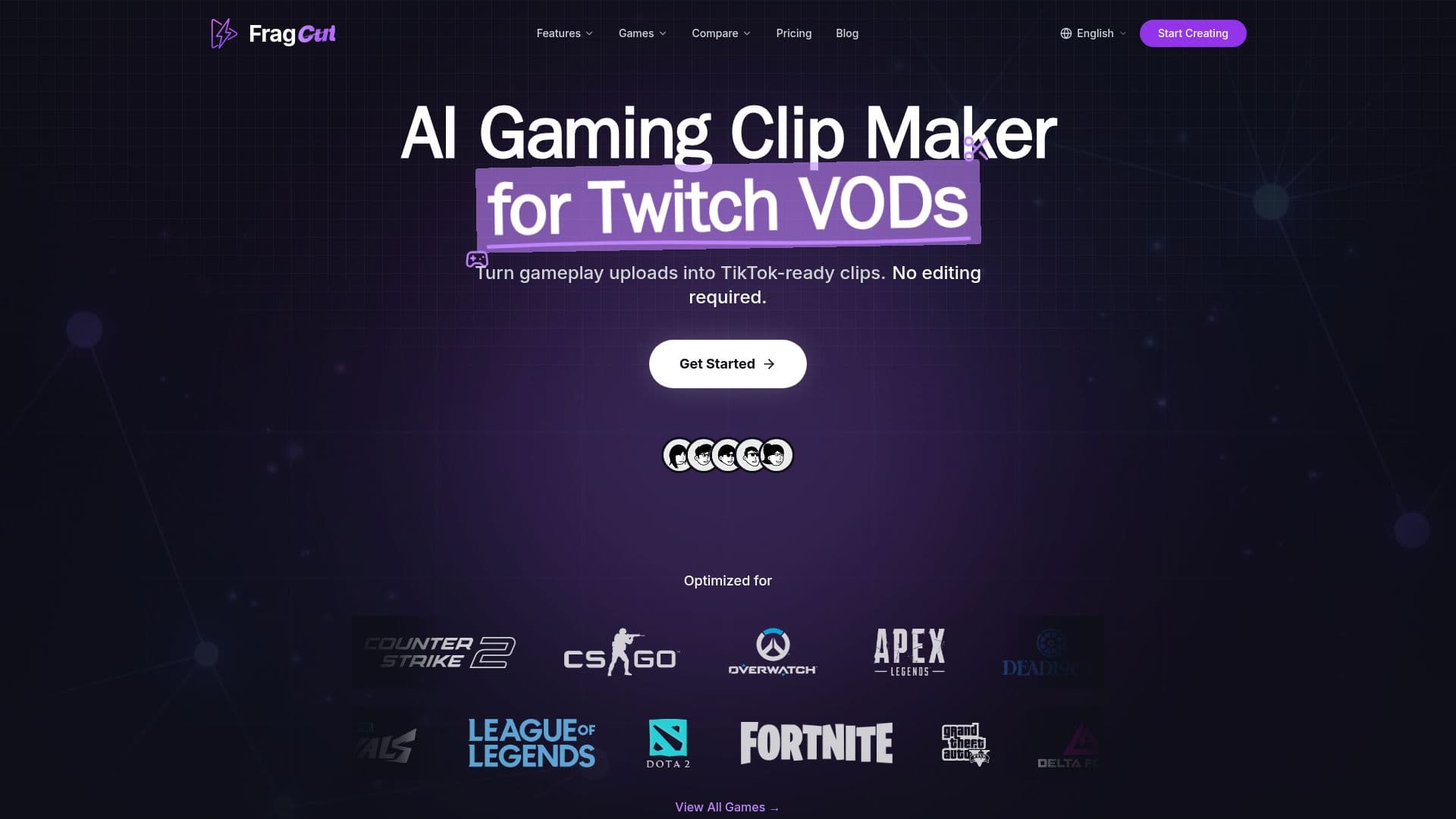
FragCut is a cloud-based AI clip generator built for gaming creators who want to turn long VODs into short-form content without manual editing. You upload a video file or paste a Twitch URL, and the AI analyzes the gameplay to find kills, aces, clutches, funny moments, and other highlights, returning five to eight ready-to-post clips per video in 9:16 vertical format for TikTok, Reels, and YouTube Shorts.
Read More
The tool is optimized for FPS and MOBA titles with distinctive audio cues such as kill sounds and multikill alerts, and states 94% highlight-detection accuracy for games like Valorant, CS2, and League of Legends based on more than 10,000 analyzed VODs. It supports all games, adapting to visual and audio patterns, and handles footage up to four hours.
Generated clips download as 1080x1920 H.264 MP4 files with optional burned-in subtitles. A built-in fine-tune editor lets creators adjust start and end times with frame-level precision and preview instantly, while a montage feature stitches multiple clips into highlight compilations. Clips can also be imported into Adobe Premiere or CapCut for advanced editing.
FragCut runs entirely in the browser with no installation, retains full content ownership for users, and offers Creator and Pro subscription plans with commercial usage rights. It was built by indie maker Jacob for gaming creators.
- CategoryAI Short Video Makers
- Pricing ModelPaid
- DeploymentCloud
- PlatformsWeb
FragCut's Core Features
AI highlight detection tuned for FPS and MOBA gameplay
Twitch VOD import and direct file upload (MP4, MOV, WebM, MKV)
5 to 8 vertical 9:16 clips per video
Automatic burned-in speech-to-text subtitles
Fine-tune editor with frame-level start and end adjustment
Auto Stitch montage maker for highlight compilations
Browser-based, no installation, works on Windows, Mac, and Linux
High-quality 1080x1920 MP4 exports with commercial usage rights
How to use FragCut?
Upload or import: Add a video file or paste a Twitch VOD URL (up to 4 hours).
Detect: Let the AI analyze gameplay and find highlight moments.
Review: Preview the 5 to 8 generated vertical clips.
Fine-tune: Adjust start and end times and toggle subtitles per clip.
Download and post: Export clips and publish to TikTok, Shorts, and Reels.
FragCut's Use Cases
- Twitch VOD clipping
- Esports highlights
- Montage creation
- Consistent posting for small creators
- Cross-platform shorts