


Description
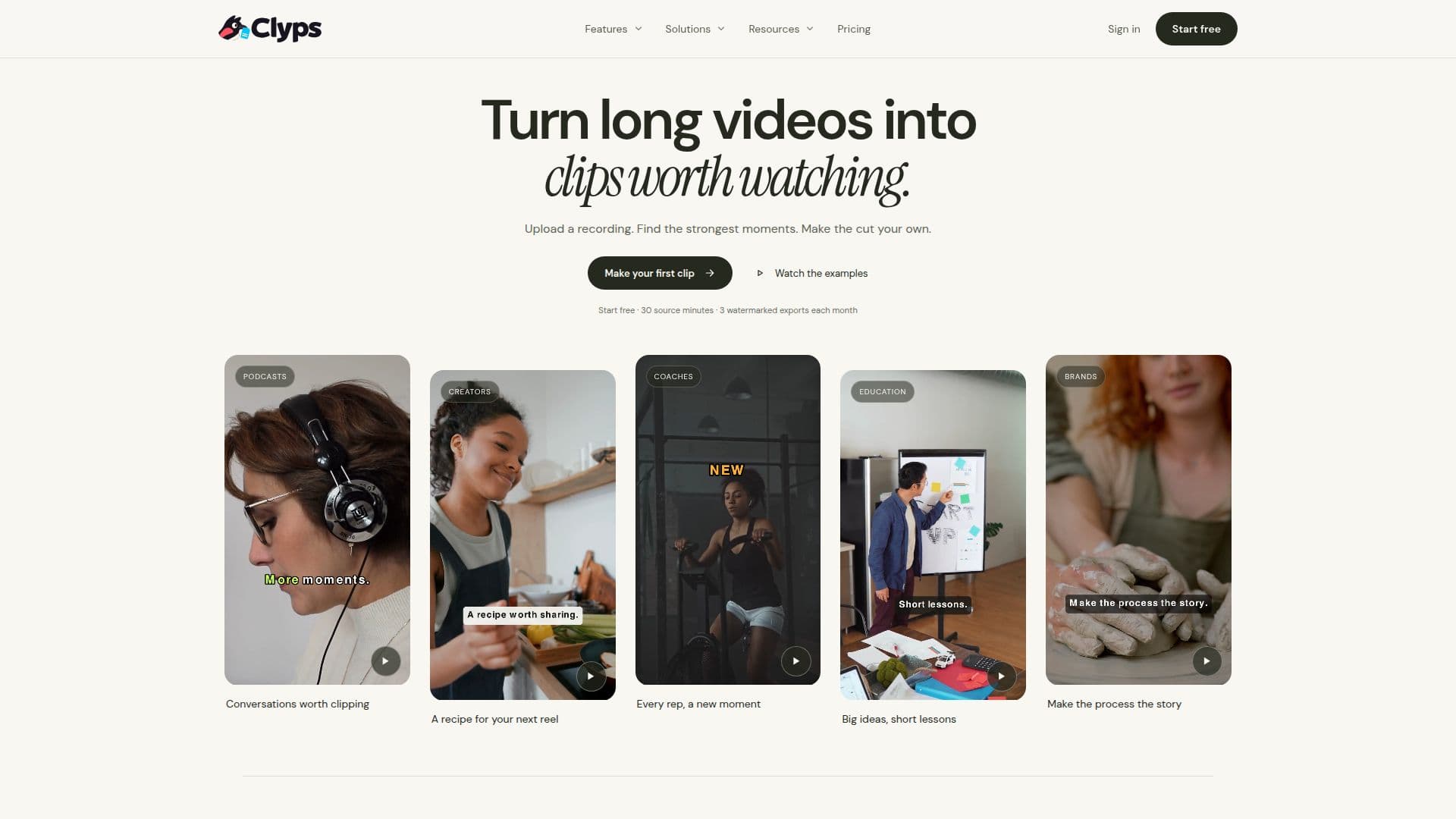
Clyps is an AI video clipping tool designed to help users turn lengthy recordings into short, captivating clips suitable for social media sharing. Operated by ZTABS, Clyps offers a comprehensive workflow that includes automatic transcription, captioning, and reframing. Users can upload videos up to 20 GB and around 40 minutes long, and the AI suggests scored highlights with clip titles and reasons for selection.
The tool supports various aspect ratios, including 9:16, 16:9, 1:1, and 4:5, and offers MP4 export at resolutions of 720p, 1080p, or 4K. Users can customize captions with editable type, color, and timing, and adjust the framing using modes like Center, Manual, Fit, Fill, and Auto follow.
Clyps provides a free plan with limited usage, including 30 minutes of source video, 10 minutes of finished video, and 3 exports per month, with a watermark. Paid plans offer expanded allowances and remove the watermark. The Creator plan costs $19 per month, while the Pro plan is priced at $39 per month.
Targeted at creators, podcasters, agencies, educators, marketers, and churches, Clyps helps users find the best moments in their recordings and make them their own. It does not automatically publish clips but provides tools to refine and export them for manual uploading to platforms like YouTube, TikTok, Instagram, LinkedIn, and Facebook.
Clyps AI Video Clipper's Core Features
Automatic transcription with word timing
Suggested highlights with scores and reasons
Person tracking for face-following footage
Framing modes: Center, Manual, Fit, Fill, Auto follow
Aspect ratios: 9:16, 16:9, 1:1, 4:5
Animated caption templates with editable type, color, timing
MP4 export at 720p, 1080p, 4K
Private upload for MP4, MOV, M4V, WebM files up to 20 GB
How to use Clyps AI Video Clipper?
Upload: Add your video file to Clyps
Review: Check AI-suggested highlights
Edit: Adjust captions and framing
Export: Download the finished MP4
Clyps AI Video Clipper's Use Cases
- Creators
- Podcasters
- Agencies
- Educators
- Marketers