
Description
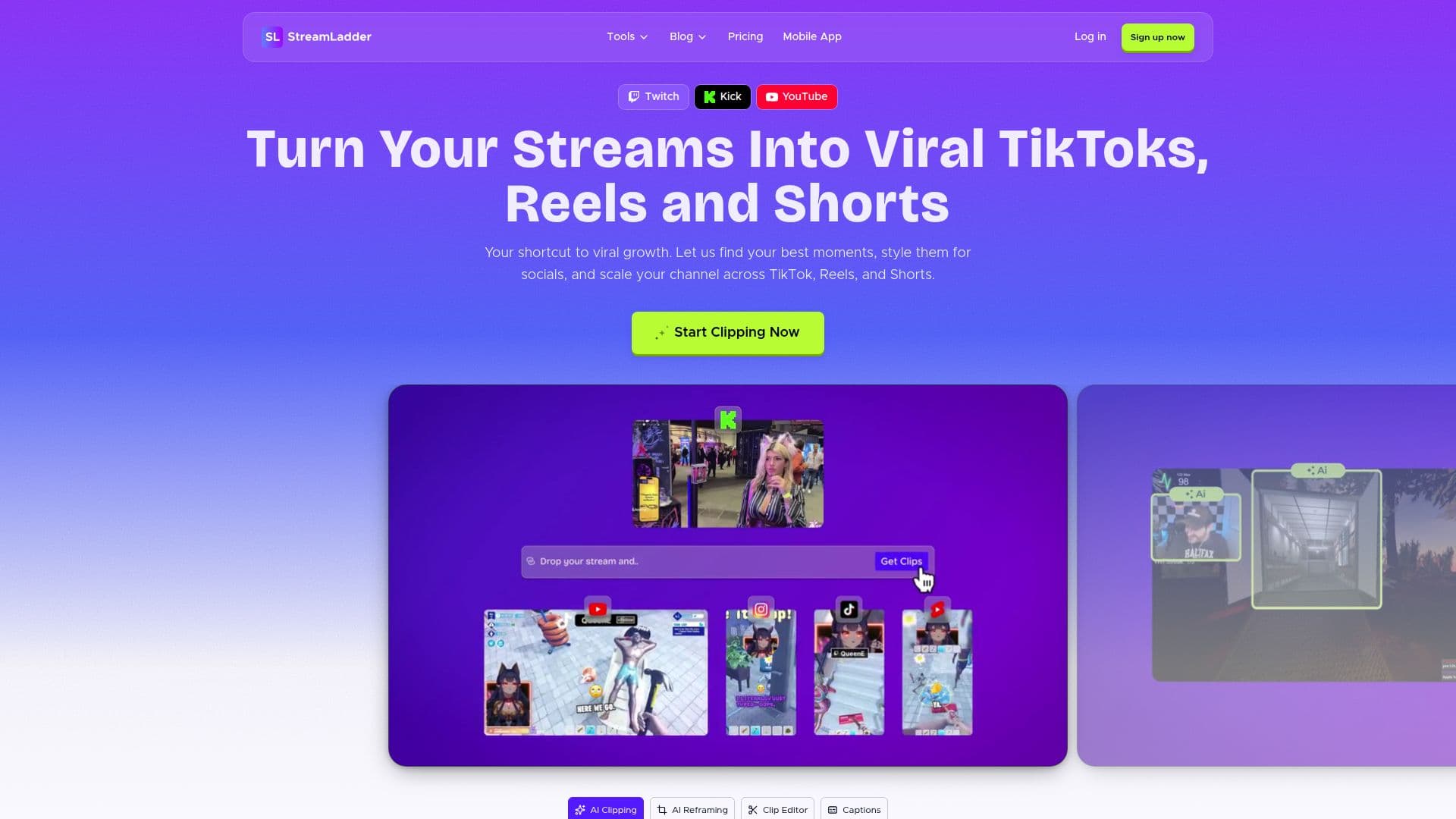
StreamLadder is an AI-powered platform that turns live streams into viral short-form clips. Streamers paste a stream URL, and the AI finds the best moments, styles them for social, and helps scale a channel across TikTok, Reels, and YouTube Shorts. The company reports 12 million clips made by 1 million streamers, with over a hundred million views.
Read More
The core tools include ClipGPT, which turns a long VOD into clips in minutes so creators can post while a stream is still trending, and a Clip Editor that converts horizontal stream footage into professional vertical clips without awkward cropping or black bars. A Content Publisher posts to every platform with a single click and can schedule posts for peak hours, while Analytics shows which clips grow the channel and identifies the best posting times.
Beyond clipping, StreamLadder includes a Montage Maker for highlight reels, an Emote Maker for custom Twitch, 7TV, and BTTV emotes, a Schedule Maker for branded stream schedules, a Clip Downloader for HD Twitch, YouTube, and Kick clips, and a mobile app with the full toolkit. It works with Twitch, YouTube, and Kick VODs and reports 50K+ active weekly creators.
- CategoryAI Short Video Makers
- Pricing ModelFreemium
- DeploymentCloud, Mobile app
- PlatformsWeb, iOS, Android
StreamLadder's Core Features
ClipGPT that finds the best moments in a long VOD
Clip Editor for vertical short-form video
One-click publishing to TikTok, YouTube, and Instagram
Post scheduling for peak hours
Analytics showing which clips grow the channel
Montage Maker for highlight reels
Emote Maker for Twitch, 7TV, and BTTV
Clip Downloader and full mobile app
How to use StreamLadder?
Paste your stream URL: Add a Twitch, YouTube, or Kick VOD.
Let AI find clips: ClipGPT surfaces your best clip-worthy moments.
Edit for social: Turn horizontal footage into vertical clips in the Clip Editor.
Publish: Post to TikTok, YouTube, and Instagram with one click, or schedule posts.
Track performance: Use Analytics to see which clips drive followers.
StreamLadder's Use Cases
- Clip long streams
- Vertical clip editing
- Multi-platform publishing
- Channel growth analytics
- Emotes and branding