Description
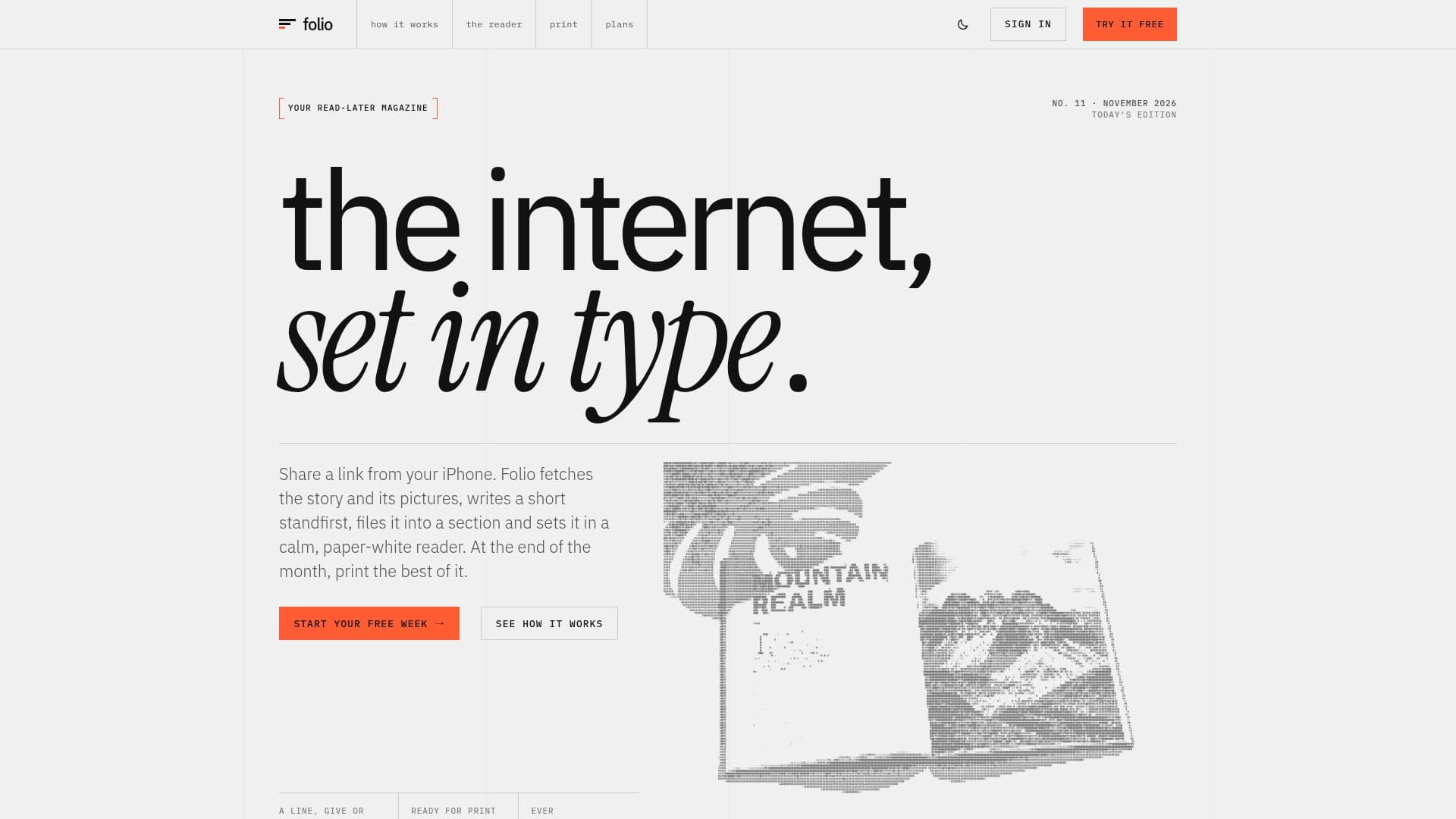
Folio is a unique read-later service that reimagines web content as a curated, printable magazine. It allows users to save articles, stories, and posts from the internet and experience them in a calm, print-like format, free from distractions like sidebars, autoplay videos, or recommendations. The platform integrates seamlessly with existing workflows, enabling users to save links directly from their iPhone's share sheet, Android's share sheet, or via a desktop bookmarklet.
Read More
Once a link is shared, Folio automatically fetches the text and pictures, cleans the content, and sets it in a paper-white reader with a column of type optimized for reading. A two-sentence standfirst (summary) is generated by AI, and the story is automatically filed into relevant sections like Essays, Recipes, or Design. Users can then read their saved stories, swiping right to favorite them for later or left to archive, with all content remaining fully searchable.
A core feature of Folio is its ability to create print-ready issues. Users can gather their favorite stories into themed collections—such as a month's highlights, a specific section, or a trip's content. They can reorder stories, choose from various layouts (Feature, Standard, Short), and select a cover picture. Folio then proofs every spread and provides two print-ready PDFs, suitable for creating a magazine or a coffee-table book. This allows for a tangible, ad-free collection of curated web content.
The service offers a single, comprehensive plan with a free seven-day trial. This plan includes saving up to 200 stories per month from any device, AI-generated standfirsts, pull quotes, tags, and sections, as well as full-text search across the entire library. Users can create an unlimited number of print-ready PDF issues and customize their reading experience with paper and ink themes and adjustable type sizes. Folio aims to provide a thoughtful, curated reading and archiving experience for those who appreciate the tactile nature of print.
- CategoryAI News Readers & Aggregators
- Pricing ModelSubscription
- DeploymentCloud
- PlatformsWeb, iOS, Android
Folio's Core Features
Save web content from iPhone, Android, or desktop bookmarklet
Automatic content fetching, cleaning, and formatting
AI-generated two-sentence standfirsts (summaries)
AI-generated pull quotes and tags
Automatic story categorization into sections
Ad-free, distraction-free reading experience
Print-ready PDF generation for custom magazines or books
Multiple print formats and layouts (A4 Magazine, Coffee-table square/landscape)
Full-text search across all saved stories
Swipe gestures for favoriting and archiving stories
Support for paywalled or app-only content via paste function
Saves posts from X (formerly Twitter) with text, pictures, and video
Customizable reading themes (paper/ink) and type sizes
API and device keys for Shortcuts and scripts
How to use Folio?
Share a Link: Tap 'Share' in Safari or any app on iPhone/Android and choose 'Save to Folio', or use the bookmarklet on a computer.
Content Processing: Folio fetches the story and pictures, cleans the content, writes a short standfirst, and files it into a section.
Read Like Print: Access unread stories on your front page, swipe right to keep, left to archive, and search everything.
Print an Issue: Gather stories into an issue, select layouts and a cover, then download print-ready PDFs for a magazine or coffee-table book.
Folio's Use Cases
- Curated Reading List
- Personalized Magazine Creation
- Research and Archiving
- Content Summarization
- Offline Reading Preparation
- Digital Decluttering