
Description
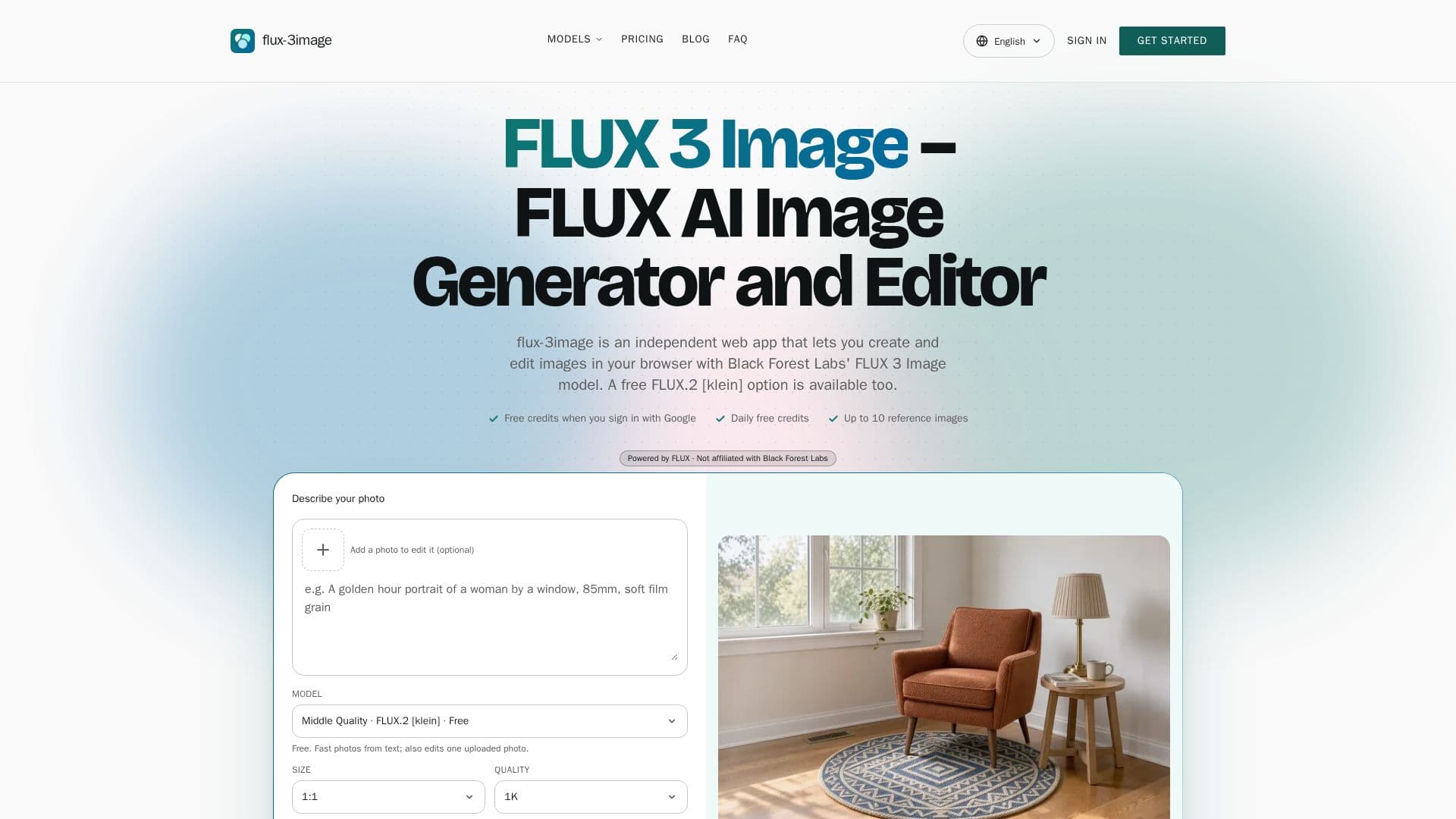
FLUX 3 Image is an independent web application developed by Seantin Labs LLC, designed for generating and editing images directly in your browser. It leverages the advanced FLUX 3 Image model from Black Forest Labs, offering a comprehensive suite of tools for visual content creation.
Read More
The platform enables users to generate images from text descriptions, allowing for precise control over subjects, settings, lighting, and camera angles. A notable feature is its ability to render readable text within images, making it suitable for creating posters, product mockups, and signs with accurate lettering.
Beyond generation, FLUX 3 Image functions as a robust AI image editor. Users can upload 1 to 10 reference images and provide text instructions to modify specific elements. The model is engineered to make targeted changes while preserving untouched parts of the picture, such as furniture, lighting, and camera angles. This capability is particularly useful for recoloring objects, swapping items, replacing text on signs, or altering environmental conditions like weather or time of day.
FLUX 3 Image supports output resolutions of 1K, 2K, and 4K, with various fixed aspect ratios or an auto-setting that matches the first reference image. The application also integrates other FLUX models, including FLUX 3 Klein (the default), FLUX.2 [pro], and FLUX.1 Kontext [pro]/[max], each offering distinct capabilities and credit costs.
Users can access the platform by signing in with Google, which provides free welcome credits and daily free credits. While a free [klein] model is available with a daily fair-use limit, the FLUX 3 Klein and FLUX 3 Image API options operate on a credit-based system. Credits are only consumed upon successful image delivery, with refunds issued for failed or refused requests. Commercial use of generated images is permitted for all users, whether free or paid.
FLUX 3 Image is not affiliated with Black Forest Labs but acts as an independent interface to their FLUX models via API providers like KIE and fal. It provides a user-friendly environment with a prompt box, an upload tray for references, size and aspect-ratio controls, and a history of generated images, eliminating the need for API keys, GPUs, or coding knowledge.
- CategoryAI Image Generators
- Pricing ModelFreemium
- DeploymentCloud
- PlatformsWeb Browser
FLUX 3 Image's Core Features
Text-to-Image Generation
Image Editing with Text Instructions
Support for 1-10 Reference Images
Output Resolutions: 1K, 2K, 4K
Multiple FLUX Models Available (FLUX 3 Image, FLUX 3 Klein, FLUX.2, FLUX.1 Kontext)
Commercial Use Allowed for All Images
Credit-Based System with Free Options
Daily Free Credits for Signed-in Users
No API Key, GPU, or Code Required
Preserves Untouched Parts During Editing
Accurate Text Rendering in Images
Fixed and Auto Aspect Ratios
Image History and Download Options
Refunds for Failed/Refused Requests
How to use FLUX 3 Image?
Sign In: Create an account or sign in with Google to receive free welcome credits.
Pick a Mode: Leave the upload tray empty for text-to-image generation or add 1 to 10 images for editing.
Write the Prompt: Describe the desired image or provide clear instructions for editing, specifying what to change and what to keep.
Choose Size and Shape: Select an output resolution (1K, 2K, or 4K) and an aspect ratio, or use auto for editing.
Generate and Download: Click the generate button to create your image; credit cost is displayed beforehand. Download results from your history.
FLUX 3 Image's Use Cases
- Product and E-commerce Images
- Marketing Graphics with Text
- Interior and Real Estate Concepts
- Illustration and Concept Art
- Photo Fixes and Enhancements
- Moodboard to Image Generation
- Consistent Character Creation
- Object Recoloring and Swapping