Description
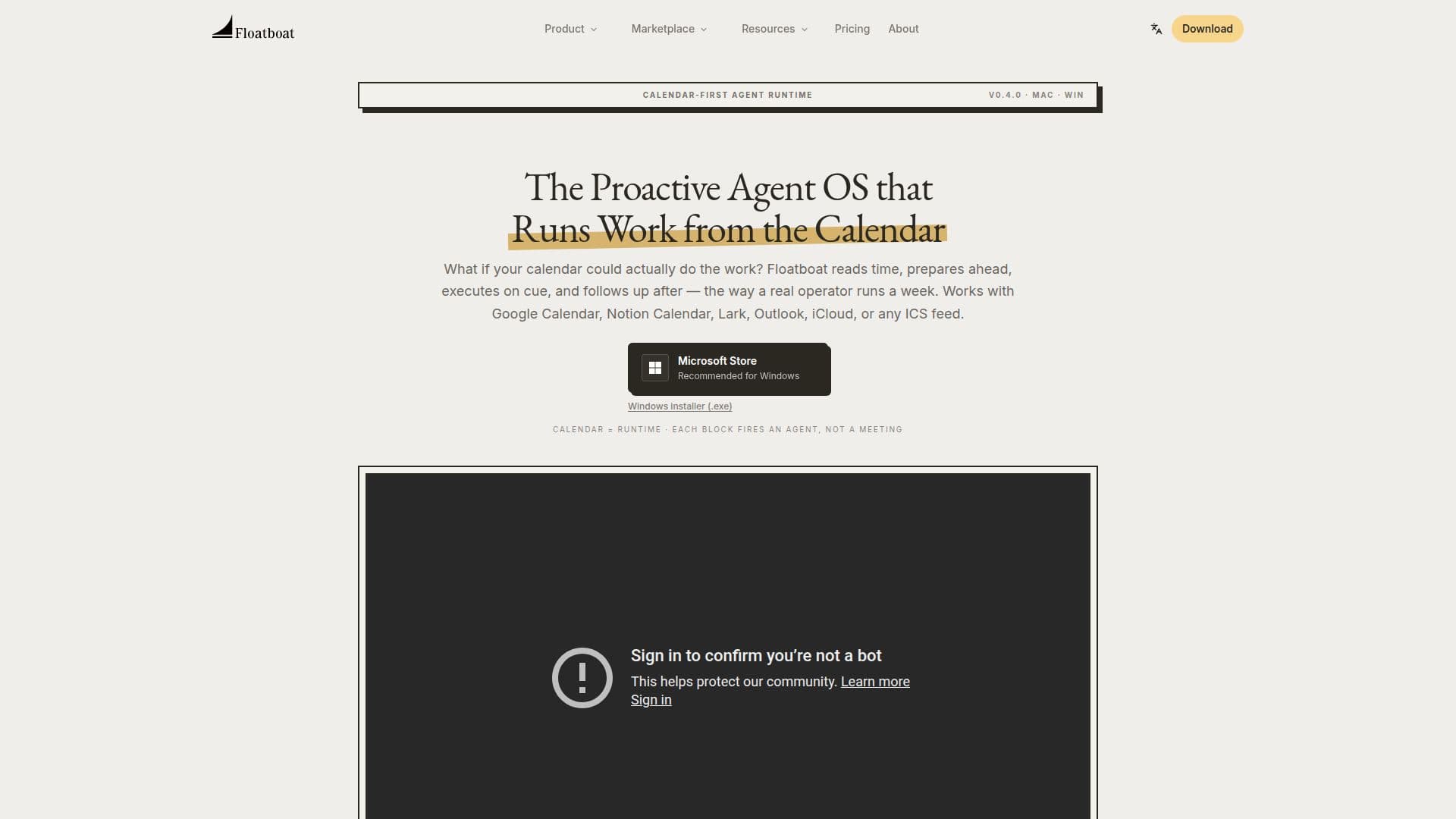
Floatboat is a proactive Agent OS for calendar-driven work. Instead of waiting for a chat prompt, it treats your calendar as the runtime: each event becomes a trigger with context, so agents prep before calls, draft before deadlines, and follow up afterward, the way a real operator runs a week. It connects with Google Calendar, Notion Calendar, Lark, Outlook, iCloud, or any ICS feed, and every event opens its own Agent Workspace with files, run history, model choice, and decisions.
Read More
As a native macOS and Windows app, Floatboat reads local files in place, processing them without uploading data to the cloud, and only interacts with external LLMs when authorized. It plugs into 3,500+ tools you already use, including Notion, Slack, GitHub, Linear, Google Drive, Gmail, Figma, and local Word, PDF, and PowerPoint files, plus any MCP server, using native MCP and IACT so agents call real APIs with permission scopes set per calendar event. Every frontier model is built in, including DeepSeek, MiniMax, GLM, Kimi, GPT, Claude, and Gemini, with an Auto Mode that routes cheaper models for parsing and frontier models for reasoning and falls back instantly when a provider is rate-limited.
Floatboat also offers a Combo Store of reusable agent skills and a Workflow Store of ready-to-run automations, plus FloatIM, a group chat where local AI agents self-organize into roles and hand off finished artifacts. It is built for solopreneurs, creators, small business owners, and small studios who want one workspace to plan, execute, and follow up. Currently in beta with free and premium tiers planned.
- CategoryAI Personal Assistants
- Pricing ModelFreemium
- DeploymentDesktop app
- PlatformsmacOS, Windows
Floatboat's Core Features
Calendar-as-runtime: each event triggers a proactive agent
Prep, execute, and follow-up automation around meetings and deadlines
Per-event Agent Workspace with files, run history, and model choice
Local, no-upload file processing with a privacy-first architecture
3,500+ tool integrations plus any MCP server
Every frontier model built in with Auto Mode routing and fallback
Combo Store skills and Workflow Store automations
FloatIM group chat where local AI agents collaborate
How to use Floatboat?
Connect your calendar: Link Google Calendar, Notion Calendar, Lark, Outlook, iCloud, or any ICS feed.
Let Floatboat read the rhythm: It classifies meetings, deadlines, and routines by the work each needs.
Install skills and workflows: Add reusable Combo skills or ready-to-run automations from the stores.
Let agents prep and execute: Briefs fire before calls, drafts before deadlines, and follow-ups after.
Stay in the loop: Open each event's Agent Workspace to tweak prompts, swap models, or re-run a step.
Floatboat's Use Cases
- Run a one-person business
- Keep a publishing rhythm
- Prep and follow up on meetings
- Automate operational workflows