Description
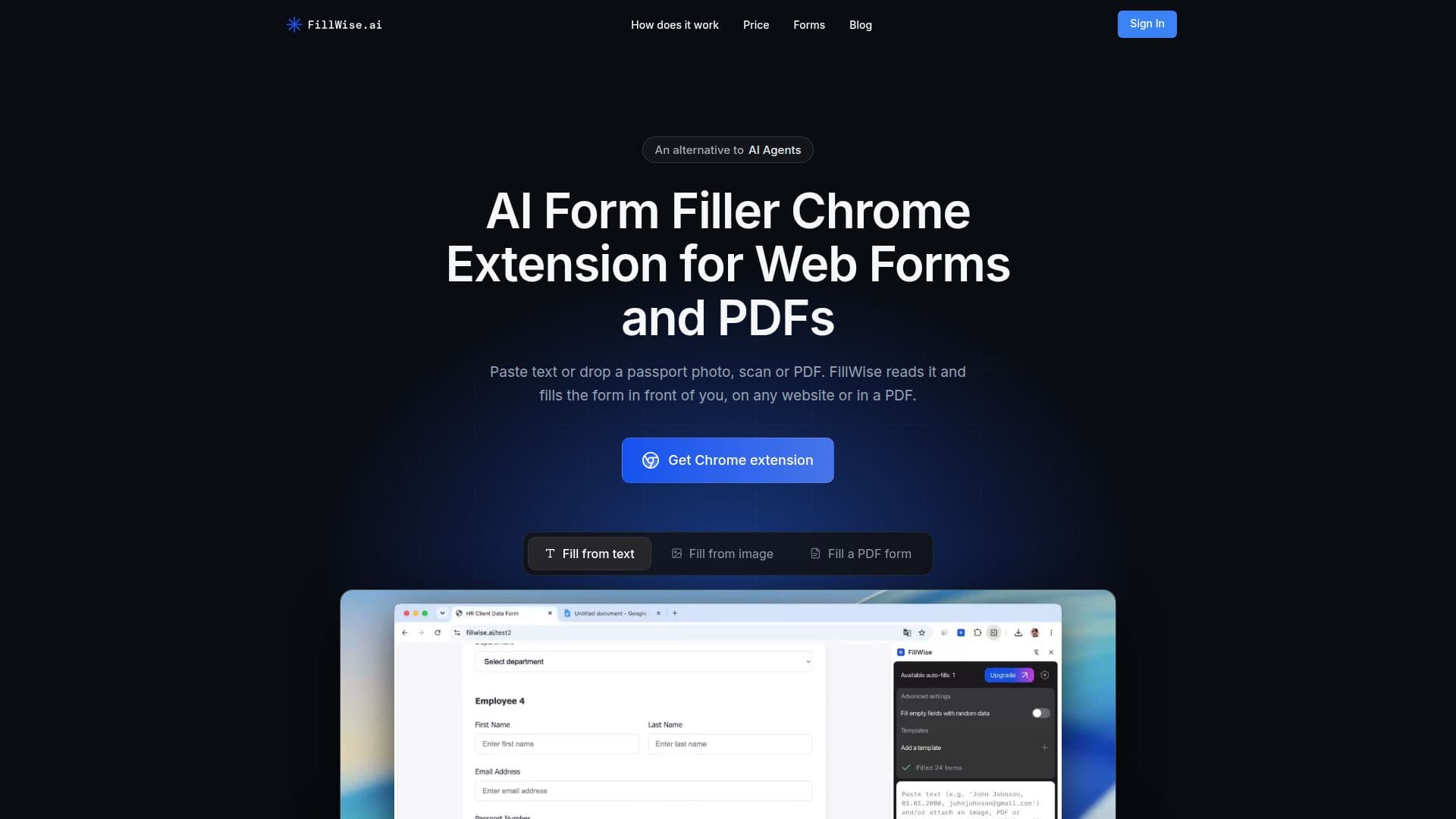
FillWise is a Chrome extension engineered to streamline data entry by automating the filling of web forms and PDF documents. It functions by allowing users to paste text or upload various document types, including passport photos, scans, and PDFs. The tool then reads the provided data and intelligently populates the corresponding fields on any website or within a PDF opened in the browser, including flat PDFs that typically lack fillable fields.
Read More
The core functionality of FillWise revolves around its ability to understand unstructured input and match it to the correct form fields. Users can paste free-form text from sources like CRM exports, spreadsheet rows, or email signatures. The extension also supports data extraction from images and documents, allowing users to upload photos, screenshots, or PDFs, from which FillWise extracts the necessary information. This capability extends to multilingual forms, as the AI understands and fills forms in over 100 languages, even translating and adapting input data to match the form's expected language and script, including Latin, Cyrillic, Arabic, and Chinese.
FillWise offers several key features to enhance productivity. It includes reusable templates, enabling users to save frequently used data like client profiles or company details and apply them to new forms with a single click. For testing and demonstrations, it can generate realistic sample data to fill any form. Professionals can also leverage its bulk filling feature, which allows processing multiple records from a CSV or Excel sheet to fill one form for each record, or filling multiple forms for a single client, all without needing the extension after initial setup.
Security and privacy are central to FillWise's design. Data is sent securely for processing and is never stored on its servers. PDF forms are filled directly in the browser, and the completed files are downloaded locally, ensuring sensitive information remains private. The tool is particularly beneficial for busy professionals across various sectors, including recruiters and HR for job applications, travel agents for visa and booking forms, event organizers for participant registrations, insurance agents for policy applications, and sales teams for lead qualification and outreach forms.
FillWise aims to simplify repetitive data entry, saving significant time compared to manual transcription. It offers a free plan that includes 20 fills upon signup and 5 additional fills weekly, with paid plans starting at $19 for 100 fills per month. The extension requires no complex setup or training, making it accessible for immediate use.
- CategoryBrowser & Web Automation
- Pricing ModelFreemium
- DeploymentBrowser extension
- PlatformsChrome Extension
FillWise's Core Features
AI-Powered Form Filling: Matches pasted data to fields on any website.
Photo & Document Data Extraction: Uploads photos, screenshots, or PDFs to extract data.
Smart Field Detection: Automatically detects labels, dropdowns, checkboxes, dates, and phone masks.
Multilingual Filling: Fills forms in 100+ languages, translating input as needed.
PDF Form Filling: Completes fillable and flat PDF forms directly in the browser.
Reusable Templates: Saves and reapplies frequently used data to forms.
Test Data Generation: Fills forms with realistic sample data for QA and demos.
Privacy & Security: Encrypted processing, no data stored on servers.
Automated Data Entry: Maps data directly into fields instantly.
Multi-Record Handling: Processes data for several people or records in one go.
Bulk Fill Feature: Fills multiple forms from a sheet or multiple records for one client.
API Access: Available for developers to integrate form filling into their code.
Global Compatibility: Works across websites in any language.
Script Conversion: Supports Latin, Cyrillic, Arabic, Chinese, and other scripts with transliteration.
How to use FillWise?
Install Extension: Add the FillWise Chrome extension to your browser.
Open Form: Navigate to any web form or open a PDF form in a Chrome tab.
Paste Data: Input your information into the FillWise side panel, or attach a photo/PDF.
Click Fill: Activate the extension to automatically populate the form fields.
Review & Download: Verify the filled form and download the completed PDF if applicable.
FillWise's Use Cases
- Recruitment & HR
- Travel Agents
- Event Organizers
- Insurance Agents
- Sales Teams
- Government Forms
- Online Registrations
- Data Testing & QA