
Description
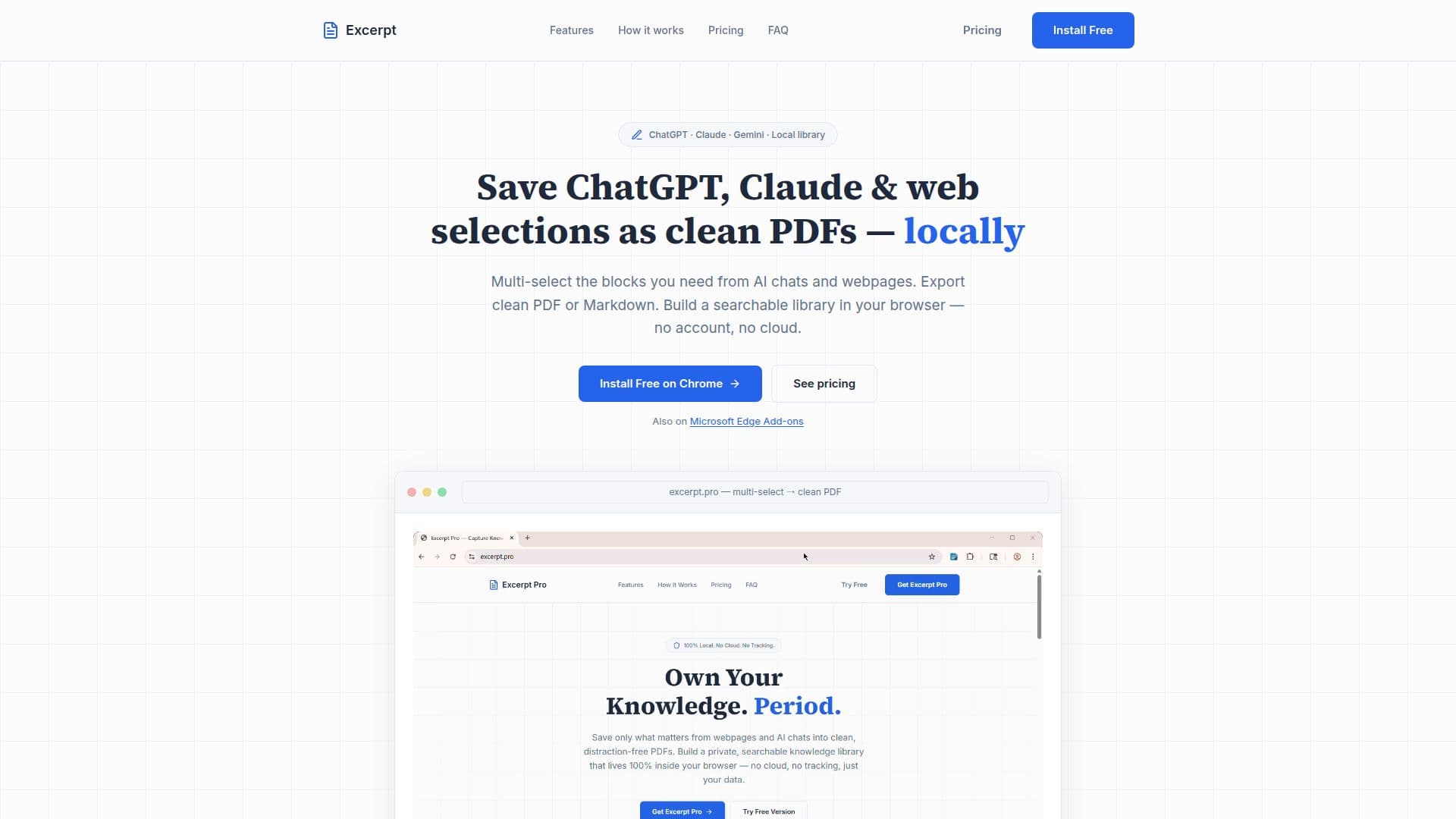
Excerpt is a browser extension designed to help users capture and organize important information from AI chat conversations and webpages. It addresses the common problem of cluttered exports and unsearchable bookmarks by providing a selective clipping mechanism. Users can multi-select specific blocks of text, code, and images from platforms like ChatGPT, Claude, and Gemini, or any webpage, and then export them as clean PDF or Markdown files, free from UI elements, ads, and navigation.
Read More
The tool emphasizes privacy and local data storage. All clippings reside in the user's browser's IndexedDB, meaning no account is required and no data is synced to the cloud. This ensures that personal reading and research remain on the user's machine. The extension also includes a local searchable library, allowing users to find their saved clips offline with full-text search, tags, and notes.
Excerpt offers a Free tier that supports up to 100 clippings and 5 tags, providing core functionality for selective capture, export, and local search. For users requiring more extensive storage and features, a Pro version is available as a one-time purchase of $29. The Pro version unlocks unlimited clippings, unlimited tags, and includes a bulk backup import/export feature. This backup functionality is crucial for users who might clear their browser site data, as it allows them to restore their local library after such an action or when moving to a new device.
The extension is available for both Google Chrome and Microsoft Edge. It is particularly useful for researchers, students, developers, and anyone who frequently interacts with AI models or needs to save specific parts of web content for future reference and organization. The focus on clean exports and a private, local library differentiates Excerpt from traditional bookmarking tools or full-page screenshot utilities.
- Pricing ModelFreemium
- DeploymentBrowser extension
- PlatformsChrome, Edge
Excerpt's Core Features
Multi-select text from ChatGPT, Claude, Gemini, and other AI chats
Multi-select text, code, and images from any webpage
Export clean, distraction-free PDF files
Export content to Markdown files
Local searchable library in browser's IndexedDB
Full-text search for saved clippings
Add tags and notes to clippings
No account required for local library
No cloud sync for local library
Privacy by design: data stays on user's machine
Preview and reorder clips before export
Pro: Unlimited clippings
Pro: Unlimited tags
Pro: Bulk backup import and export
How to use Excerpt?
Install Extension: Add Excerpt from the Chrome Web Store or Edge Add-ons.
Select Content: On an AI chat or webpage, click to multi-select desired text blocks, code, or images.
Export File: Preview, reorder, add notes/tags, then export as a clean PDF or Markdown file.
Search Library: Access your local library in the browser to full-text search and retrieve clips offline.
Excerpt's Use Cases
- Saving AI Chat Responses
- Webpage Content Clipping
- Research and Note-Taking
- Offline Content Access
- Creating Clean PDFs
- Markdown Export for Knowledge Bases