
Description
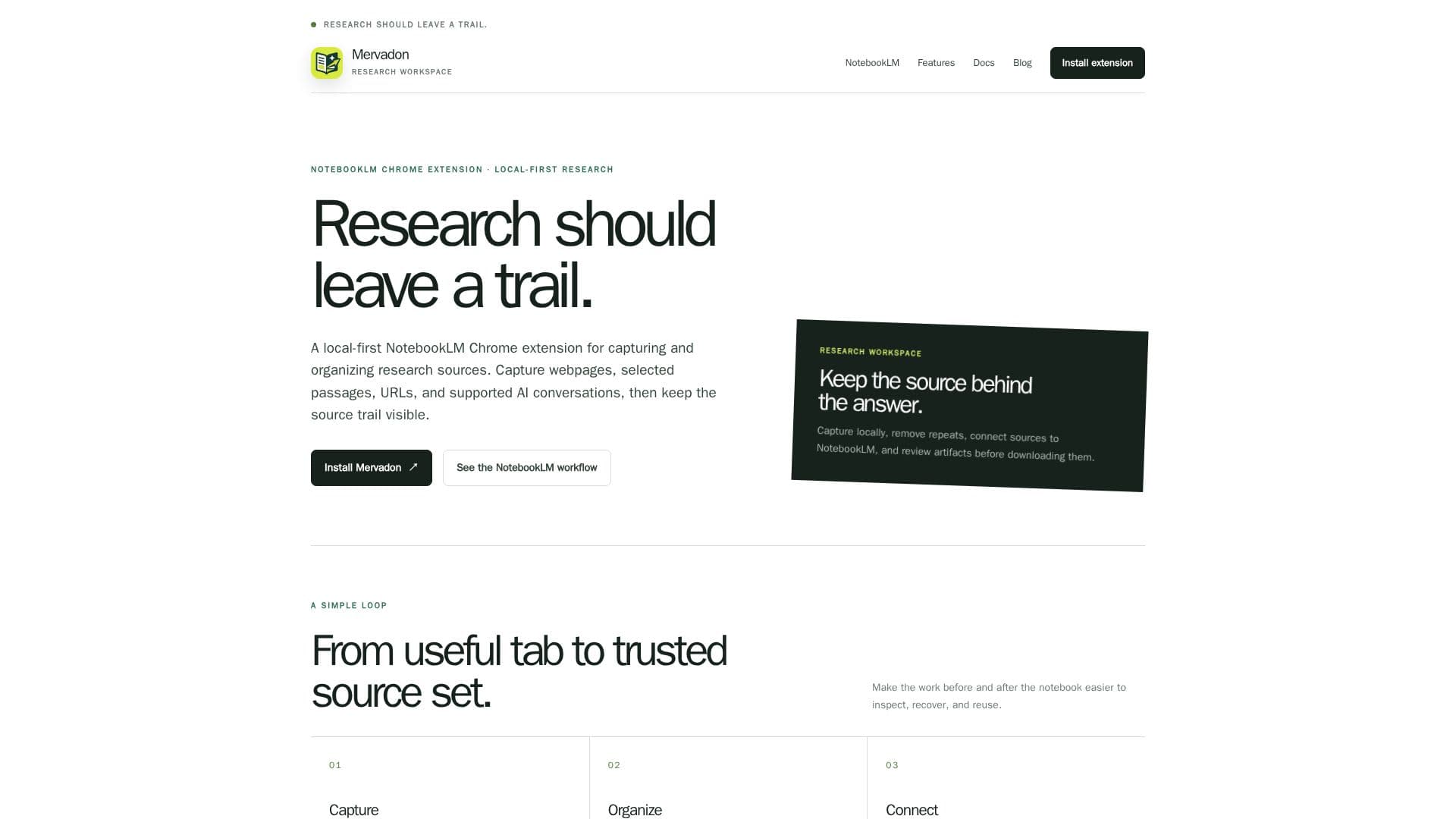
Mervadon is an independent Chrome extension that serves as a local-first research assistant, specifically designed to complement NotebookLM workflows. It provides a structured approach to capturing and organizing web-based research materials, ensuring that users maintain a clear and inspectable trail of their sources.
Read More
The core functionality of Mervadon revolves around its ability to capture various forms of content. Users can save entire webpages, select specific passages of text, capture URLs, and even preserve supported AI conversations. This captured data is stored locally within the user's browser, emphasizing privacy and control over research records. The extension normalizes URLs and compares content to prevent duplicate captures, reducing noise and ensuring that each source is recorded only once.
Mervadon integrates with a signed-in NotebookLM page, allowing users to import selected sources and review verified artifacts. It acts as a "calmer layer" around NotebookLM, making the process of collecting and preparing research materials more efficient and organized. The extension does not replace NotebookLM but rather enhances the source capture and workspace management aspects, with NotebookLM remaining the primary destination for research.
Key capabilities include a focused source manager that enables searching local records, tracking status, and organizing research context. It supports the preservation of AI conversation turns, roles, links, and evidence blocks, which is crucial for documenting interactions with AI tools. The local-first design means no Mervadon cloud account or AI Provider API key is required, and workspace records reside in the current browser by default, with explicit page access controls.
Mervadon is ideal for researchers, students, and analysts who need to systematically gather and prepare reading material for NotebookLM. It helps manage the work before and after using NotebookLM, making it easier to inspect, recover, and reuse research sources. The extension is not affiliated with or endorsed by Google or NotebookLM, operating as a distinct tool to improve the research experience.
- CategoryAI Research Assistants
- Pricing ModelFree
- DeploymentBrowser extension
- PlatformsChrome Extension
Mervadon's Core Features
Capture full webpages, selected text, and URLs
Capture supported AI conversations with message order, roles, and evidence blocks
Local-first storage of workspace records in the browser
Source deduplication through URL normalization and content comparison
Organize local source records, track status, and manage research context
Connect with signed-in NotebookLM page for source import and artifact review
Import selected text as text sources into NotebookLM notebooks
Browse, search, and organize notebooks, sources, and artifacts locally
Request artifact generation through NotebookLM and view status
Download confirmed artifacts from NotebookLM
Save, edit, and export reusable prompt and parameter templates
Clear all local data option in settings
Support for multiple languages (English, Chinese)
Excludes NotebookLM tabs from batch capture preview
Retains failure reasons for import checks
How to use Mervadon?
Install Mervadon: Load the extension in Chrome and open the Workspace.
Capture Content: Save full pages, selected passages, URLs, or supported AI conversations using the extension popup, floating toolbar, or right-click menu.
Organize Sources: Use the local Workspace to search records, track status, and manage notes, collections, and source status.
Remove Duplicates: Utilize URL normalization and text checks to identify and remove repeated captures locally.
Connect to NotebookLM: Use a signed-in NotebookLM tab to refresh its state and import selected sources into your chosen notebook.
Review and Download Artifacts: Request artifact generation through NotebookLM, view its status, and download confirmed files.
Mervadon's Use Cases
- Academic Research
- Content Curation
- Competitive Analysis
- Personal Knowledge Management
- Project Documentation
- Student Study Aid