
Description
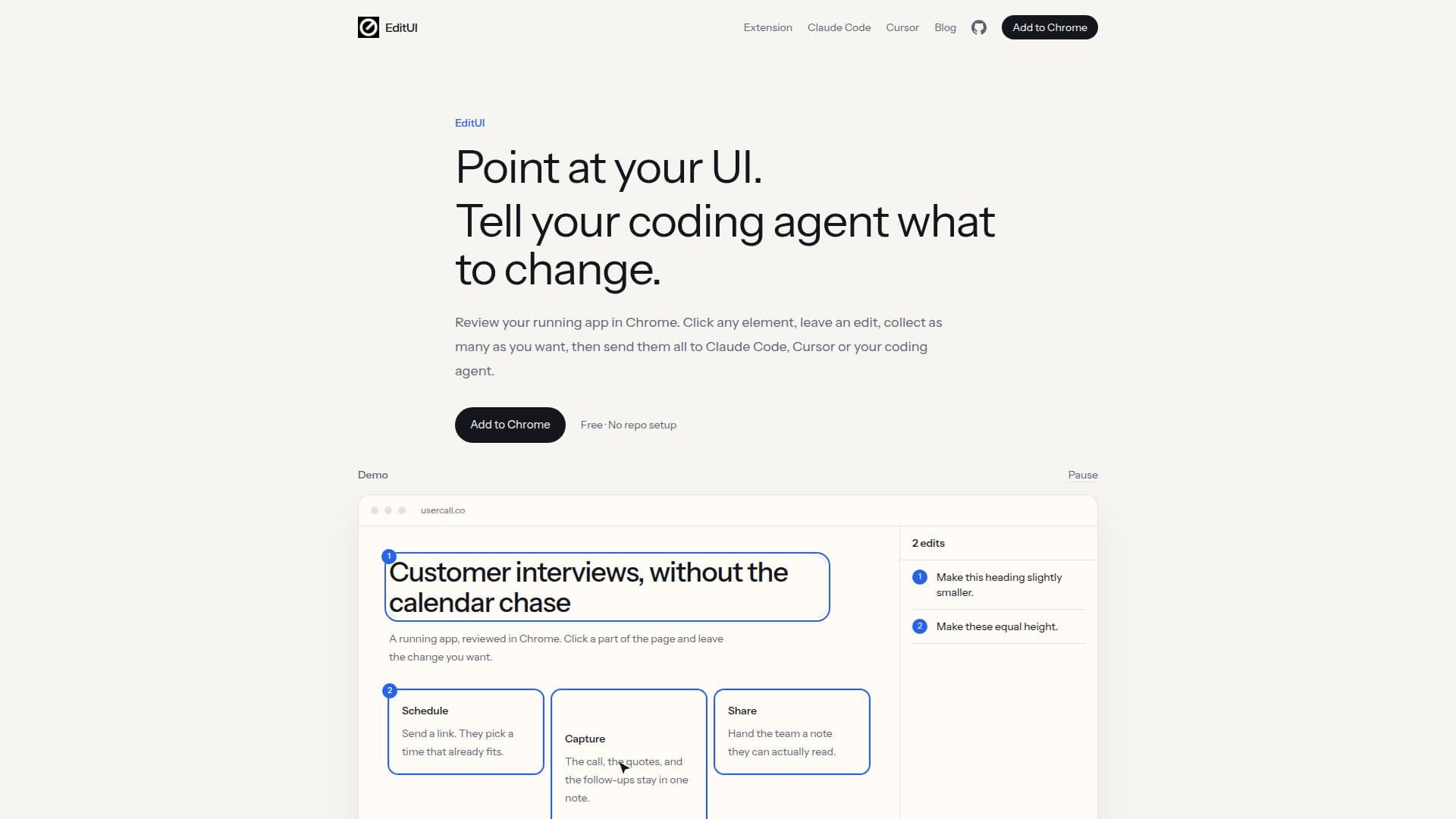
EditUI is a tool designed to streamline the process of UI review and editing directly within the Chrome browser. Users can click on any element of their running application, describe the desired changes, and collect these edits into a single prompt. This prompt can then be sent to coding agents such as Claude Code, Cursor, or Codex for implementation, making the process efficient and straightforward.
Read More
The tool eliminates the need for screenshots, selectors, or source files, capturing the context necessary for coding agents to understand the required changes. Users can batch multiple edits, allowing for comprehensive UI reviews in one go. This feature is particularly useful for developers and designers who need to make multiple adjustments across a page without the hassle of addressing each issue individually.
EditUI is free to use and does not require any repository setup, making it accessible for developers who want to integrate it into their workflow without additional overhead. The tool is particularly beneficial for those using coding agents outside of the Cursor browser, as it allows for seamless integration with agents like Claude Code and Codex.
While EditUI offers a robust solution for UI editing, it does not replace the direct manipulation capabilities of tools like Cursor's Visual Editor. Instead, it complements these tools by providing a method to collect and communicate UI changes efficiently. This makes EditUI an ideal choice for developers looking to optimize their UI review process in a flexible and agent-agnostic manner.
- CategoryAI Coding Assistants
- Pricing ModelFree
- DeploymentBrowser Extension
- PlatformsChrome
EditUI's Core Features
UI element selection in Chrome
Batch edit collection
Integration with Claude Code
Integration with Cursor
No repository setup required
Free to use
Context capture for coding agents
Seamless prompt generation
How to use EditUI?
Install: Add the EditUI extension to Chrome
Activate: Turn on EditUI with the toolbar icon
Select: Click on UI elements to review
Describe: Write the desired changes
Collect: Gather all edits into one prompt
Send: Paste the prompt into your coding agent
EditUI's Use Cases
- UI Review
- Batch Edits
- Coding Agent Integration
- Context Capture
- Agent-Agnostic