
Description
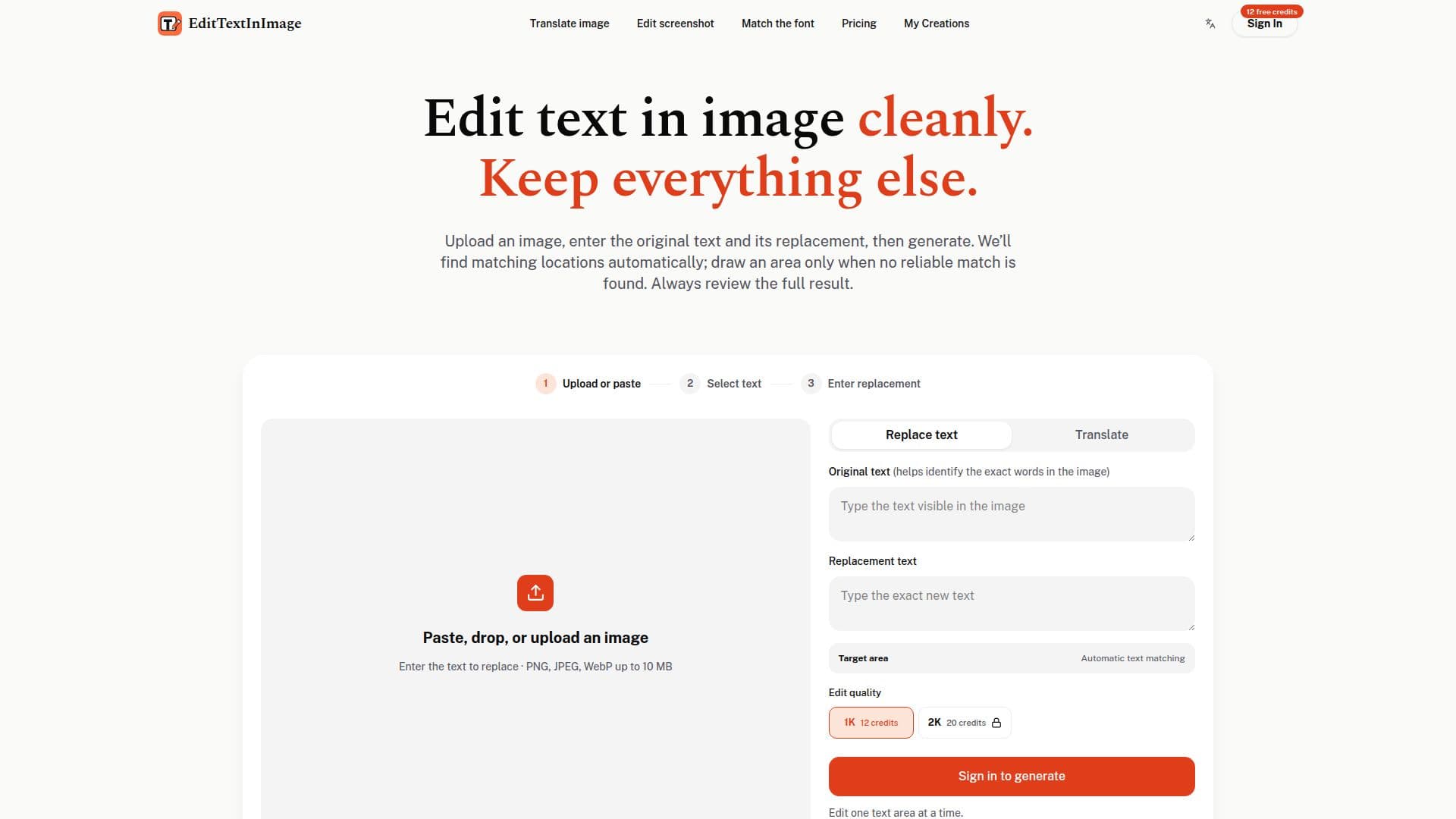
EditTextInImage is an online AI tool designed to modify text within images without requiring Photoshop or advanced design skills. Users can upload images such as posters, screenshots, or labels, and specify the original text along with its replacement. The tool automatically identifies matching text locations, allowing users to make edits while preserving the surrounding font, color, size, perspective, and background.
The editor supports PNG, JPEG, and WebP files up to 10 MB, making it suitable for various use cases including app localization, updating product labels, and refreshing event materials. Users can edit one text area at a time for optimal results and review changes using the Compare feature before downloading.
EditTextInImage offers simple credit packs for occasional or regular edits, with credits that never expire. Commercial use is permitted if the user owns the image or has permission to edit it. The tool prohibits editing official documents, identity records, and any deceptive alterations.
The platform is ideal for individuals and businesses looking to update text in images efficiently, whether for quick fixes or production workflows. It provides a reliable solution for testing advertising headlines, fixing typos, or localizing graphics without altering the original design.
EditTextInImage's Core Features
AI-powered text editing
Automatic text location matching
Supports PNG, JPEG, WebP
Preserves surrounding design
Commercial use allowed
Credits never expire
Prohibited document editing
Compare feature for review
One-time credit packs
No subscription required
Edit one area at a time
Optional area selection
Fast preview translation
Supports up to 10 MB files
Designed for various use cases
How to use EditTextInImage?
Upload: paste or upload your image
Select: choose text to edit
Enter: specify original and replacement text
Generate: create and review edits
Download: save the final image
EditTextInImage's Use Cases
- App localization
- Product labels
- Event materials
- Ad creative
- Exported slides
- Posters and flyers