Description
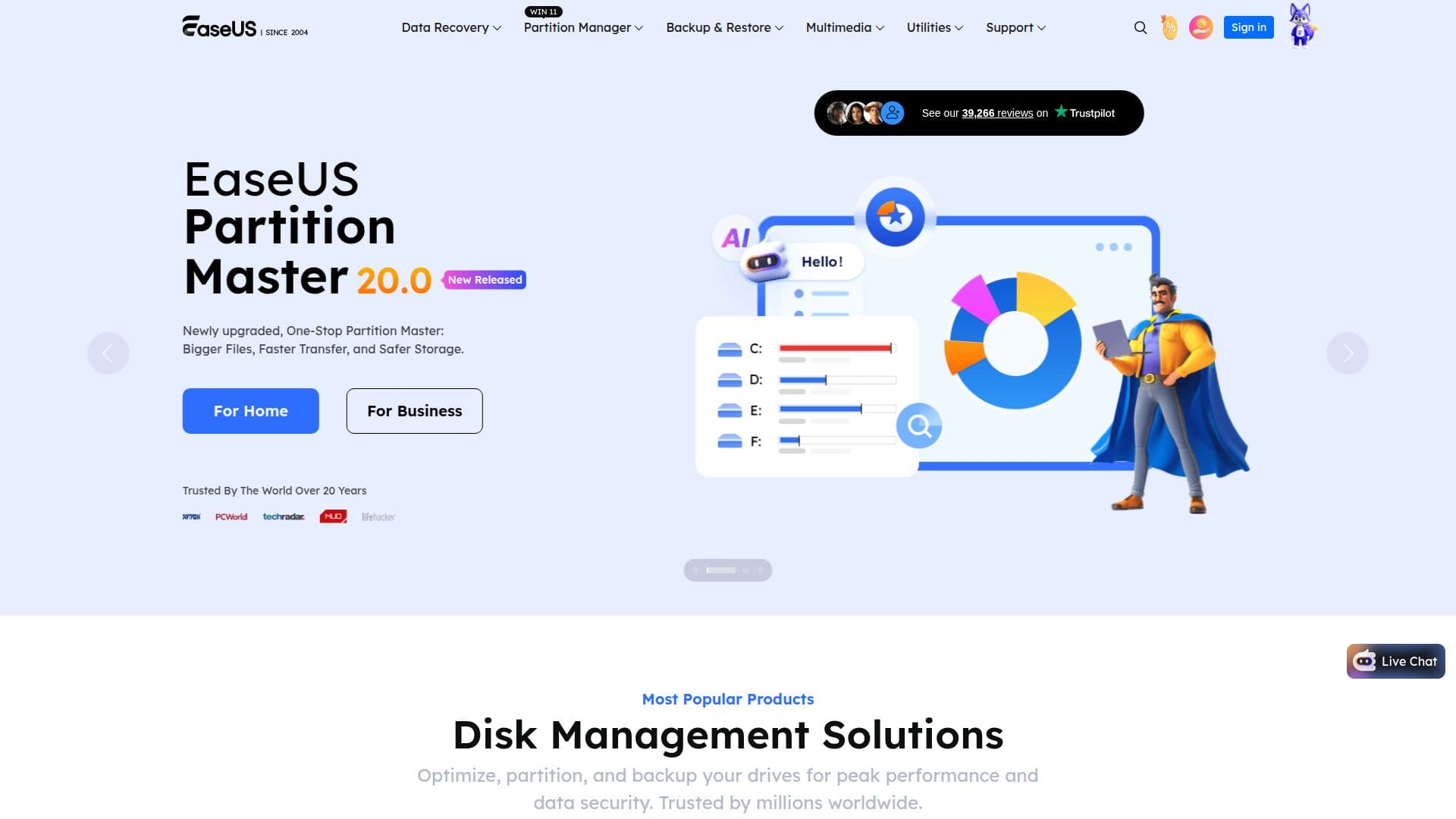
EaseUS is a long-established software company (founded in 2004) that develops utilities to safeguard data and improve productivity for individuals and businesses. Its catalog spans more than 20 applications across data recovery, backup, disk partition management, data transfer, and multimedia, used by millions of customers across 190 countries.
Read More
Core products include EaseUS Data Recovery Wizard for recovering lost files from HDDs, SSDs, SD cards, and USB drives on Windows and Mac; Fixo, an AI-powered tool to repair corrupted videos, photos, and documents; Partition Master for creating, resizing, and cloning disk partitions; and Todo Backup for one-click system, disk, and file backup with reliable recovery. Disk Copy handles drive cloning, while Todo PCTrans migrates data, apps, and user accounts between PCs.
EaseUS also offers mobile and multimedia tools, including MobiMover for transferring and managing iPhone/iPad data, MobiUnlock for removing Apple ID and screen passcodes, RecExperts screen recorder, a video editor and downloader, and AI-powered online solutions such as the VoiceWave real-time voice changer, a vocal remover, and a text-to-speech voice-over generator. PDF tools and a ChatPDF AI assistant round out the utilities, alongside premium remote data-recovery services.
- CategoryOther AI Tools
- Pricing ModelFreemium
- DeploymentCloud, Desktop app
- PlatformsWindows, macOS, iOS
EaseUS's Core Features
Data Recovery Wizard for Windows and Mac (HDD, SSD, SD card, USB)
Fixo AI-powered repair for corrupted videos, photos, and documents
Partition Master for creating, resizing, and cloning disk partitions
Todo Backup for one-click system, disk, and file backup and recovery
Disk Copy drive cloning and Todo PCTrans PC-to-PC data migration
MobiMover iPhone/iPad data transfer and MobiUnlock passcode removal
RecExperts screen recorder, video editor, and video downloader
AI online tools: VoiceWave voice changer, vocal remover, text-to-speech
How to use EaseUS?
Choose a product: Pick the EaseUS tool for your task, such as data recovery, backup, or partitioning.
Download and install: Get the installer for Windows or Mac, or use an online tool where available.
Run the task: Scan for lost files, create a backup, manage partitions, or transfer data as needed.
Recover or export: Preview results and restore, save, or migrate your data.
Upgrade if needed: Move from the free version to Pro or Technician editions for advanced features.
EaseUS's Use Cases
- Recover lost data
- Back up and protect systems
- Manage and upgrade disks
- Migrate to a new PC
- Manage iPhone content