Description
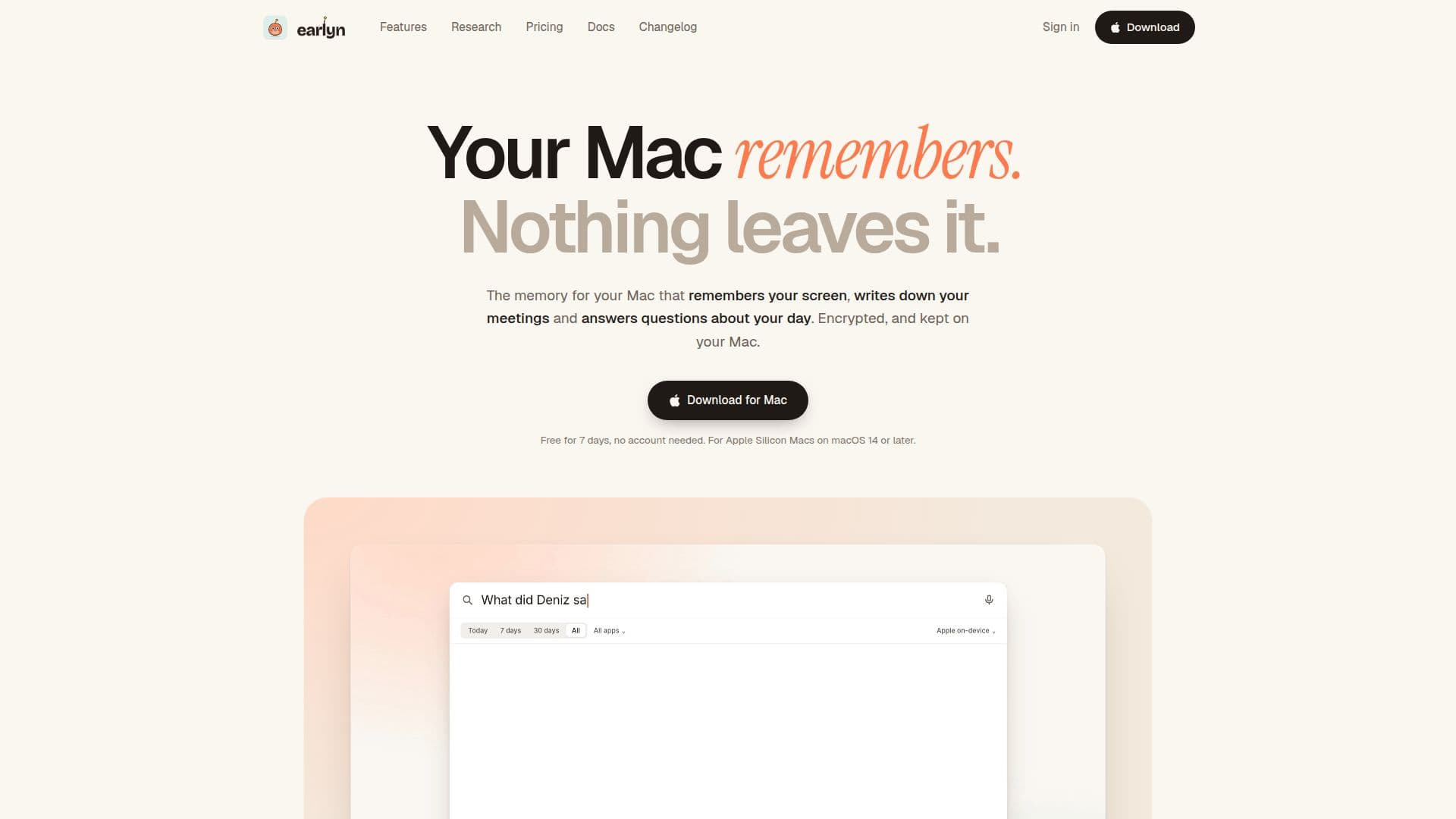
Earlyn is a macOS application designed to create a private, encrypted memory of everything you see and hear on your Mac. It captures screen changes and meeting audio, making them searchable and allowing you to rewind your day. The app transcribes meetings in any language using Whisper, provides live translations, and generates summaries with action items. Earlyn operates entirely on your Mac, ensuring that no data leaves your device unless you choose to share it. It supports integration with AI tools like Claude Code and Codex via a local MCP server, enabling these tools to access your screen and meeting memories. The app is compatible with Apple Silicon Macs running macOS 14 or later.
Read More
Earlyn offers a 7-day free trial with full access to all features, after which meeting functionalities remain free, while screen memory and AI agent integrations require a Pro subscription at $19 per month or $149 annually. The Pro plan extends screen memory to 90 days and allows for unlimited agent use. Earlyn emphasizes privacy, using SQLCipher encryption for text and AES-GCM for images, and it never captures excluded apps, private browser windows, or sensitive fields like passwords.
The app is ideal for professionals who need to keep track of their daily activities, meetings, and projects without relying on cloud services. It provides a comprehensive solution for managing digital memories securely and efficiently, making it a valuable tool for anyone who values privacy and data security.
- CategoryAI Note-Taking Apps
- Pricing ModelFreemium
- DeploymentOn-device
- PlatformsmacOS
Earlyn's Core Features
Encrypted, searchable memory of screen and meetings
On-device meeting transcription and translation
Rewind and search by word or meaning
Integration with AI tools via local MCP server
7-day free trial with full features
Pro plan for extended screen memory
SQLCipher and AES-GCM encryption
Privacy-focused with no data leaving the Mac
How to use Earlyn?
Download and install: Get Earlyn from the website and install it on your Mac.
Configure permissions: Allow necessary permissions for screen recording and accessibility.
Start using: Begin capturing screen changes and meetings.
Optimize: Integrate with AI tools and customize settings for your workflow.
Earlyn's Use Cases
- Meeting Transcription
- Screen Memory
- AI Tool Integration
- Privacy-Focused Work
- Daily Activity Tracking