


Description
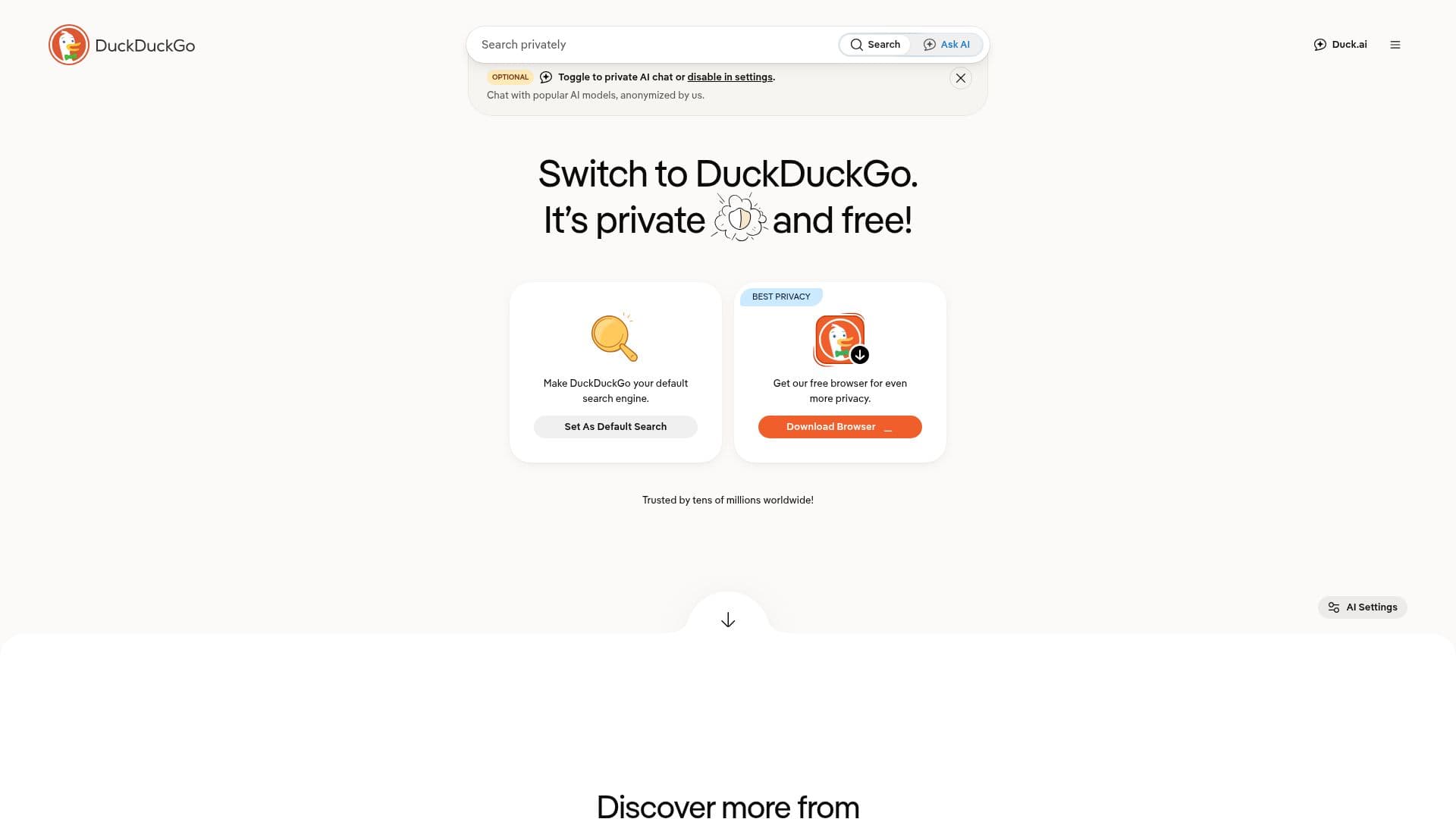
DuckDuckGo Browser is designed to provide a private and secure browsing experience. It blocks third-party trackers, targeted ads, and cookie pop-ups, ensuring that your personal information remains private. The browser is available for free on multiple platforms, including Mac, Windows, iOS, and Android.
One of the key features of DuckDuckGo Browser is its built-in search engine, which does not track your searches. This allows users to search the web without leaving a trace of their search history. Additionally, the browser offers optional AI chat features through Duck.ai, allowing users to chat privately with popular AI models like ChatGPT and Claude.
DuckDuckGo Browser also includes features like password management, email tracker blocking, and the ability to delete browsing data with a single button. For users who want even more protection, DuckDuckGo offers a subscription service that includes a VPN, advanced AI models, personal information removal, and identity theft restoration.
The browser is trusted by millions worldwide and is known for its ease of use and quick performance. It is a popular choice for those looking to take control of their personal information online without sacrificing convenience or performance. DuckDuckGo Browser is a solid alternative to other major browsers, offering comprehensive privacy protections by default.
DuckDuckGo Browser's Core Features
Blocks third-party trackers
Blocks targeted ads
Blocks cookie pop-ups
Built-in private search engine
Optional AI chat features
Password management
Email tracker blocking
Delete browsing data with one button
VPN included in subscription
Personal information removal service
Identity theft restoration service
Available on multiple platforms
Free to use
Subscription service for advanced features
No search or browsing history tracking
How to use DuckDuckGo Browser?
Download: Get the browser from the official site
Install: Follow the installation instructions
Set Default: Make DuckDuckGo your default browser
Configure: Adjust privacy settings as needed
Use: Browse and search privately
Enable AI: Turn on Duck.ai for private AI chats
Subscribe: Access advanced features with a subscription
DuckDuckGo Browser's Use Cases
- Private Browsing
- Ad-Free Experience
- AI Chat
- Data Protection
- Identity Protection