
Description
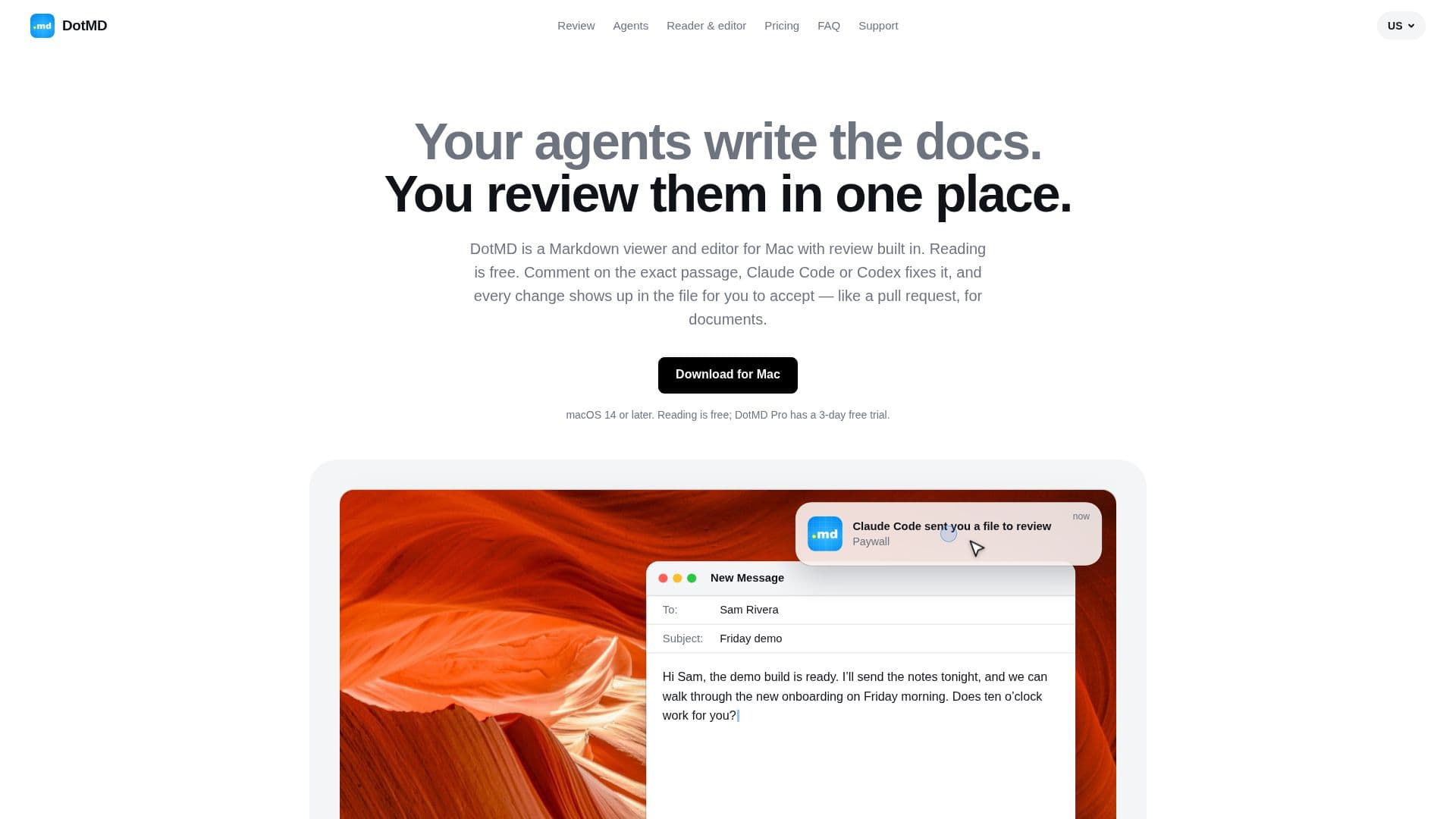
DotMD is a versatile Markdown viewer and editor designed specifically for Mac users. It offers a unique feature set that integrates AI agents for document review, making it an ideal tool for developers, product managers, and technical writers. Users can read Markdown files for free, while the Pro version adds editing capabilities with a live preview, comments, and reviews.
Read More
The tool supports various AI agents via the MCP protocol, including Claude Code, Codex, and Cursor, allowing seamless integration for document review. Users can comment on specific passages, and the agents will make the necessary fixes, which can then be accepted or rejected by the user. This process is akin to a code review, ensuring that every change is tracked and version history is maintained.
DotMD offers a freemium pricing model, with reading capabilities available for free and a Pro version that includes a 3-day free trial. The Pro version is available for a yearly fee of USD 19.99 or a one-time payment of USD 49.99 for lifetime access. The app is designed to work on macOS 14 or later and ensures that all files and comments remain on the user's Mac, with no data being uploaded to external servers.
The tool is particularly beneficial for those who need to review AI-generated documents, such as specs, plans, and READMEs. It allows for a streamlined review process where one AI agent can review the work of another, providing a second opinion and ensuring accuracy. DotMD's integration with git also means that changes are tracked and versioned, making it a robust solution for collaborative document editing.
- CategoryWriting & Editing
- Pricing ModelFreemium
- DeploymentLocal
- PlatformsmacOS
DotMD's Core Features
Markdown viewing and editing
AI agent integration for reviews
Live preview and commenting
Version history tracking
Supports Claude Code, Codex, Cursor
Free reading, Pro editing
macOS 14 or later compatibility
Data remains on user's Mac
How to use DotMD?
Open: Launch DotMD on your Mac
Read: Open any Markdown file for free
Comment: Add comments to passages
Review: Use AI agents to fix comments
Accept: Approve or reject changes
Track: Use version history for revisions
DotMD's Use Cases
- AI Document Review
- Markdown Editing
- Version Control
- Collaborative Editing
- Technical Documentation