
Description
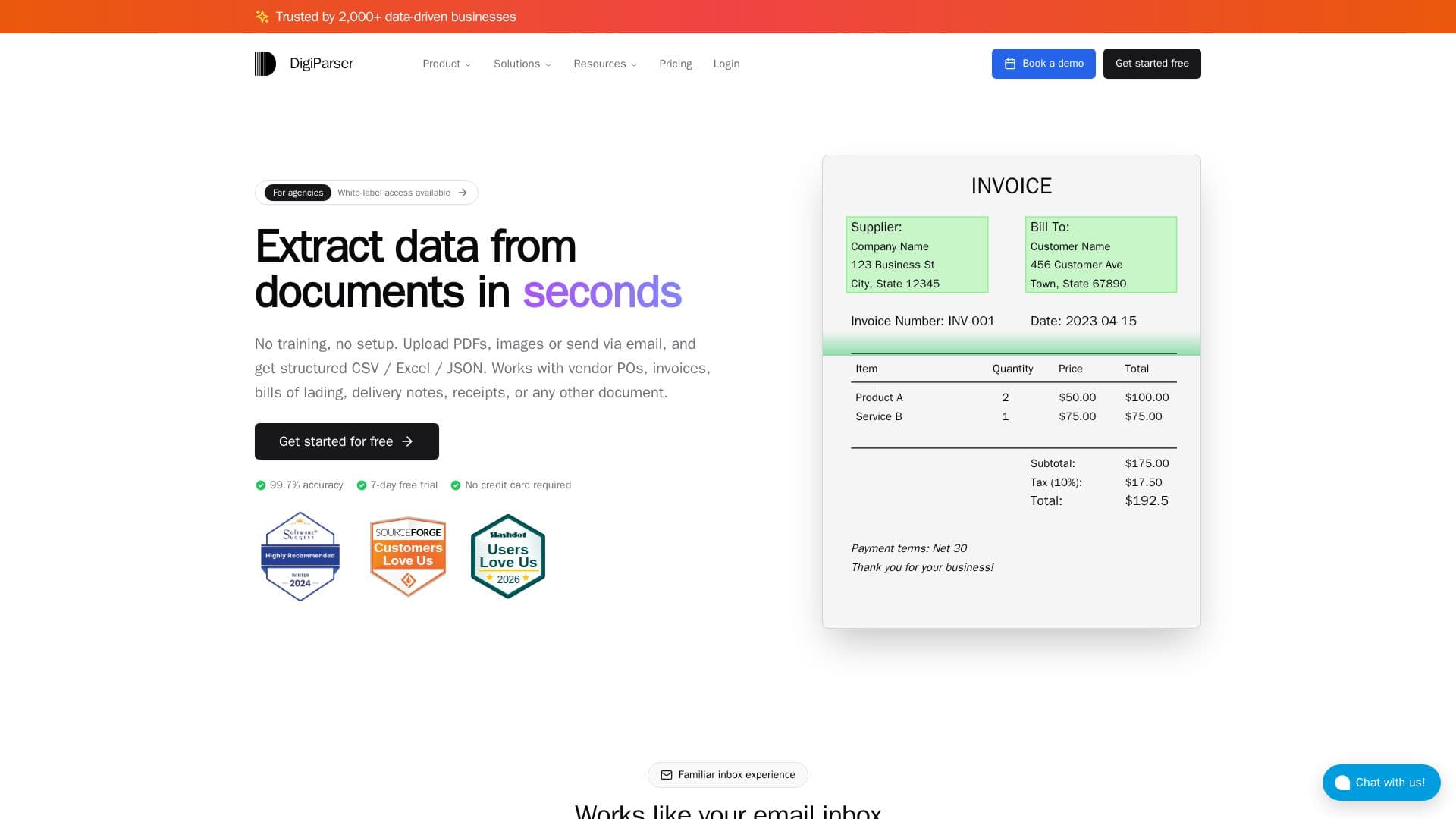
DigiParser is an AI-powered tool designed to automate document data entry for accounting firms, freight forwarders, and manufacturers. It extracts data from various document types, including invoices, bank statements, purchase orders, and shipping documents, with a claimed accuracy of 99.7%. The platform simplifies the process by allowing users to set up email rules to automatically forward documents for parsing, with results sent directly to applications like Google Sheets.
Read More
The tool offers effortless API integration, enabling users to expand workflows beyond simple document parsing. Users can associate shipment tracking and vendor invoice information with Shopify orders and fulfillments, reducing manual steps and improving efficiency. DigiParser supports a wide range of document types and provides flexibility in handling ambiguous information through AI instructions.
DigiParser is particularly beneficial for businesses processing large volumes of invoices from multiple vendors, offering a balance between structured parsing and AI flexibility. The platform is easy to set up and integrates with tools like Airtable, Google Drive, and QuickBooks, making it suitable for small businesses and enterprises alike.
Pricing starts at $20 per month, with a 7-day free trial available. The tool is designed to reduce manual data entry, offering plans that cater to different processing needs. It is a valuable asset for teams looking to automate document processing and improve productivity.
- CategoryWeb Scraping & Data Extraction
- Pricing ModelFreemium
- DeploymentCloud
- PlatformsGoogle Sheets, QuickBooks
DigiParser's Core Features
Document data extraction
99.7% accuracy
Effortless API integration
Email forwarding rules
Google Sheets integration
Flexible AI instructions
Multi-vendor support
QuickBooks compatibility
Bulk document upload
Customizable parsing templates
Zapier integration
Automated ERP data entry
Invoice and bank statement parsing
Purchase order automation
Shipping document processing
How to use DigiParser?
Configure: Set up email rules for document forwarding
Use: Extract data from documents automatically
Optimize: Integrate with other tools via API
Review: Validate and approve extracted data
DigiParser's Use Cases
- Invoice Processing
- Bank Statement Analysis
- Shipping Document Management
- Purchase Order Automation
- ERP Integration