Description
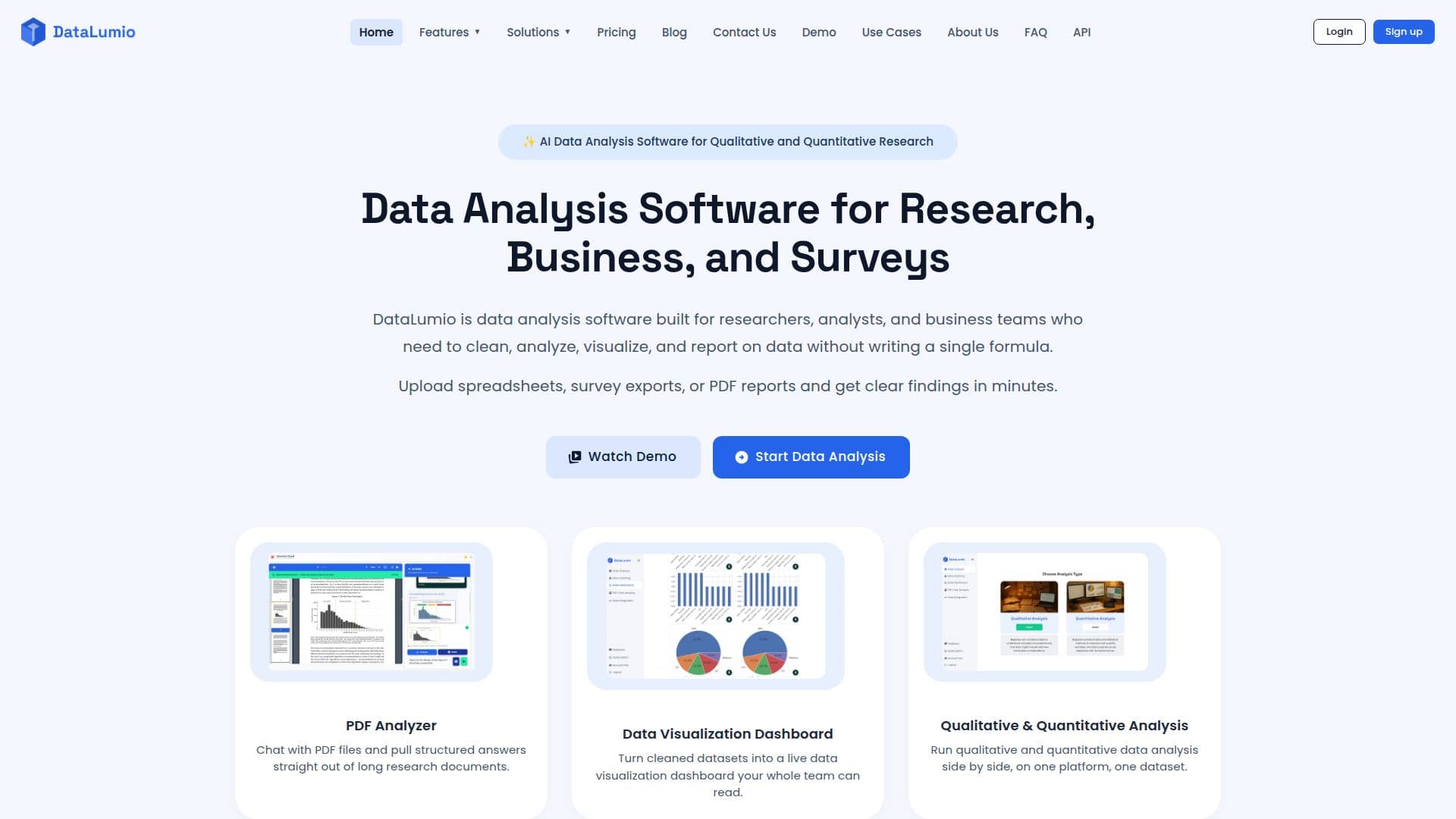
DataLumio is a comprehensive web-based platform that streamlines data analysis for research, business, and surveys. It transforms messy qualitative and quantitative data into clear, actionable insights, eliminating the need for manual analysis or coding. The platform integrates various tools, including data cleaning, qualitative and quantitative analysis, PDF analysis, data visualization dashboards, and automated reporting, all within a single workspace.
Read More
For qualitative data, DataLumio helps users understand the 'why' behind the numbers by identifying themes, summarizing patterns, extracting quotes, and generating structured reports from text-heavy files like interviews, transcripts, and open-ended survey responses. For quantitative data, it supports structured datasets such as CSV and Excel files, providing statistical summaries, charts, outlier checks, and comparisons to confirm patterns.
The platform's AI-assisted data cleaning workflow helps identify common data quality problems in supported datasets, reducing repetitive preparation work. Users can also create interactive data visualization dashboards with various chart types, including bar charts, line charts, pie charts, and scatter plots, to explore trends, comparisons, and key metrics visually. The PDF analysis feature allows users to upload documents, chat with their content in natural language, and analyze selected visual areas like charts and tables.
DataLumio operates on a shared credit system, where credits can be used across different workflows such as analysis reports, data cleaning, data dashboards, image generation, and PDF chat. Pricing plans range from one-time credit packs for occasional work to monthly subscriptions and an Enterprise option for larger teams with unlimited usage. The platform also offers data integration functionality, with Google Drive currently available, allowing users to connect external file sources directly to their analysis workflows. DataLumio emphasizes responsible AI data analysis, stating that uploaded data is not used to train its AI models, and encourages human review of all outputs.
- CategoryAI Data Analysis
- Pricing ModelFreemium
- DeploymentCloud
- PlatformsWeb
DataLumio's Core Features
Qualitative Data Analysis: Automated thematic coding, sentiment insights, and quote extraction from text-based documents.
Quantitative Data Analysis: Statistical summaries, charts, comparisons, and outlier checks for structured datasets.
AI-Powered PDF Chat: Interact with research papers and reports in natural language, ask questions, and analyze visual areas.
Automated Data Cleaning: Detect duplicates, fix inconsistencies, and standardize formats in spreadsheets.
Data Visualization Dashboards: Create interactive dashboards with various chart types, KPIs, and visual insights.
Automated Insight Reports: Generate downloadable structured reports in Word (.docx) format.
No-Code Platform: Perform complex data analysis without requiring programming skills.
Data Integration: Connect external file sources like Google Drive for seamless data access.
Source-Referenced AI Responses: Ensure accuracy for research-grade analysis.
Image Generation: Use credits for supported image-generation workflows.
Multiple File Format Support: Works with PDF, CSV, XLS, XLSX, DOC, and TSV files.
Shared Credit System: One credit balance across all supported workflows.
Privacy-Focused: Uploaded data is not used to train AI models.
Web-Based Platform: Access data analysis workflows through a web browser.
How to use DataLumio?
Upload or Connect Data: Upload files (Excel, CSV, PDF, text) or connect external sources like Google Drive.
Clean and Prepare Data: Utilize AI-assisted data cleaning tools to identify and fix issues in datasets.
Choose Analysis Tool: Select qualitative or quantitative analysis based on your data type and research question.
Explore and Visualize Results: Generate interactive dashboards and explore analytical findings with various charts.
Review and Share Reports: Create structured insight reports and review findings against original data.
Chat with PDFs: Upload PDF documents and ask questions about their content in natural language.
DataLumio's Use Cases
- Academic Research
- Student Projects
- Survey Data Analysis
- Business Data Analysis
- Customer Feedback Analysis
- PDF Document Analysis
- Marketing Data Analysis
- Financial Data Analysis
- Qualitative Thematic Analysis