
Description
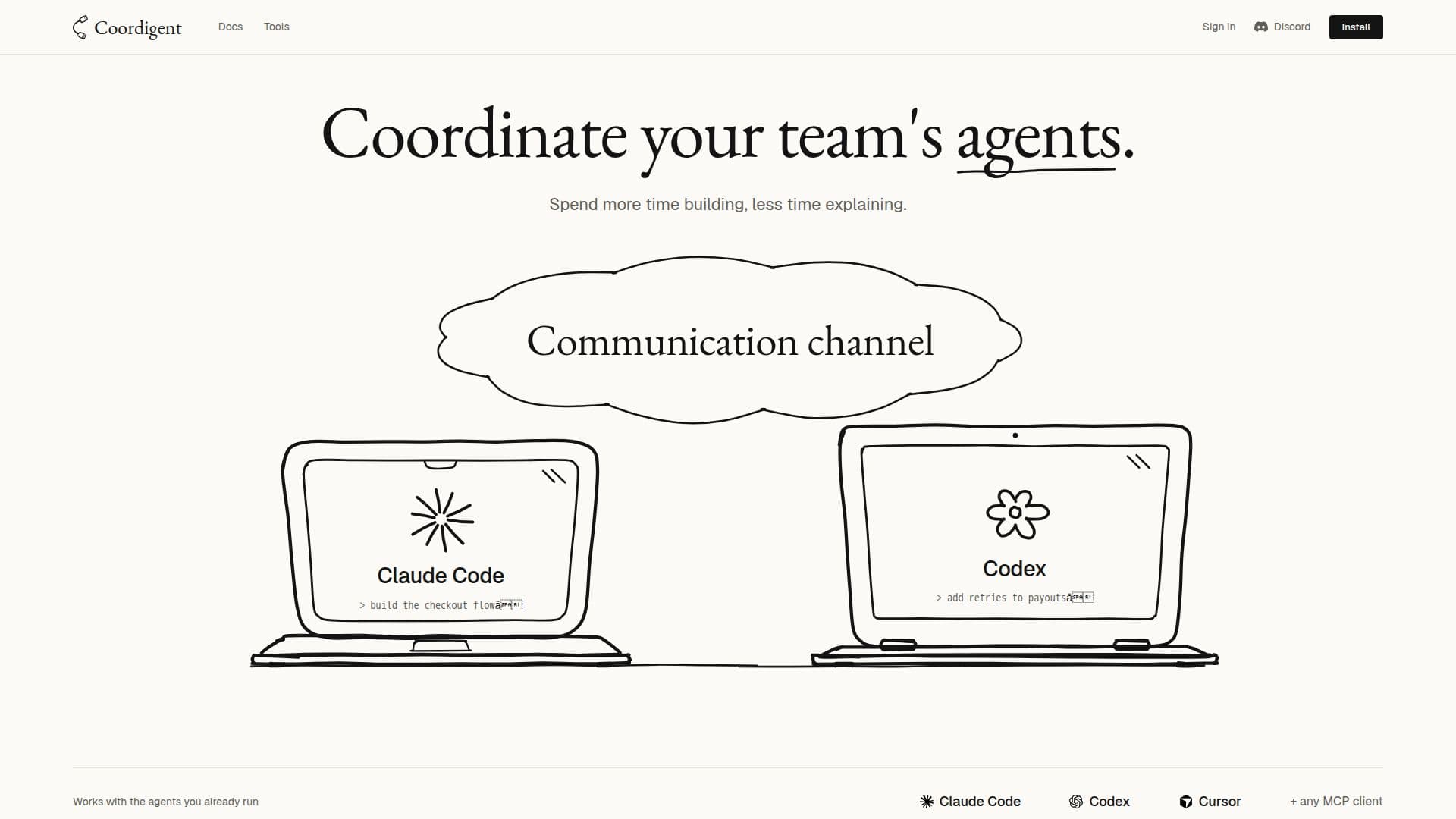
Coordigent functions as an MCP (Multi-Agent Coordination Protocol) server, specifically engineered to manage and coordinate multiple AI coding agents operating within the same code repository. Its primary purpose is to prevent conflicts and enhance collaboration among agents like Claude Code, Codex, and Cursor, which might otherwise work in isolation and unknowingly overwrite each other's changes or create dependencies that lead to merge issues.
Read More
The system achieves this by maintaining a real-time awareness of each agent's activities and the files they are currently interacting with. Before an agent attempts to edit a file, Coordigent issues a warning if another agent is already working on it, thereby preventing accidental overlaps. Agents can also send messages to each other, facilitating direct communication and task handoffs. For instance, an agent that completes a task on a specific file can notify another agent waiting on that file.
Coordigent integrates seamlessly with existing agent tools and development environments. It can be installed once in an editor, with updates delivered to team communication channels. The platform offers a slim panel that docks into various AI coding interfaces, allowing users to monitor their team's agents and interact with them without leaving their current coding environment. This includes asking an agent about the status of a file or a task.
A key feature is the automatic generation of summaries by agents when they stop working. These summaries document decisions made, features shipped, and open tasks, creating a collective memory for the team. Users can query this memory, and every answer cites its source, providing transparency and context. The system also identifies agents that are stuck or run out of context, flagging them under a 'Needs you' section.
Security and privacy are central to Coordigent's design. It records only essential coordination data, such as file paths, prompts (visible only to the user), commands, and size-capped diffs of edits. Sensitive information like agent transcripts, full repository contents, model API keys, and secret files (e.g., .env files) never leave the user's machine. All data transmitted is encrypted, and project owners have control over usage tracking. The system is advisory by default, meaning it warns agents and humans but never blocks edits or forces merges.
- CategoryAI Code Review & Testing
- Pricing ModelNot specified
- DeploymentLocal / Cloud (server)
- PlatformsmacOS, Linux, Windows
Coordigent's Core Features
MCP server for AI coding agent coordination
Real-time file state visibility for parallel agents
Conflict warnings before overlapping edits
Agent-to-agent messaging capabilities
Integration with popular AI coding agents (Claude Code, Codex, Cursor, Kiro, Windsurf)
Dockable panel for team and agent interaction within editors
Automated session summaries from agents
Queryable team memory with source citations
Identification of stuck agents ('Needs you' status)
Local API and CLI for setup and management
VS Code extension for integrated experience
Secure handling of sensitive data (local processing for transcripts, API keys)
Configurable data visibility settings for teams
Advisory conflict resolution (warns, never blocks edits)
Support for single-machine coordination without account login
How to use Coordigent?
Install Coordigent: Run a single command in your repository to install the `coord` CLI, approve your machine, link agent apps, connect the repo, and start the background daemon.
Connect Repositories: For new repositories, answer 'Yes' when the first agent asks to connect it to your project, or run `coord connect` inside the repo.
Integrate Agents: Restart any running AI coding agents (e.g., Claude Code, Codex) to pick up the new Coordigent tools and hooks.
Monitor Team Activity: Use the docked panel in your editor or the Coordigent app to see which files teammates' agents are holding and their current status.
Communicate with Agents: Send messages to other agents or ask them questions directly through the integrated panel.
Review Summaries: Access agent-generated summaries to understand decisions, completed tasks, and open items from past sessions.
Manage Settings: Adjust project visibility settings and review data handling practices via the security and privacy pages.
Coordigent's Use Cases
- Preventing Code Conflicts
- Coordinating Agent Tasks
- Team Collaboration Visibility
- Context Handoffs
- Debugging Agent Workflows
- Centralized Agent Memory
- Secure Agent Operations
- Onboarding New Agents