Description
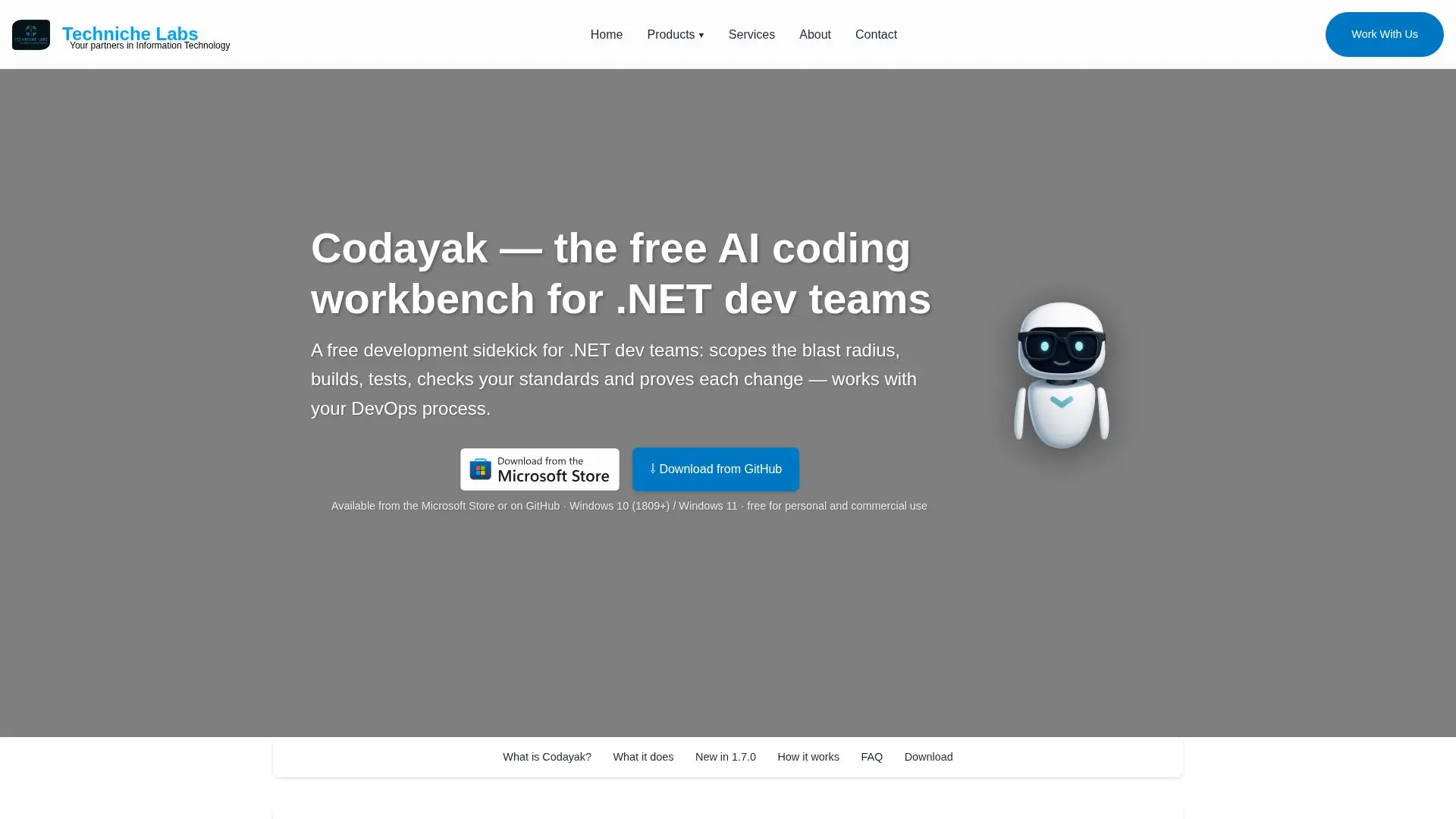
Codayak is a free AI coding workbench for Windows, specifically tailored for .NET software teams. Developed by Techniche Labs, it serves as a comprehensive development sidekick, capable of reading entire repositories, scoping the blast radius of changes, writing and building code, running tests and SQL, and verifying coding and UI standards. Codayak integrates smoothly with Azure DevOps or GitHub, utilizing existing LLM provider API keys across seven cloud providers, including Anthropic, OpenAI, and Google, or any OpenAI-compatible endpoint.
Read More
The tool is designed to enhance the development process by providing a Trust Engine that builds, tests, performs security scans, and checks specifications, offering a confidence-scored trust band. This ensures that every change is verified before being relied upon. Codayak supports multiple programming languages beyond .NET, including JavaScript, TypeScript, Python, and SQL, and can execute SQL against various database engines.
Codayak is a native Windows application compatible with 64-bit Windows 10 and 11. It is free for personal and commercial use under a proprietary freeware license, with no trial, seat limit, or paid tier. Users pay their LLM provider directly for token usage. The application supports local or in-house models, ensuring that code remains within the user's network.
The workbench also features a Team Mode, allowing multiple Codayak instances to collaborate over an encrypted link, with a leader planning tasks and delegating them to peers. Codayak's capabilities extend to driving real browsers and Windows applications for UI testing, ensuring comprehensive verification of changes. The tool is available for download from the Microsoft Store and GitHub.
- CategoryAI Coding Assistants
- Pricing ModelFree
- DeploymentDesktop
- PlatformsWindows
Codayak's Core Features
Free AI coding workbench for Windows
Integrates with Azure DevOps and GitHub
Supports multiple programming languages
Trust Engine for verification
Local and cloud LLM provider support
Team Mode for collaborative work
UI testing with real browsers and apps
Free for personal and commercial use
How to use Codayak?
Configure: Set up LLM provider API keys
Use: Read, write, build, and test code
Verify: Use Trust Engine for output verification
Optimize: Collaborate using Team Mode
Codayak's Use Cases
- Code Verification
- Collaborative Development
- UI Testing
- Multi-language Support
- Local Model Integration