
Description
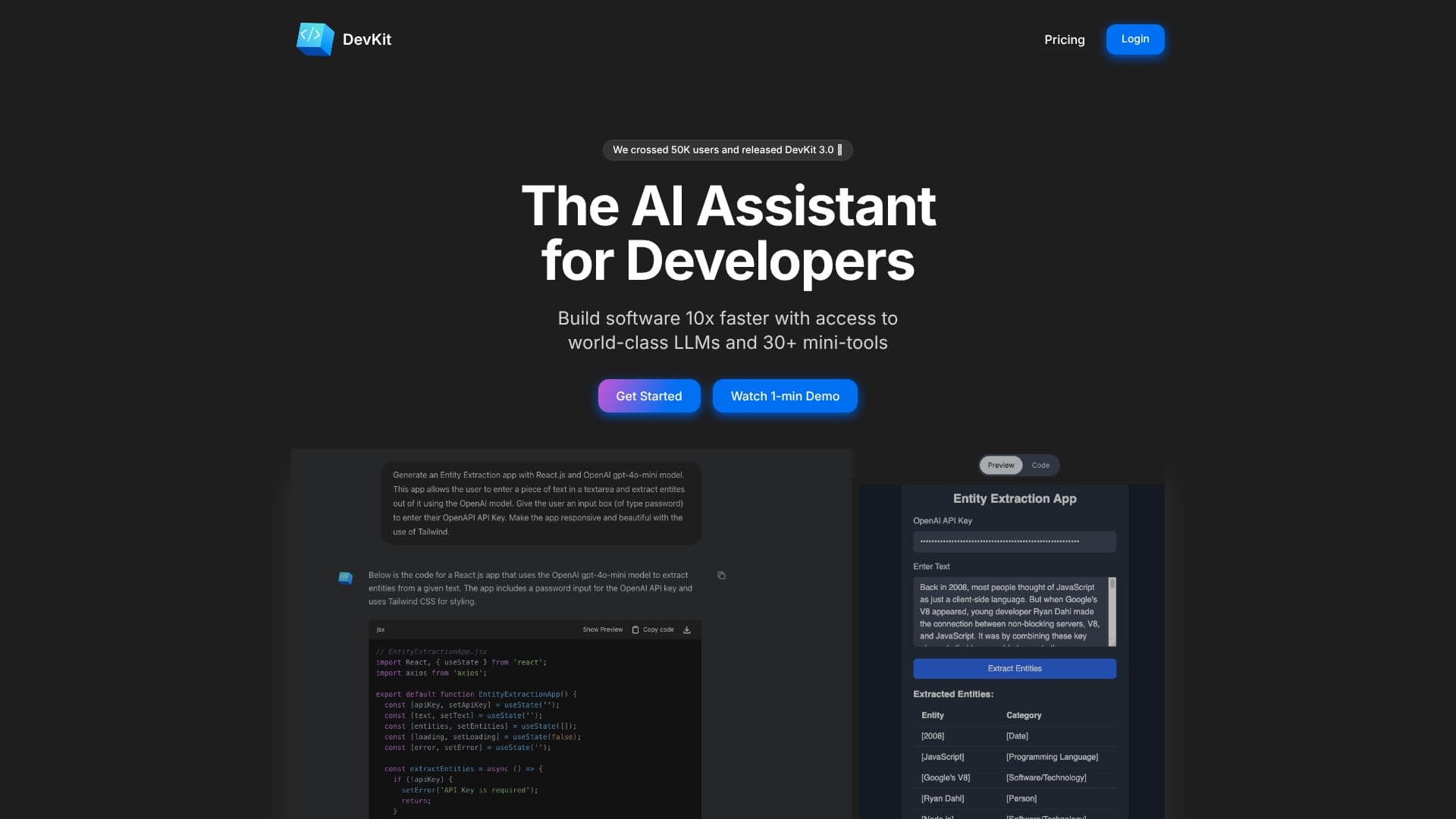
DevKit positions itself as the essential AI assistant for developers, aiming to accelerate software development by a factor of ten. It integrates access to leading Large Language Models (LLMs) with a suite of over 30 specialized mini-tools, all within a unified interface. This combination allows developers to streamline complex tasks, reduce context switching, and boost overall productivity.
Read More
At its core, DevKit features DevGPT, an AI assistant that merges advanced LLM capabilities with practical developer tools. Users can leverage DevGPT to test public APIs rapidly, query databases using natural language, generate code snippets, and even create interactive art. The platform emphasizes speed and efficiency, promising to reduce API testing times from hours to seconds and SQL writing time by up to 90%.
Beyond code generation and data querying, DevKit encourages creative exploration with its code generation and p5.js tools, enabling developers to experiment and produce visual art and mini-games. The platform also provides a collection of mini-tools, including editors and utilities for tasks like testing code snippets, writing documentation, and transforming data. These tools are designed for speed and ease of use, eliminating the need to manage multiple disparate applications or command-line interfaces.
DevKit supports a wide array of programming languages and offers the ability to execute code directly within its chat interface, facilitating swift feature development and testing. The platform is recognized for its user-friendly design, having been featured on Product Hunt and receiving positive feedback from a growing community of over 65,000 users. It aims to be an indispensable part of a developer's daily workflow by consolidating essential functionalities into a single, efficient platform.
The value proposition of DevKit lies in its ability to consolidate powerful AI models and essential developer utilities, offering a significant productivity boost. By providing access to multiple LLMs, including those from OpenAI, Gemini, and Llama, DevKit ensures developers can choose the best model for specific tasks, whether it's general assistance, handling large contexts, or achieving high-speed generation. The integrated mini-tools further enhance its utility by providing quick access to common development operations without the hassle of ad-ridden, scattered online tools or platform-specific applications.
- CategoryAI Coding Assistants
- Pricing ModelFreemium
- DeploymentCloud
- PlatformsWeb
DevKit's Core Features
AI-powered code generation
API testing and configuration
Natural language database querying
Code execution within chat interface
Interactive art and mini-game creation tools
Suite of 30+ developer mini-tools
Support for 10s of programming languages
Access to multiple world-class LLMs
Data wrangling and transformation utilities
URL Inspector
Cron Editor
Hash generator
JSON to YAML converter
CSV to JSON converter
JSON to TypeScript converter
How to use DevKit?
Access DevKit: Visit the DevKit website.
Explore DevGPT: Utilize the AI assistant for coding, API testing, and database queries.
Use Mini-Tools: Select from over 30 utilities for tasks like data transformation or code editing.
Generate & Execute Code: Build and test features directly within the chat interface.
Create Art: Experiment with code generation and p5.js tools for creative projects.
Integrate into Workflow: Bring generated code and tested features into your codebase.
DevKit's Use Cases
- Accelerated Software Development
- Rapid API Testing
- Efficient Database Querying
- Code Generation and Execution
- Creative Coding and Art
- Data Transformation
- Developer Productivity Boost
- Documentation Assistance