
Description
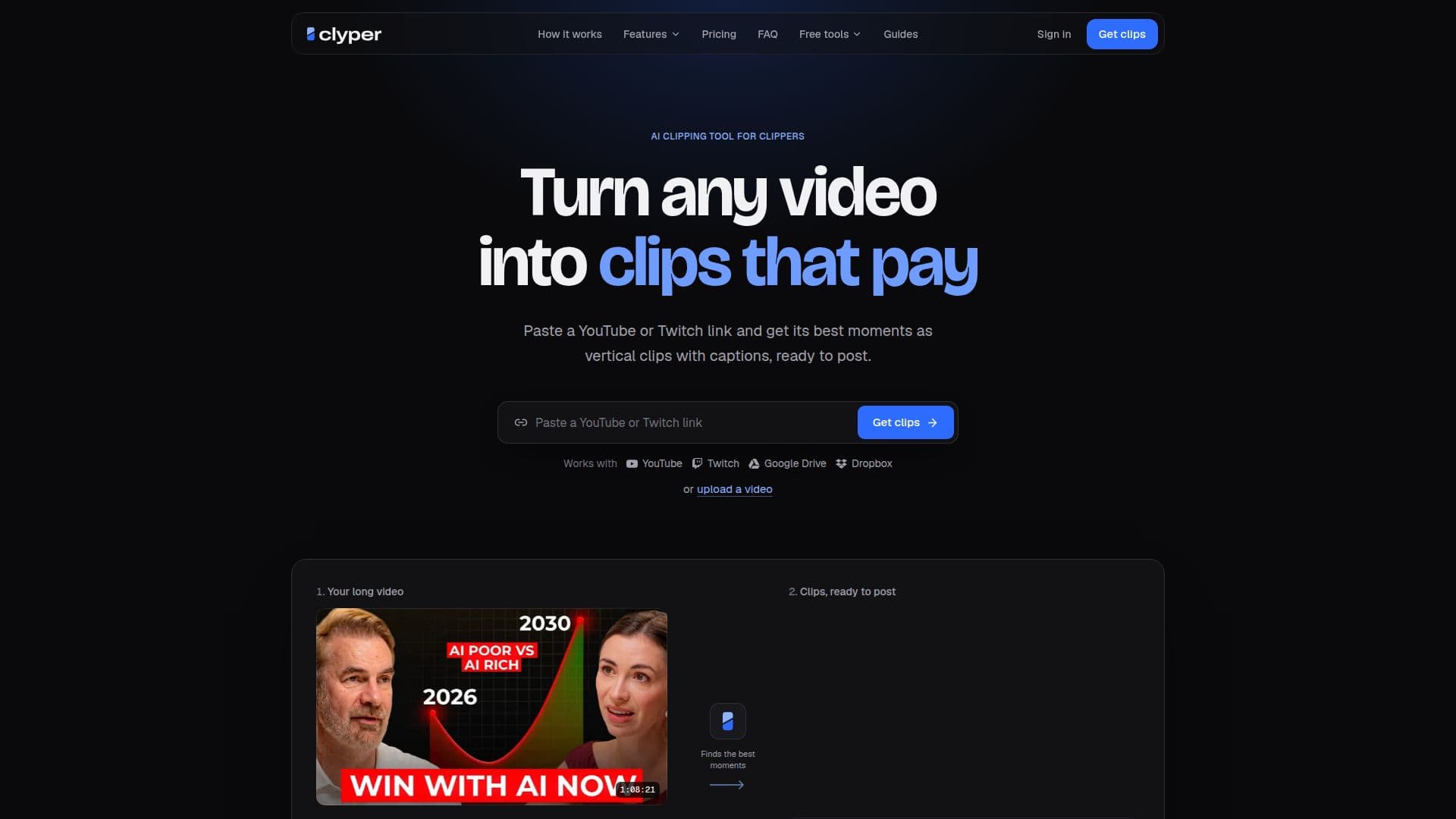
Clyper is an AI clipping tool that streamlines the process of converting long-form video content into short, engaging clips suitable for social media platforms such as TikTok, Instagram Reels, and YouTube Shorts. By simply pasting a YouTube or Twitch link, users can generate up to 30 vertical clips from a single source video, complete with automatically generated captions.
Read More
The platform is built for "clippers" – individuals and agencies focused on maximizing video reach and monetization. Each generated clip opens in a dedicated editor, allowing users to preview changes in real-time without consuming credits until saved. This editor enables precise adjustments, including trimming to the word, extending clip ends by up to 15 seconds, fixing captions, or switching caption styles. Edits are credit-free, promoting experimentation and refinement.
Clyper operates on a credit-based system, where one credit equals one minute of source video. Every video uses a minimum of 10 credits, regardless of its length or the number of clips requested. If a video fails to produce any clips, the credits are returned to the user. The service offers various plans—Starter, Pro, and Studio (including 2× and 4× sizes)—each providing a different monthly credit allowance and clip capacity. Pro and Studio plans offer significant savings when billed yearly, making them more cost-effective for frequent users.
Key features across plans include 1080p export resolution with no watermarks, a clip editor, and support for over 50 languages. Higher-tier plans like Pro and Studio add advanced capabilities such as all five caption styles, a hook headline feature for every clip, a brand kit for custom caption styles, and bulk import functionality for up to 10 links at once. Studio plans also benefit from priority processing, catering to teams and agencies with higher volume clipping needs.
While Clyper does not offer a free trial, its Starter plan is available month-to-month, allowing users to try the service without a long-term commitment. The platform also provides free tools like a vertical video converter and a clips-per-video calculator to assist users in planning their content strategy.
- CategoryAI Short Video Makers
- Pricing ModelSubscription
- DeploymentCloud
- PlatformsWeb
Clyper's Core Features
AI Clipping Tool: Automatically generates vertical clips from YouTube or Twitch links.
Up to 30 Clips per Video: Extracts multiple short clips from a single source video.
Automatic Captions: Adds captions to clips for enhanced engagement.
In-App Clip Editor: Allows real-time editing of clips, captions, and styles without consuming credits.
Credit-Based System: One credit equals one minute of source video; credits returned if no clips are produced.
Multiple Pricing Plans: Starter, Pro, and Studio plans with varying credit and clip allowances.
Yearly Billing Discounts: Pro and Studio plans offer 50% savings when billed annually.
1080p Export Resolution: All plans support high-definition video output.
No Watermarks: Exports clips without Clyper branding on any plan.
Multiple Caption Styles: Pro and Studio plans include all 5 caption styles.
Hook Headlines: Pro and Studio plans add a headline to each clip for 4 seconds.
Brand Kit: Pro and Studio plans allow up to 10 custom caption styles with personalized fonts, colors, and placement.
Bulk Import: Studio plans enable importing up to 10 links simultaneously.
Priority Processing: Studio plans receive faster clip generation.
Cancel Anytime: Users can cancel plans in the billing portal without commitment.
How to use Clyper?
Paste Video Link: Input a YouTube or Twitch video URL into Clyper.
Generate Clips: Allow Clyper's AI to automatically identify and create vertical clips.
Edit Clips: Open generated clips in the editor to trim, adjust captions, or change styles.
Customize Branding: (Pro/Studio) Apply custom caption styles and hook headlines using the brand kit.
Review and Save: Preview changes and save the finalized clips.
Export and Post: Download 1080p, watermark-free clips ready for social media platforms.
Clyper's Use Cases
- Social Media Content Creation
- YouTube Channel Growth
- Twitch Stream Highlights
- Podcast Promotion
- Content Monetization
- Brand Consistency
- Agency Content Production
- Faceless Clipping