
Description
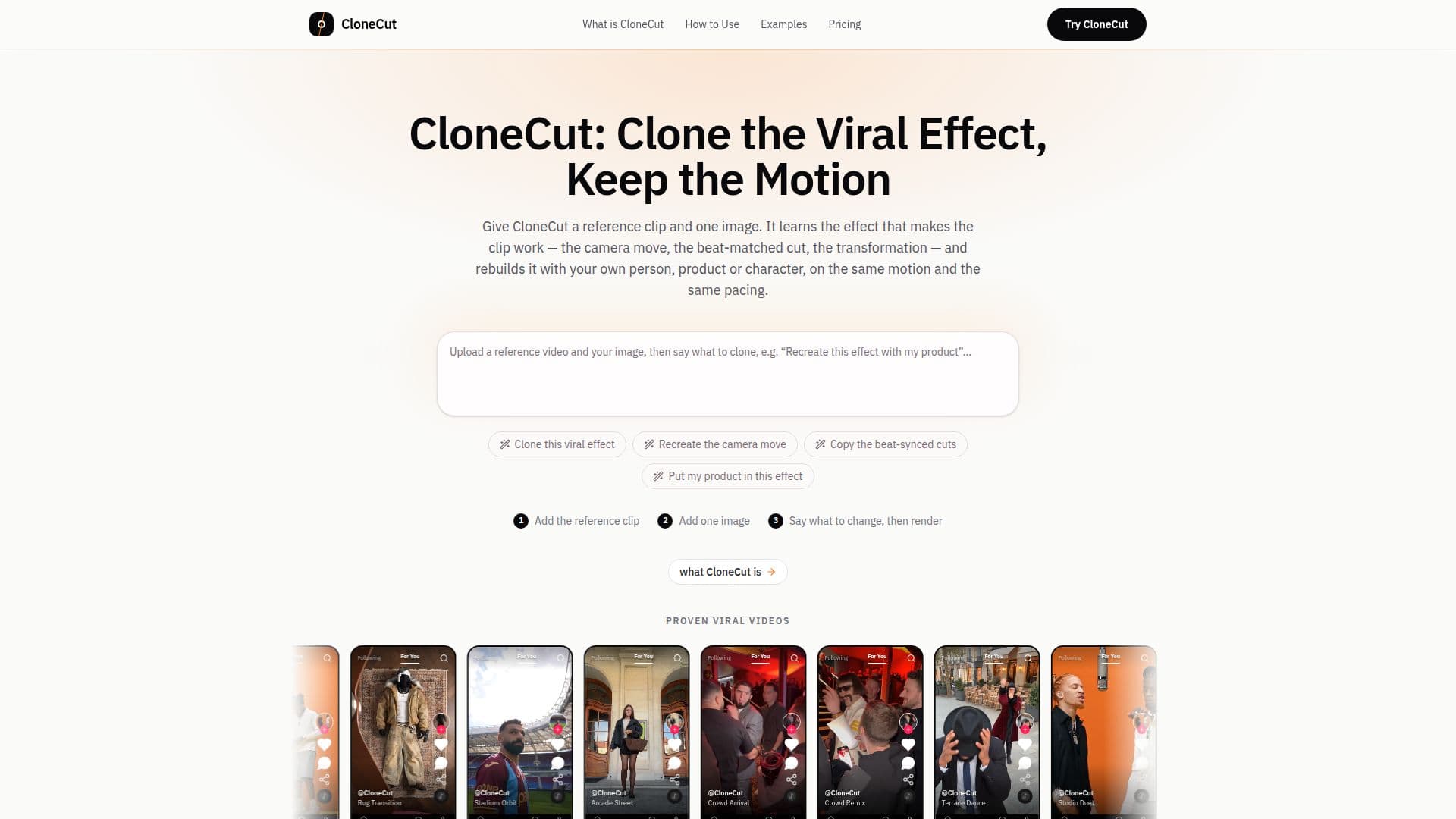
CloneCut is an AI video cloner designed to help users recreate viral video effects with their own subjects. The tool works by analyzing a reference video to understand its motion, camera movements, cut points, and pacing. Users then provide a single image of their desired person, product, object, or scene, and CloneCut generates a new version of the clip that incorporates the new subject while maintaining the original visual structure.
Read More
Unlike single-purpose editing tools that modify existing clips, CloneCut rebuilds the effect from its core structure. This means the output is a fresh version of the format rather than a patched copy. The workflow is straightforward: upload a reference clip, add an image, and provide a simple sentence describing the desired change. No editing skills, keyframes, masks, or timelines are required, as the entire process runs in the browser.
CloneCut is particularly effective for short-form videos, with optimal reference clips being three to twenty seconds long, featuring one clear subject, steady or slow camera movement, and even lighting. It supports replacing people, products, characters, or mascots, making it versatile for various content creation needs. Product-focused clips, especially those involving objects turning or dropping into frame, tend to yield excellent results due to easily readable motion.
The platform offers output resolutions of 480p, 720p, or 1080p, with a maximum clip length of 20 seconds per render. All exports are delivered as MP4 files without watermarks. CloneCut operates on a credit-based system, where users pay for each generation. The credit cost for a request is displayed before confirmation, ensuring transparency. If a render fails due to system issues, credits are automatically refunded.
CloneCut is a paid service with no free trial, offering monthly and yearly subscription plans (Lite, Pro, Ultra) as well as one-time credit packs. Yearly plans provide a 50% discount compared to monthly rates. The tool emphasizes responsible use, requiring users to only use footage, images, and likenesses they own or are licensed to use, and to label AI-edited video as required by platforms or local laws. New effect formats are announced within the app and on the website, with dedicated pages under /effects/ once they meet the platform's standards.
- CategoryVideo Generation & Editing
- Pricing ModelSubscription, Credit Packs
- DeploymentCloud
- PlatformsWeb
CloneCut's Core Features
Recreate viral video effects with custom subjects
Preserves original motion, camera work, and pacing
Replaces people, products, objects, or characters
Browser-based workflow, no installation required
No editing skills needed: clip, image, and sentence input
Supports 480p, 720p, and 1080p output resolutions
Maximum 20-second clip length per render
Exports MP4 files without watermarks
Credit-based pricing with cost displayed before render
Automatic credit refunds for failed renders
Supports vertical 9:16 and landscape aspect ratios
Accepts MP4, MOV, WebM for video; JPG, PNG, WebP for images
Offers monthly, yearly, and credit pack payment options
Provides examples of outputs, including those that did not work
How to use CloneCut?
Load Reference Clip: Upload a short video (3-20 seconds) with a clear subject, steady camera, and even light.
Add Subject Image: Provide a clear image of the person, product, object, or scene you want to insert.
Describe Change: Write a single sentence specifying what to replace and what to preserve.
Review Cost & Generate: Check the credit cost for your request and confirm to start the rendering process.
Preview & Download: Once rendered, preview the video in your browser and download the MP4 file.
CloneCut's Use Cases
- Recreating Viral Trends
- Product Showcases
- Personalized Content
- A/B Testing Video Concepts
- Short-Form Video Creation
- Marketing Campaigns
- Content Repurposing