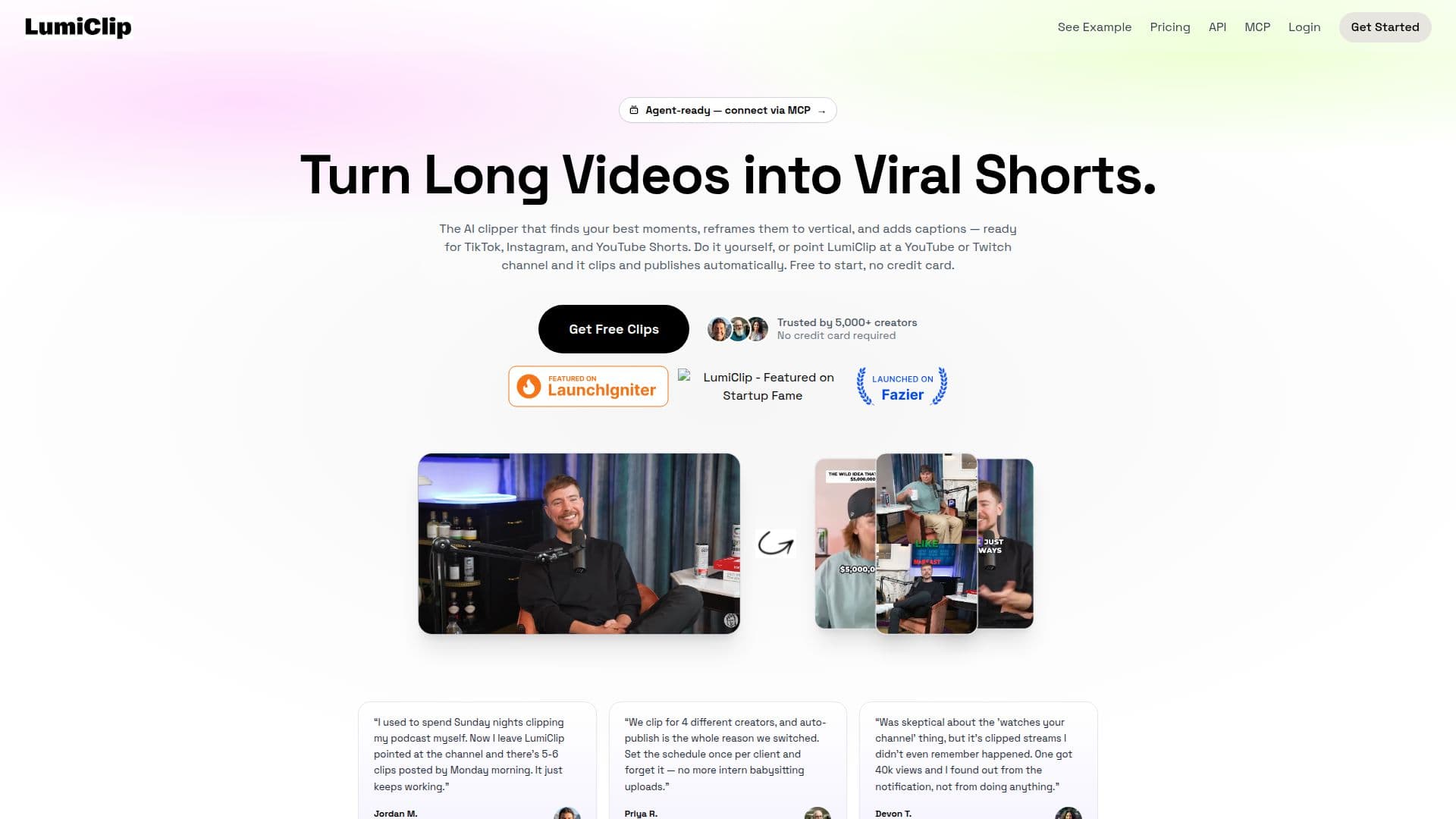
Description
LumiClip is an advanced AI video clipper designed to automate the process of converting long-form video content into engaging, viral short clips suitable for platforms such as TikTok, Instagram Reels, and YouTube Shorts. It caters to individual creators, teams, and agencies looking to maximize their content's reach without extensive manual editing.
Read More
The platform offers two primary modes of operation: a hands-on clipper and an autonomous agent. In the hands-on mode, users can import any video file, paste a YouTube or Google Drive link, and then utilize a per-scene editor to fine-tune clips. This editor allows for rearranging scenes, editing captions, layering text overlays, swapping layouts (full, split, dual-speaker, webcam-overlay), and adjusting transitions before export. For those seeking full automation, the autonomous agent can be pointed at up to 10 Twitch streamers or YouTube channels. LumiClip then automatically watches for new uploads, detects viral moments, clips them, adds captions, and publishes or schedules them to connected social accounts without manual intervention.
Key capabilities include AI viral clip detection, which scores segments based on hook strength, speech clarity, visual variety, and emotional peaks to identify attention-grabbing moments. Users can also provide custom highlight prompts in plain English to guide the AI on what specific moments to clip. The tool features vertical 9:16 reframing with active-speaker tracking, ensuring subjects remain centered. Auto-generated styled captions are available in over 30 languages, with word-level animation. Additional features include AI b-roll generation, per-clip trimming and extending, and a brand kit for consistent branding with logos, colors, and lower thirds.
LumiClip supports direct publishing and scheduling to TikTok, Instagram Reels, YouTube Shorts, LinkedIn, and Facebook. It also offers a Developer REST API and an MCP server, allowing AI assistants like Claude and Cursor to integrate and drive its clipping capabilities programmatically. Pricing includes a free plan with 60 credits per month, a Starter plan at $9.99/month, and a Pro plan at $23/month, with paid plans offering 1080p HD exports without watermarks.
- CategoryAI Video Editors
- Pricing ModelFreemium
- DeploymentCloud
- PlatformsWeb
LumiClip's Core Features
AI viral clip detection from long videos
Custom highlight prompt for AI clipping guidance
Scene editor for per-clip timeline adjustments
AI b-roll generation for contextual overlays
Per-clip trim and extend with drag handles
Auto-generated styled captions in 30+ languages
Vertical 9:16 reframing with active-speaker tracking
Import videos from YouTube, Google Drive, or direct upload
Auto-publish to TikTok, Instagram Reels, YouTube Shorts, LinkedIn, and Facebook
Schedule posts up to 30 days ahead
Automation Agent for watching and auto-publishing from YouTube/Twitch channels
Brand kit with logo, colors, and lower thirds
1080p HD exports with no watermark on paid plans
Developer REST API and MCP server for AI agents
Multi-signal AI clip selection
How to use LumiClip?
Create Account: Sign up for a free LumiClip account to get started with 60 monthly credits.
Import Video: Upload a video file, paste a YouTube or Google Drive link, or point the Automation Agent at a YouTube or Twitch channel.
Generate Clips: Let LumiClip's AI automatically detect and generate viral short clips based on hook strength, speech clarity, and visual variety.
Customize Clips: Use the scene editor to rearrange scenes, edit captions, add text overlays, swap layouts, and fine-tune transitions.
Apply Branding: Utilize the brand kit to apply logos, colors, and lower thirds for consistent branding across all clips.
Publish or Schedule: Directly publish your finished clips to TikTok, Instagram Reels, YouTube Shorts, LinkedIn, and Facebook, or schedule them for later.
Automate Channels: Configure the Automation Agent to continuously monitor selected YouTube or Twitch channels and auto-publish new content.
LumiClip's Use Cases
- Generate Viral Shorts
- Automate Social Publishing
- Repurpose Podcasts
- Content Repurposing for Agencies
- Educational Content Teasers
- Gaming Stream Highlights
- Webinar & Interview Snippets
- Back Catalogue Revitalization