Description
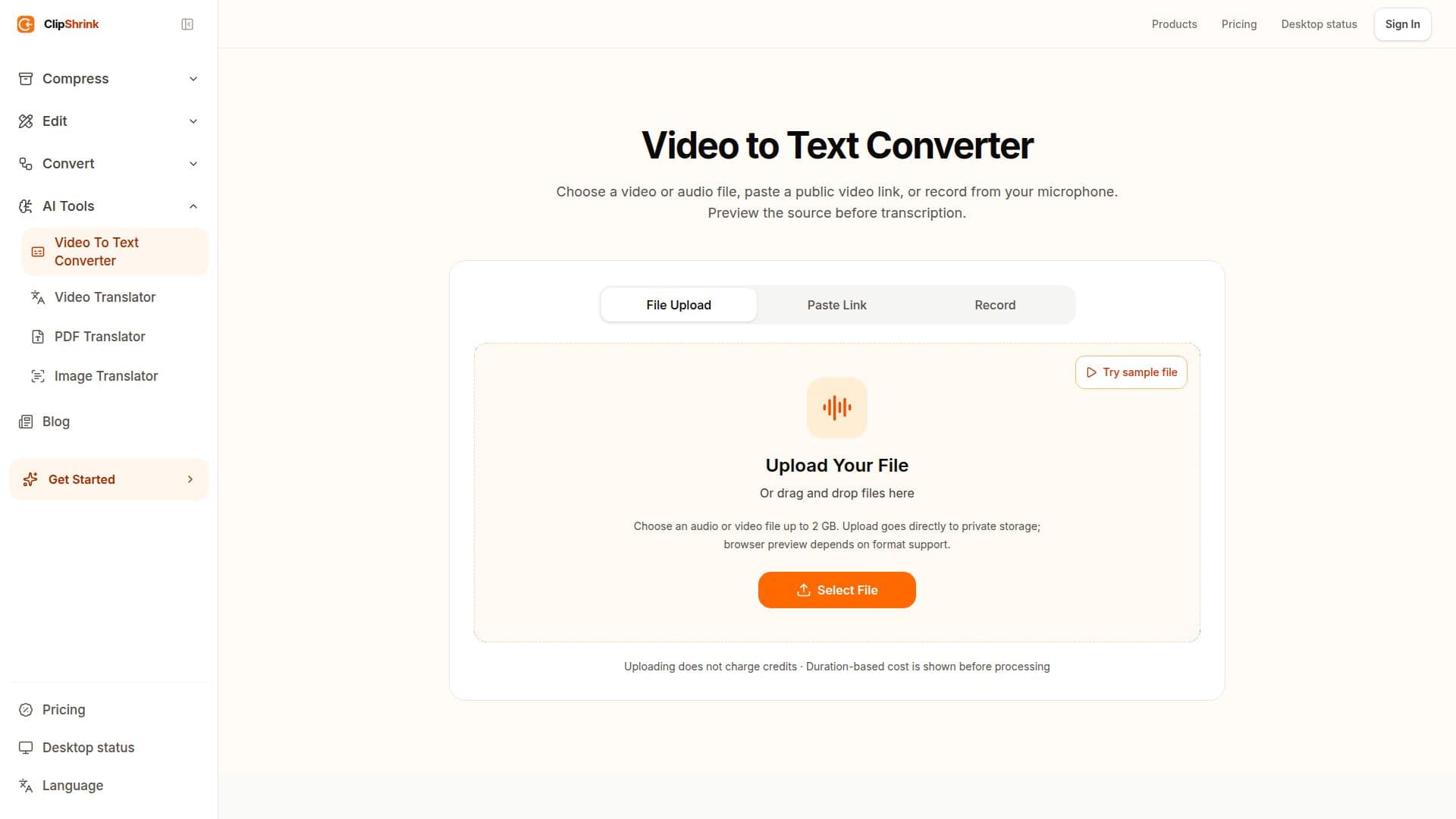
ClipShrink is a versatile tool designed for creators who need to convert video content into text. It offers a seamless way to upload videos and receive accurate transcripts and captions. Users can choose to upload a video or audio file, paste a public video link, or record directly from their microphone. The tool allows for a preview of the source before transcription, ensuring that users are aware of the duration and the associated credit cost before proceeding.
Read More
The video compression feature runs locally in the browser, ensuring privacy and speed, while the video-to-text conversion is handled in the cloud, requiring an account with credits. ClipShrink operates on a freemium model, offering 10 free welcome credits upon signup. Users can purchase additional credits in packs, with options such as $9 for 750 credits or $19 for 2,000 credits, with no automatic renewal.
ClipShrink is particularly beneficial for content creators, educators, and professionals who need to transcribe video content for accessibility, content creation, or documentation purposes. The tool's transparent pricing model and the ability to preview content before processing make it a reliable choice for users. Additionally, ClipShrink provides local editing tools for trimming, cropping, and compressing audio and video files without consuming credits.
The platform ensures that users are not surprised by unexpected charges, as the duration-based cost is shown before processing. If cloud processing is not configured, users can still preview their content without incurring any credit charges. ClipShrink's commitment to user satisfaction is further demonstrated by its refund policy, allowing users to request a refund for unused credit packs within seven days of purchase.
- CategoryAI Transcription Tools
- Pricing ModelFreemium
- DeploymentCloud
- PlatformsWeb
ClipShrink's Core Features
Video-to-text conversion
Local video compression
Cloud-based transcription
Freemium pricing model
Preview before processing
Duration-based credit cost
10 free welcome credits
Refund policy for unused credits
How to use ClipShrink?
Choose a source: Upload a file, paste a link, or record audio
Preview: Check media and get a duration-based quote
Approve: Confirm the credit cost before processing
Download: Receive the transcript and captions
ClipShrink's Use Cases
- Content Creation
- Accessibility
- Education
- Documentation
- Media Analysis