
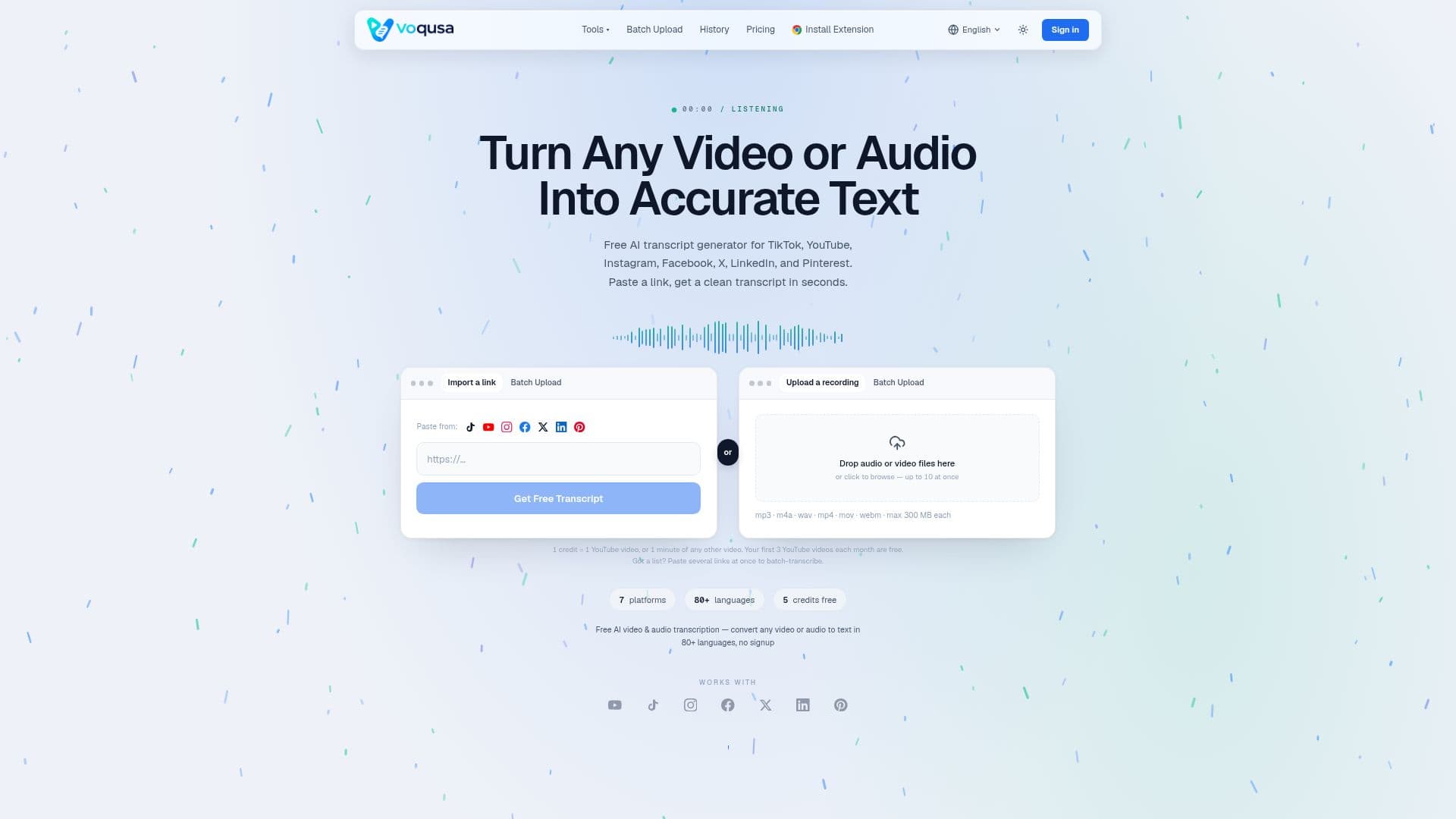
Description
Voqusa is a free online AI transcript generator that converts social-media videos and audio files into accurate, readable text in seconds. You paste a public video URL from TikTok, YouTube (Shorts and long-form), Instagram (Reels and IGTV), Facebook, Twitter/X, LinkedIn, or Pinterest, and Voqusa extracts the speech, adds punctuation and sentence breaks, and returns a clean transcript you can edit, copy, translate, or export. It also accepts direct file uploads such as MP3, M4A, WAV, MP4, and MOV for podcasts, meetings, and voice memos, and includes free in-browser subtitle converters for SRT, VTT, and TXT.
Read More
The tool runs entirely in the browser with no extension, app, or account needed for the free caption tool, and works the same on mobile. Its AI speech-to-text supports more than 80 source languages, from English and Spanish to Japanese, Korean, Arabic, and Mandarin, with automatic language detection and an interface available in 18 locales. Every transcript can be translated into 14-plus output languages inside the tool at no extra credit cost, and a built-in AI assistant can summarize, answer questions, pull key quotes, and draft posts from the transcript. For clear audio in a supported language, accuracy typically exceeds 95%, and the result stays fully editable.
Voqusa is free to try, with the first YouTube transcripts costing nothing and new accounts getting free credits. After that it uses pay-as-you-go credits (one credit per YouTube video or per minute of other speech-to-text), with packs starting at $1.99, no subscription, and credits valid for 12 months. Failed or no-speech transcriptions cost nothing, and anonymous no-signup transcripts are not stored after the session ends.
- CategoryAI Transcription Tools
- Pricing ModelFreemium
- DeploymentCloud
- PlatformsWeb
Voqusa's Core Features
Transcribe videos from TikTok, YouTube, Instagram, Facebook, X, LinkedIn, and Pinterest by pasting a URL
Direct file uploads (MP3, M4A, WAV, MP4, MOV and more) for podcasts, meetings, and voice memos
AI speech-to-text in 80+ source languages with automatic language detection
Free translation of any transcript into 14+ output languages
Automatic punctuation and sentence breaks for readable output
Built-in AI assistant for summaries, Q&A, key quotes, and post drafts
Free in-browser subtitle converters and exports for SRT, VTT, and TXT
Runs entirely in the browser with no install and no signup for the free caption tool
How to use Voqusa?
Paste a video link: Copy any public video URL from a supported platform, or upload an audio or video file.
Generate the transcript: Voqusa extracts the speech, applies punctuation, and produces a clean transcript in seconds.
Edit if needed: Review and edit the fully editable text before copying or downloading.
Translate: Optionally translate the transcript into any of 14+ output languages at no extra credit cost.
Use the text: Copy it, export as TXT, SRT, or VTT, or use the AI assistant to summarize and repurpose it.
Voqusa's Use Cases
- Repurpose content
- Competitor and content analysis
- Accessibility and captions
- Interviews and research