Description
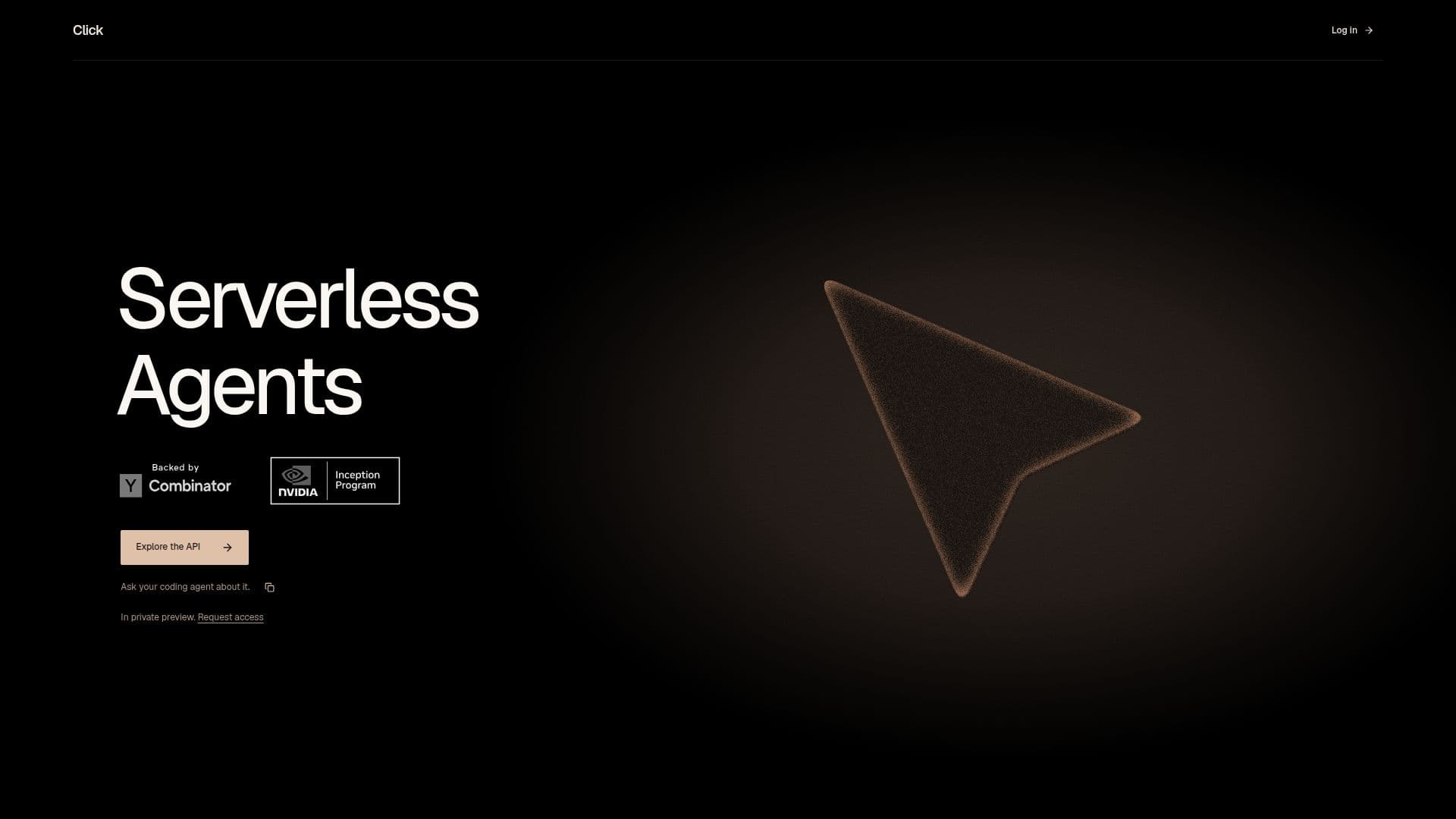
Click is a platform that provides serverless agents designed to manage execution, conversation state, tools, and isolated sandboxes over an API. It enables applications to run agents over HTTP, allowing configuration with models, instructions, and tools. The platform supports durable sessions, conversation history, and recovery, ensuring that applications can maintain control over product experiences.
Read More
The platform is currently in private preview, allowing users to request access. Click supports integration with various models, including Anthropic, OpenAI, and Google, and enables users to connect their own MCP servers and HTTP endpoints. Built-in capabilities include web search, browser automation, and a managed sandbox for files and commands.
Click's API allows applications to submit tasks, receive results through live event streams, signed webhooks, or API reads, and manage tool grants and encrypted credentials. The platform ensures tenant isolation and tool grant enforcement, providing a secure environment for operations.
Applications can use Click for long-running and background tasks, allowing users to close tabs and receive notifications when tasks are completed. The platform also supports live product experiences, enabling streaming of text, thinking, and tool activity to user interfaces.
Click's core concepts include agents, sessions, submissions, entries, credentials, connections, and artifacts, each playing a crucial role in the platform's operation. The platform provides a comprehensive API reference, guiding users through the process of building integrations and managing sessions effectively.
- CategoryAI Agent Builders
- Pricing ModelContact sales
- DeploymentCloud
- PlatformsWeb
Click's Core Features
Serverless agent execution
Durable session management
Integration with multiple models
Tool grant enforcement
Encrypted credential storage
Live event streaming
Web search and browser automation
Managed sandbox for files
How to use Click?
Configure: Set up your model and tools
Use: Start a session and submit tasks
Integrate: Connect MCP servers and HTTP endpoints
Optimize: Stream progress and manage tool grants
Click's Use Cases
- Customer Support
- Data Analysis
- Web Automation
- File Management
- Model Integration