
Description
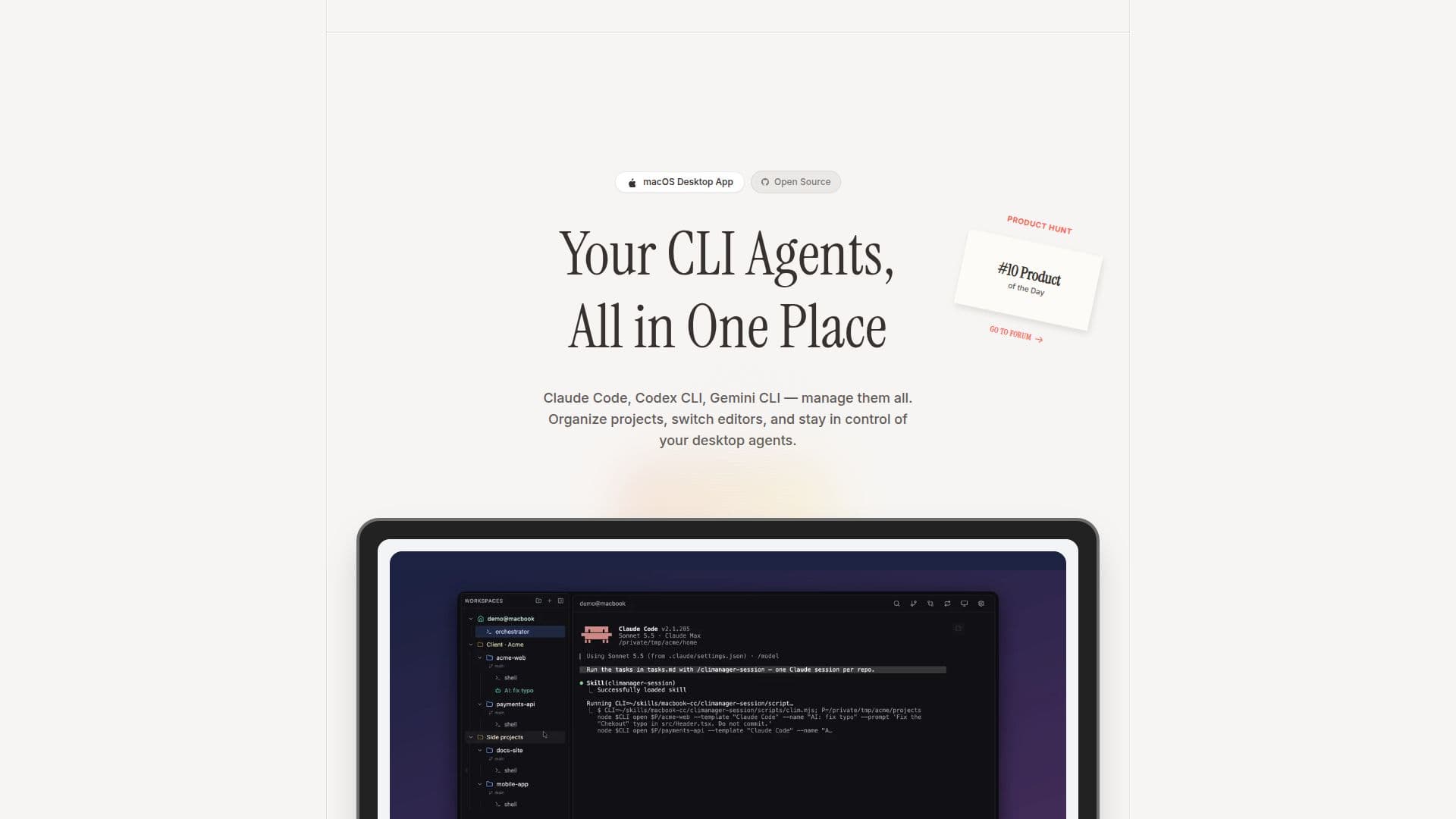
CLI Manager is a comprehensive macOS desktop application designed for developers who manage multiple CLI agents such as Claude Code, Codex CLI, and Gemini CLI. This tool provides a unified dashboard where users can organize projects, rename agents, and switch between editors like VS Code and Cursor instantly. One of its standout features is the AI Control API, which allows AI agents to open and drive terminal sessions, send prompts, and read the screen over a secure, local-only connection. This feature is off by default but can be enabled in the settings.
Read More
The application supports session status updates from official Claude Code and Codex hooks, complete with usage-limit meters. It also includes a Loop Dashboard for monitoring Claude Code loop sessions, an in-app diff review feature that sends line comments back to the agent, and the ability to use Git worktrees as independent workspaces. Users can also benefit from a per-session memo pad to keep track of important notes.
CLI Manager is free and open source, licensed under the MIT license since version 1.5.0. It is currently available for macOS, with plans to support Windows in the future. However, Linux support is not yet on the roadmap. The application ensures data safety by processing everything locally and is Apple notarized for security.
Ideal for developers juggling multiple AI agents, CLI Manager offers a streamlined solution to manage CLI tools without vendor lock-in. Its open-source nature and robust feature set make it a valuable tool for enhancing productivity and efficiency in managing CLI agents.
- CategoryAutomation & Agents
- Pricing ModelFree
- DeploymentDesktop app
- PlatformsmacOS
CLI Manager's Core Features
Unified dashboard for CLI agents
AI Control API for terminal sessions
Supports Claude Code, Codex CLI, Gemini CLI
Switch between editors instantly
Session status updates with usage meters
Loop Dashboard for Claude Code
In-app diff review with line comments
Git worktrees as independent workspaces
Per-session memo pad
Free and open source under MIT license
How to use CLI Manager?
Download: Get the macOS build or build from GitHub
Install: Follow installation instructions for macOS
Configure: Set up your CLI agents and preferences
Use: Manage agents and projects from the dashboard
Optimize: Enable AI Control API for enhanced features
CLI Manager's Use Cases
- Project Management
- Agent Renaming
- Editor Switching
- AI Session Control
- Session Monitoring