
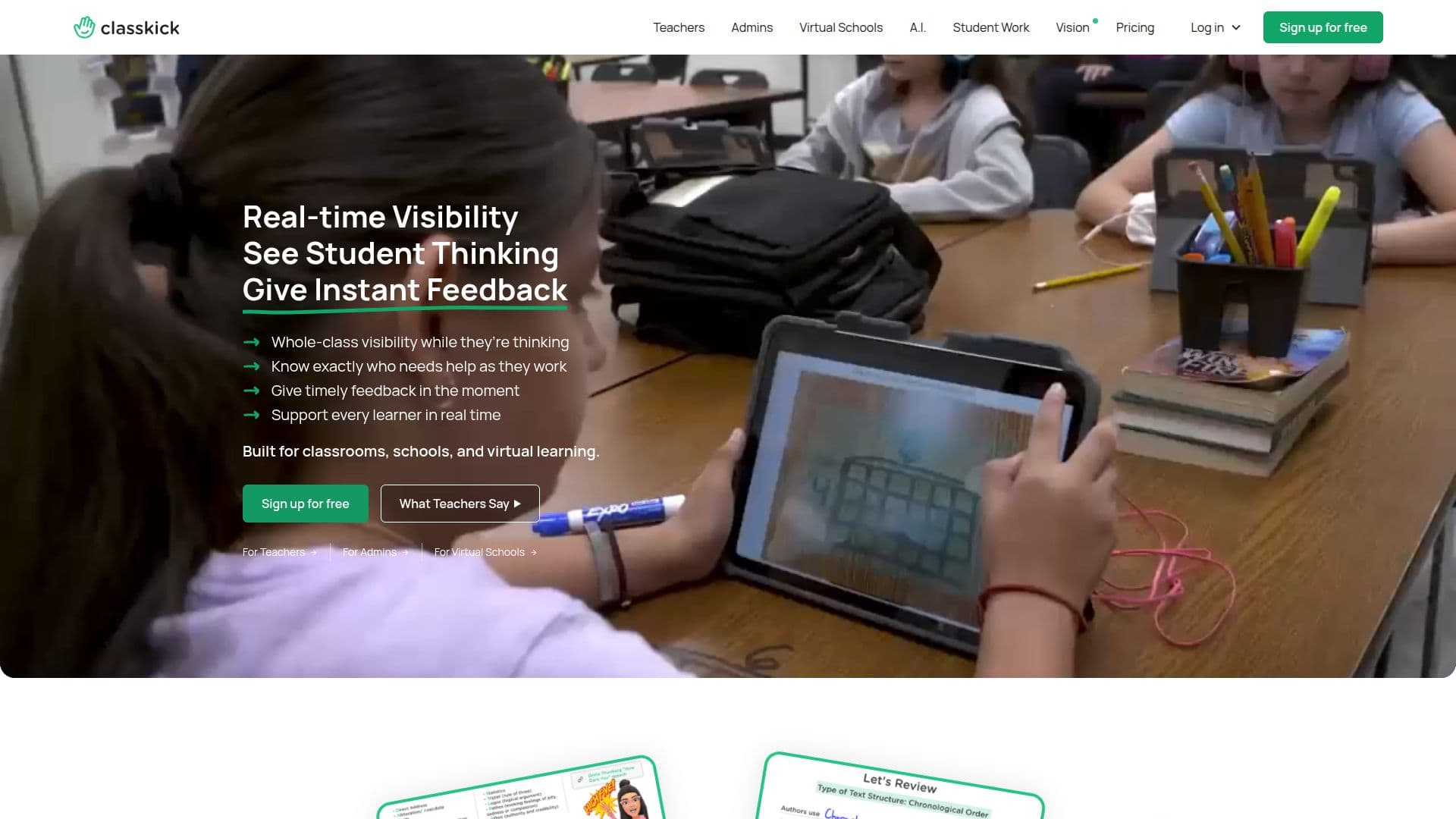
Description
Classkick is an innovative educational tool designed to enhance student learning by providing real-time feedback and visibility into student progress. Teachers can upload PDFs, slides, images, and Google Docs to create assignments that align with their existing curriculum or develop new ones. Students can show their thinking by solving problems, writing, drawing, and explaining their answers, whether in class or online.
Read More
The platform allows teachers to see student work in real time, enabling them to give timely feedback and support each learner effectively. Classkick is built for classrooms, schools, and virtual learning environments, making it versatile for different educational settings. It offers whole-class visibility, allowing teachers to know exactly who needs help as they work and provide guidance in the moment.
Classkick includes AI features such as the AI Student Helper, which assists students in getting unstuck during assignments, and AI Assignment Create, which helps teachers build curriculum-aligned assignments faster. These features support consistent instruction across classrooms and save prep time for educators.
The platform offers various pricing plans, including Basic, Starter, Expert, and Champion, each with different assignment slots and features. Classkick integrates with Google Classroom and allows exporting student grades and answers. It is perfect for teachers who want to enhance student engagement and differentiation in their instruction.
Classkick is suitable for teachers, administrators, and virtual schools, providing real-time instructional visibility and supporting synchronous or asynchronous learning. The platform empowers teachers to monitor live student participation and provide immediate feedback, making it a valuable tool for enhancing educational outcomes.
- CategoryEducation & Research
- Pricing ModelFreemium
- DeploymentCloud
- PlatformsWeb, iPad
Classkick's Core Features
Real-time feedback
Whole-class visibility
Upload curriculum materials
AI Student Helper
AI Assignment Create
Google Classroom integration
Export student grades
Assignment slots
How to use Classkick?
Upload: Add PDFs, slides, images, and Google Docs
Monitor: See student progress in real time
Feedback: Provide instant feedback to students
Integrate: Use with Google Classroom
Classkick's Use Cases
- Real-time feedback
- Virtual learning
- Curriculum integration
- Student engagement
- Differentiated instruction