
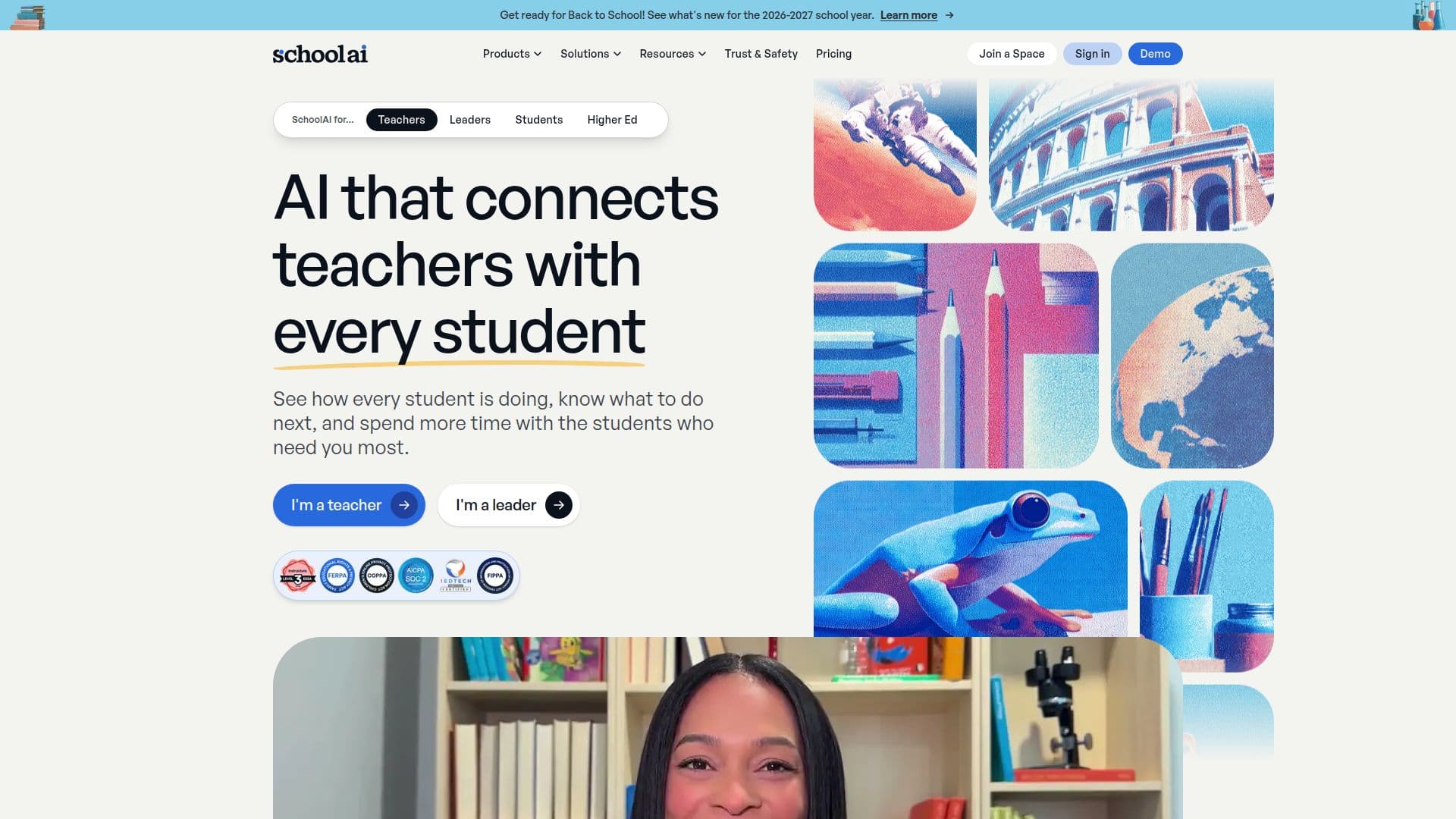
Description
SchoolAI is an AI platform built specifically for education, designed to help every teacher reach every student. Teachers create Spaces, tailored AI-powered learning experiences that define what students see and how the AI responds, while students learn with a governed AI Sidekick that adapts to how they learn. The platform keeps teachers in control and provides real-time visibility into student progress.
Read More
Mission Control shows teachers who is engaged, who is stuck, and what to do next, so no student slips through the cracks. PowerUps are focused AI apps, such as a document editor, presentation creator, image generator, graphing calculator, flashcards, and mindmaps, that students use alongside the AI. A browser extension brings AI-powered feedback, lesson creation, and personalized experiences into the tools teachers already use, and 200,000+ premade Spaces and resources are available out of the box.
SchoolAI is built on trust and student safety: it flags crises in real time, never poses as human, and connects students to trusted adults. Every safeguard and content boundary is configurable by educators, AI providers are contractually bound never to train on or sell student data, and the platform is SOC 2 Type 2 compliant, 1EdTech certified, and FERPA and COPPA compliant. It is ESSA Level III validated, qualifying for Title I, II, III, and IV-A federal funds.
Pricing spans a free trial and Pro and Scale tiers. The free trial offers up to 5 Space launches per year, while Pro adds unlimited Spaces, SIS-powered rostering, admin alert routing, LMS integration, standards alignment, and a dedicated customer success manager. Scale adds district-wide, LMS-embedded Spaces, student portals with the AI Sidekick, student-level insights, and district-level governance.
- CategoryAI Tutors & Homework Help
- Pricing ModelFreemium
- DeploymentCloud
- PlatformsWeb
SchoolAI's Core Features
Teacher-designed AI learning experiences (Spaces)
Governed student AI tutor (Sidekick / Dot)
Mission Control for real-time student progress insight
PowerUps: AI apps like document editor, image generator, flashcards, and mindmaps
Browser extension for AI feedback and lesson creation
200,000+ premade Spaces and resources
Real-time crisis flagging and configurable safety guardrails
SIS rostering, LMS integration, and standards alignment
How to use SchoolAI?
Build a Space: Design a tailored AI learning experience in minutes.
Assign to students: Launch the Space so students learn with a governed AI Sidekick.
Monitor with Mission Control: See who is engaged, who is stuck, and what to do next.
Add PowerUps: Give students AI apps to create, practice, and explore.
Scale up: Add rostering, LMS integration, and district governance as adoption grows.
SchoolAI's Use Cases
- Personalized classroom learning
- Small-group and differentiated instruction
- Teacher productivity
- District-wide rollout
- Progress monitoring