Description
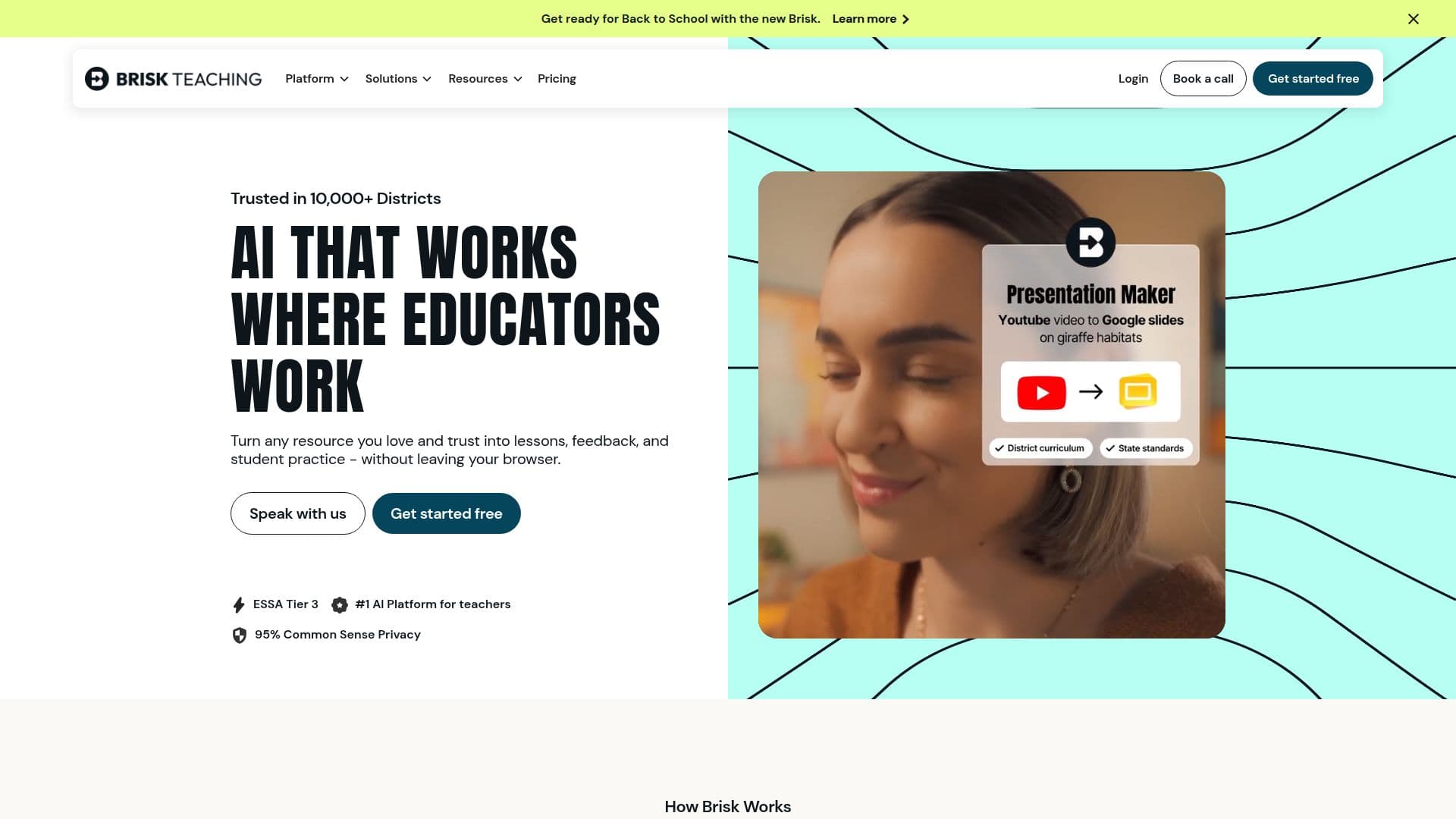
Brisk Teaching is an AI-driven platform that empowers educators by integrating artificial intelligence into their existing tools. It is designed to streamline the creation of curriculum, provide insightful feedback, and differentiate instruction to meet diverse student needs. The platform functions as both a web-based application and a Chrome/Edge extension, making it accessible and easy to use within familiar environments like Google Docs, Microsoft Word, and other educational resources.
Read More
Brisk Teaching offers a variety of tools that cater to different aspects of teaching. The Lesson Plan Generator and Presentation Maker allow teachers to quickly create classroom-ready materials. The platform also includes features like the Inspect Writing Tool, which helps educators assess the authenticity of student work by providing a detailed view of the writing process.
One of the standout features of Brisk Teaching is its feedback capabilities. Teachers can use the platform to generate personalized feedback for individual students or entire classes, saving time while maintaining quality. The Glow & Grow Feedback tool offers constructive insights, helping students understand their strengths and areas for improvement.
Brisk Teaching is available as a free Chrome and Edge extension, with a Free Forever Plan that includes over 20 essential AI-powered tools. For schools and districts seeking more advanced features, the platform offers a Premium Plan that unlocks additional capabilities such as batch feedback, student interventions, and standards alignment.
Designed for teachers, schools, and districts, Brisk Teaching aims to enhance instructional quality and support personalized learning at scale. It is particularly beneficial for educators who need efficient tools to manage their workload and improve student outcomes. By integrating AI into everyday teaching tasks, Brisk Teaching helps educators focus more on teaching and less on administrative tasks.
- CategoryEducation & Research
- Pricing ModelFreemium
- DeploymentCloud, Browser extension
- PlatformsChrome, Edge
Brisk Teaching's Core Features
AI-powered curriculum creation
Personalized feedback generation
Differentiated instruction tools
Chrome and Edge extension
Lesson Plan Generator
Presentation Maker
Inspect Writing Tool
Glow & Grow Feedback
How to use Brisk Teaching?
Install: Add Brisk extension to Chrome or Edge
Configure: Set preferences for lesson plans and feedback
Use: Generate instructional materials and feedback
Optimize: Utilize insights to improve teaching strategies
Brisk Teaching's Use Cases
- Lesson Planning
- Feedback Generation
- Curriculum Development
- Student Assessment
- Instructional Differentiation