Description
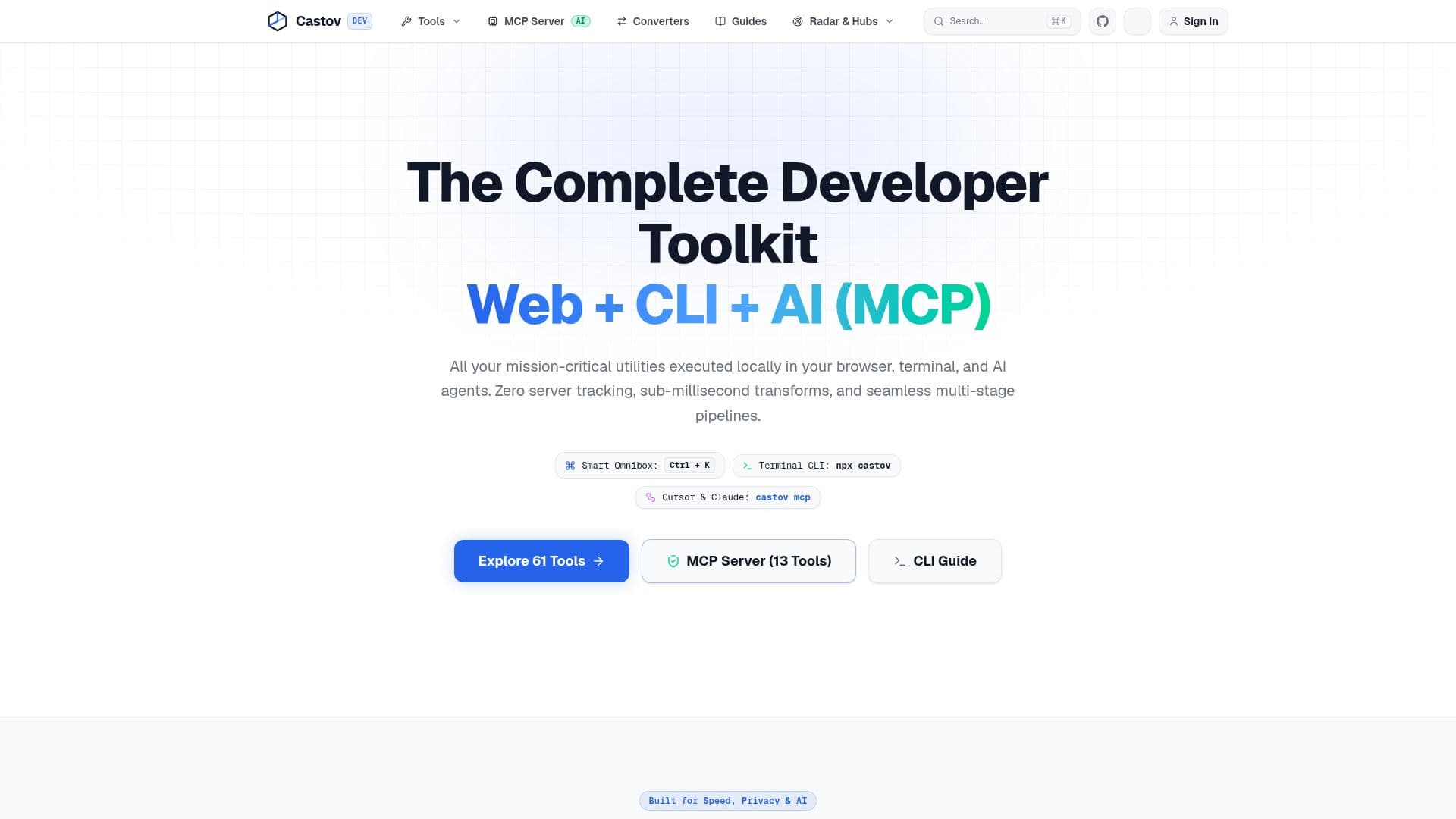
Castov is a robust developer platform designed for modern software teams, offering a suite of 100% client-side tools accessible via web, command-line interface (CLI), and as a Model Context Protocol (MCP) server for AI agents like Cursor and Claude. The platform prioritizes privacy and performance, ensuring zero-data logging for most operations, with all cryptography, JWT inspection, JSON formatting, and timestamp parsing executing directly in local browser memory. This architecture means not a single keystroke is sent to external servers, providing a secure environment for sensitive development tasks.
Read More
The platform offers a unified ecosystem where 13 core utilities function consistently across web browsers, local terminals (via the `castov` CLI), and within AI editors. A key feature is "Tool Pipelines," which allows developers to seamlessly pass outputs between utilities, such as converting JSON directly to TypeScript interfaces or integrating Cron schedules into world timezones, eliminating the need for clipboard juggling.
Castov also includes advanced capabilities like Encrypted URL Shares, which compress payloads into the URL hash fragment for instant, secure sharing with teammates without server exposure. For team collaboration, it offers E2EE Cloud Sync and Team Vaults, enabling GitHub account integration to sync preferences and share `.env` files securely using RSA-OAEP encryption, preventing cleartext exposure in chat channels.
Deployment flexibility is a core tenet, with Castov supporting execution within local terminals, Docker containers, AI editors, and automated CI/CD pipelines. A Docker Hub image is available for running the CLI and MCP runtime in an isolated, non-root Alpine container. Beyond standard formatters, Castov provides sophisticated tools such as a P2P Multiplayer Canvas for visual data pipeline building with real-time WebRTC and CRDTs, and Steganography Environment Vaults that hide AES keys within image pixels for invisible, in-browser sharing of environment variables.
For AI development, Castov features an LLM Token & Cost Visualizer to estimate BPE tokenization and calculate real-time API costs across models like GPT-4o, Claude 3.5 Sonnet, Gemini 1.5, and DeepSeek V3. The MCP Server (v1.4.0) enhances AI editors with deterministic local execution, offering tools for port/process inspection, IPv4 CIDR calculation, UUID decoding, Cron scheduling, JWT inspection, and secret leak scanning. The platform is entirely free, with no account or usage limits, though future ads may be introduced to cover operational costs.
- CategoryAI DevOps & Cloud Tools
- Pricing ModelFree
- DeploymentClient-Side, CLI, Docker
- PlatformsWeb, Terminal, AI Editors (Cursor, Claude)
Castov's Core Features
100% Client-Side Execution: All tools run locally in the browser, terminal, or AI agents.
Zero-Data Logging: No keystrokes or sensitive inputs are sent to external servers.
Unified Ecosystem: 13 core utilities work across Web, CLI, and AI (MCP) environments.
Tool Pipelines: Seamlessly pass outputs between utilities (e.g., JSON to TypeScript).
Encrypted URL Shares: Securely share inputs and settings via URL hash fragments.
E2EE Cloud Sync & Team Vaults: Sync preferences and share encrypted .env files with GitHub integration.
Model Context Protocol (MCP) Server: Provides local execution superpowers for AI editors like Cursor and Claude.
LLM Token & Cost Visualizer: Estimate BPE tokenization and API costs for various LLM models.
P2P Multiplayer Canvas: Visual node-editor for building real-time data pipelines using WebRTC and CRDTs.
Steganography Environment Vaults: Hide encrypted environment variables within image pixels.
Local API Mocker: Simulate API payloads entirely in the browser's Service Worker.
Native CLI: Instant developer toolkit for local terminal use, installable globally or via npx.
TypeScript SDK: Zero-dependency utilities for UUIDs, Unix timestamps, Cron parsing, and JWT decoding.
VS Code Extension: Official zero-server developer toolkit directly in the editor with MCP Server setup.
Docker Hub Integration: Run CLI and MCP runtime in isolated, non-root Alpine containers.
How to use Castov?
Access Tools: Navigate to castov.com to use browser-based utilities or install the CLI/VS Code Extension.
Utilize Core Tools: Select from categories like Timestamp, Date & Duration, Time Zones, or Developer for specific tasks.
Create Pipelines: Use the "Pipe to..." feature to chain outputs from one utility as input for another.
Share Securely: Generate encrypted URL shares for inputs, diffs, and settings to collaborate with teammates.
Sync Preferences: Connect your GitHub account to sync pinned utilities, presets, and dev preferences across devices.
Integrate with AI: Set up the MCP Server for Cursor or Claude to enable deterministic local execution for AI agents.
Mock APIs: Use the Local API Mocker to test frontends without a backend by simulating payloads in the browser.
Explore Advanced Labs: Experiment with P2P multiplayer canvas, steganography, and other client-side computing tools.
Castov's Use Cases
- Time Zone Conversion
- Unix Timestamp Management
- JSON to TypeScript Conversion
- Cron Expression Generation
- Secure Environment Variable Sharing
- AI Agent Local Execution
- LLM Tokenization & Cost Estimation
- API Mocking for Frontend Development
- Real-time Data Pipeline Building
- Code Snippet Transformation