Description
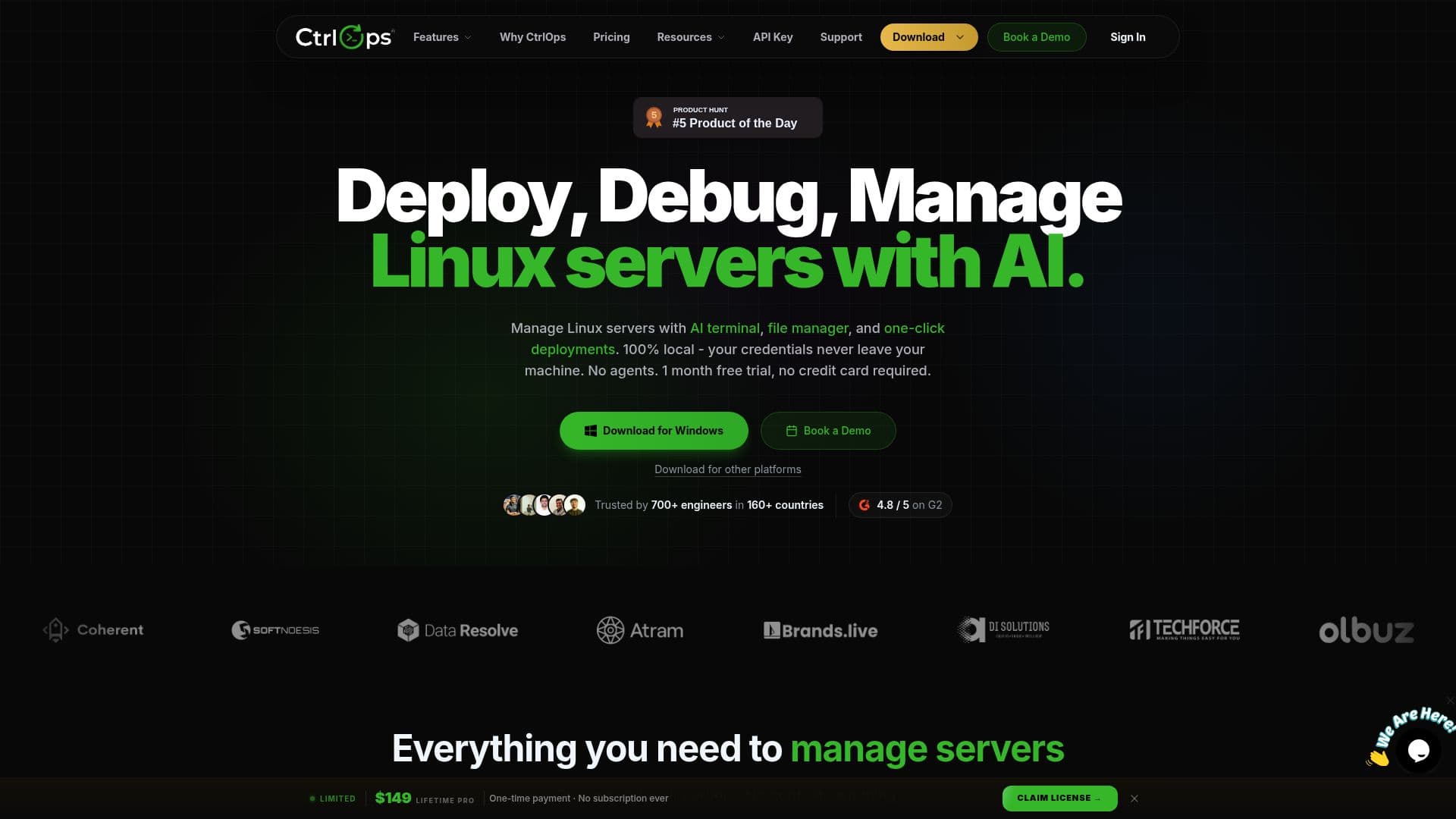
CtrlOps is a comprehensive desktop application tailored for developers and DevOps teams to efficiently manage Linux servers. It operates on a local-first architecture, ensuring that all SSH keys and server credentials remain encrypted on the user's machine, never touching the cloud. This design prioritizes privacy and security, making it a reliable choice for sensitive server management tasks.
Read More
The application integrates a variety of features into a single cohesive workflow. Users can access an AI-assisted terminal that not only diagnoses terminal errors but also generates precise commands and explains complex logs in plain English. This AI capability acts as a 24/7 senior DevOps engineer, providing guidance on server hardening and troubleshooting.
CtrlOps supports multi-server management, allowing users to add unlimited servers, which can be tagged and starred for easy access. The platform's dashboard is designed for seamless navigation, enabling users to open multiple servers simultaneously in separate tabs.
Pricing for CtrlOps is straightforward. It offers a one-month free trial with no credit card required, allowing users to explore all Pro features. Post-trial, the service costs $7 per user per month or $70 per user per year, with a lifetime access option available for a one-time payment of $149.
The application is compatible with macOS, Windows, and Linux, and connects to any remote Linux server with SSH enabled. It is entirely agentless, requiring no additional software installation on remote servers. This makes CtrlOps a versatile tool for managing server fleets without the hassle of maintaining multiple applications.
CtrlOps is developed by TST Tech Matrix Pvt Ltd, based in Ahmedabad, India. The company emphasizes a privacy-first approach, ensuring that users' data remains secure and local. With features like real-time monitoring, file management, and one-click deployments, CtrlOps streamlines server management tasks, enhancing productivity and reducing the risk of errors.
- CategoryAI DevOps & Cloud Tools
- Pricing ModelFreemium
- DeploymentOne-click
- PlatformsmacOS, Windows, Linux
CtrlOps's Core Features
AI-assisted terminal with command approval
Local-first architecture with encrypted storage
Real-time monitoring of server metrics
Multi-server management with tagging and search
Agentless SSH access and management
One-click deployment for Node.js, Next.js, and React
Visual file manager with drag-and-drop support
Scheduled backups to cloud storage
How to use CtrlOps?
Download and install CtrlOps on your desktop
Connect to your Linux servers using SSH
Utilize the AI terminal for troubleshooting
Monitor server metrics in real-time
Deploy applications with one-click
Manage files visually with the file manager
Schedule backups and manage server access
CtrlOps's Use Cases
- Multi-Server Management
- AI-Assisted Troubleshooting
- Real-Time Monitoring
- Secure SSH Access
- One-Click Deployments