Description
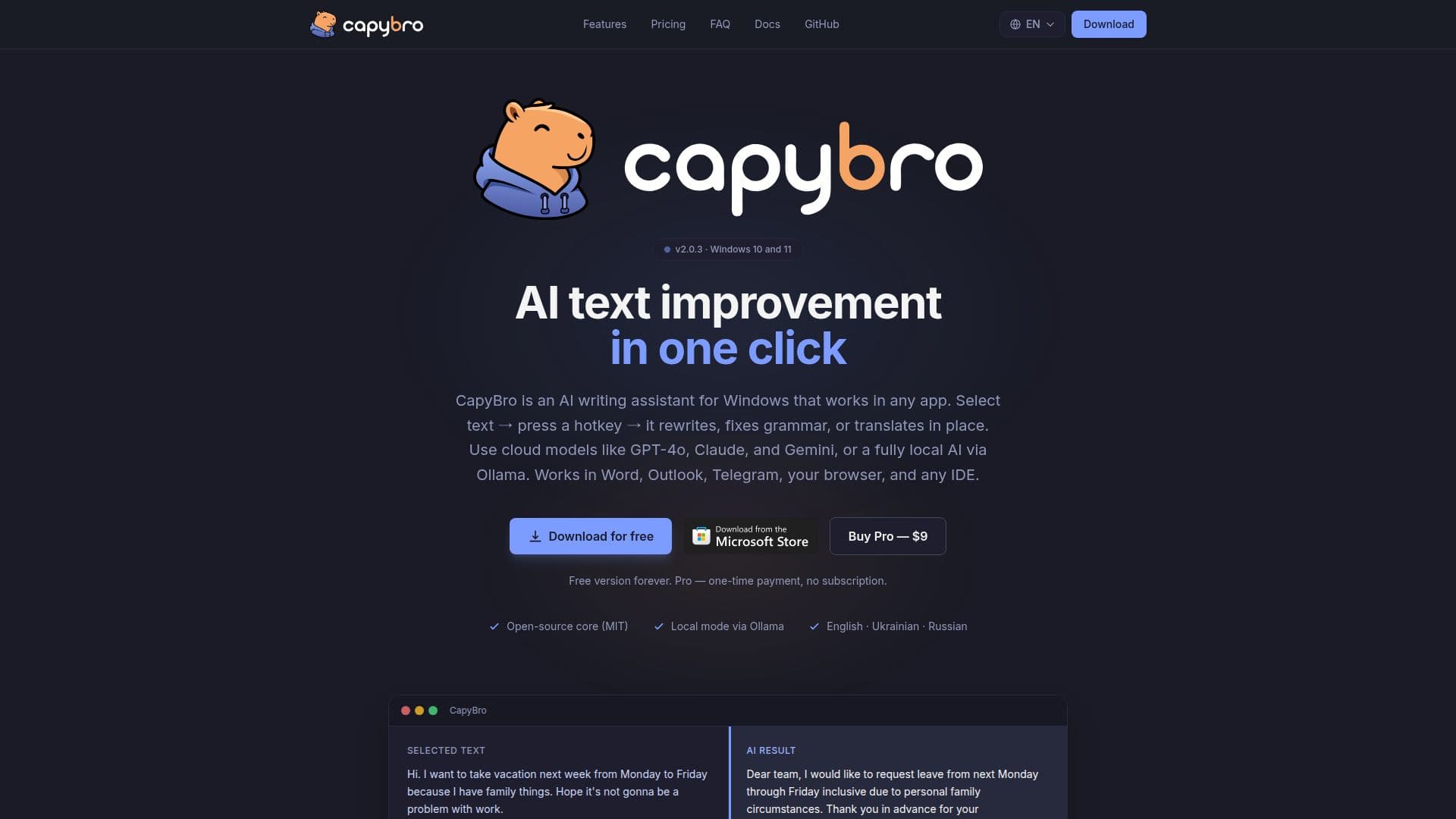
CapyBro is a versatile Windows tray utility designed to enhance text editing tasks through AI-driven rewriting, error correction, and translation. It operates via a global hotkey, allowing users to select text in any application, such as Word, browsers, or email clients, and instantly improve it. The app supports both cloud-based AI models via OpenRouter and local processing through Ollama, ensuring privacy and flexibility.
Read More
The core version of CapyBro is free and open-source under the MIT license, providing essential text rewriting capabilities without any subscription fees. Users can access advanced features by upgrading to the Pro version for a one-time payment of $9. This upgrade includes premium prompt packs, history export options, a model-switch hotkey, and usage statistics, all with priority email support.
CapyBro is compatible with Windows 10 and 11, leveraging specific Windows APIs for seamless integration across various applications. It supports multiple languages, including English, Ukrainian, and Russian, and offers privacy-preserving features like PII redaction and diff previews.
The app is particularly beneficial for students, developers, and writers, offering tools to polish essays, improve code documentation, and enhance creative writing. CapyBro's local processing mode via Ollama ensures that sensitive information remains secure, making it suitable for environments with strict privacy requirements.
Overall, CapyBro provides a comprehensive solution for text improvement tasks, combining ease of use with powerful AI capabilities, all while maintaining user privacy and offering a cost-effective upgrade path for power users.
- CategoryAI Writing Assistants
- Pricing ModelFreemium
- DeploymentWindows
- PlatformsWindows 10, Windows 11
CapyBro's Core Features
Global hotkey text rewriting
OpenRouter cloud LLM provider
Ollama local LLM provider
Custom prompt library
Improvement history
Multilingual UI
Privacy-preserving PII redaction
Diff preview
How to use CapyBro?
Install: Download and set up CapyBro on Windows
Configure: Choose AI provider and set hotkeys
Use: Select text and press hotkey for AI rewriting
Optimize: Upgrade to Pro for additional features
CapyBro's Use Cases
- Student Assistance
- Developer Tools
- Writer Support
- Multilingual Editing
- Privacy-Conscious Editing