
Description
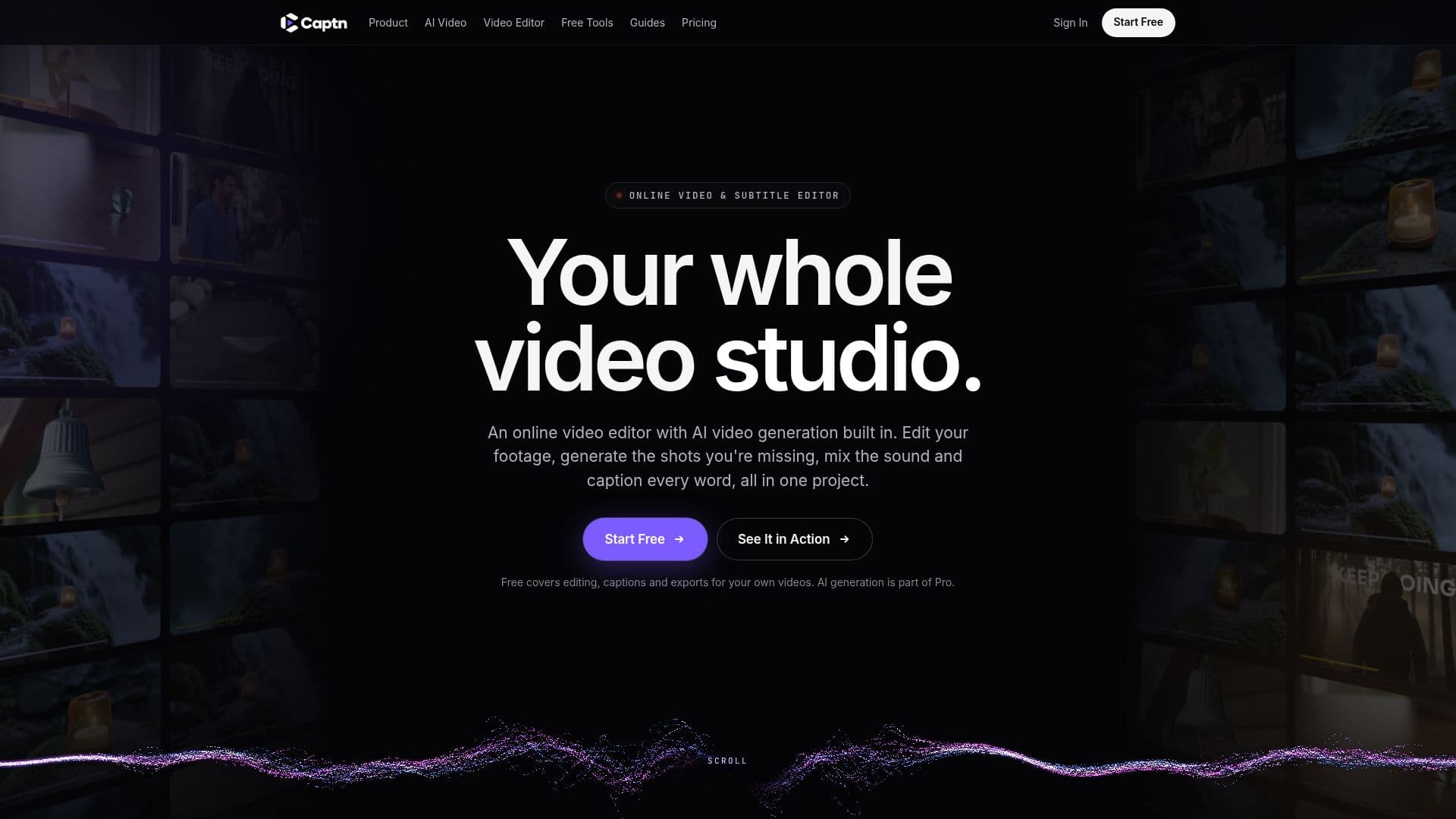
Captn offers a complete online video studio experience, integrating AI video generation with traditional editing tools in a single browser workspace. Users can begin by uploading their existing footage or screen recordings, or, with a Pro plan, generate new shots from text prompts or existing frames. This seamless integration allows generated and user-uploaded content to share the same timeline, ensuring consistency in cuts, sound, and captions.
Read More
The platform's editing capabilities include building multi-clip edits with options to split, trim, reorder, and change speed, along with shaping transitions using cuts, fades, or dissolves. The AI Video Generator, available in early access for Pro users, helps fill missing shots by generating content that continues from the last frame of an existing video, directly on the timeline.
Beyond video editing, Captn provides robust sound tools, including automatic ducking for music when speech is detected, alongside customizable fades and volume controls. Users can add titles and layers, with features like tracking, depth placement (tucking titles behind subjects), and animation. The Reframing and Clips features enable users to prepare videos for various social media aspect ratios (vertical, square, landscape) and create short clips from longer recordings, with suggested moments or custom selections.
Captn's subtitle editor is a core strength, allowing users to generate automatic captions and then meticulously refine them. This includes correcting typos, adjusting timing, checking style, and managing line breaks. Users can edit the script like a document, with find and replace, split, and merge functions. The platform supports exporting captioned videos (MP4 with burned-in captions), as well as separate subtitle files (SRT, VTT, TXT) and green-screen captions. It also offers the ability to translate captions into other languages from the same project.
Captn offers a Free plan for shorter projects, covering editing, captions, and exports for user-uploaded videos, with limits on file size, source video length, monthly uploads, and automatic caption minutes. The Pro plan unlocks Generative Studio access with welcome credits, higher limits for uploads and source video length, Smart Clip making, increased automatic caption minutes, and priority rendering. Team accounts are also available.
- CategoryAI Video Editors
- Pricing ModelFreemium
- DeploymentCloud
- PlatformsWeb
Captn's Core Features
Online Video Editor
AI Video Generation (Pro plan)
Subtitle Editor with Automatic Captions
Multi-clip Timeline Editing
Sound Mixing and Ducking
Titles, Layers, and Tracking
Video Reframing for Social Media
Smart Clip Creation
Brand Kit for Fonts, Colors, Logos
Subtitle Translation
Export MP4 with Burned-in Captions
Export SRT, VTT, TXT Subtitle Files
Green-screen Captions
Free Tier Available
Pro Plan with Generative Studio Credits
How to use Captn?
Bring or Generate Footage: Upload your own video or screen recording, or use the AI video generator (Pro) to create a shot from a prompt or frame.
Edit in One Project: Utilize the timeline to cut, trim, reorder clips, add sound, titles, and refine captions.
Refine Captions: Review automatically generated subtitles, correct mistakes, adjust timing, and style them alongside your video.
Add Sound and Visuals: Incorporate music, apply ducking, add text, logos, and overlays with tracking and animation.
Reframe and Clip: Prepare different aspect ratios for social media and create short clips from your video.
Export Every Version: Download the full video, short clips, and subtitle files (MP4, SRT, VTT, TXT) from the same edit.
Captn's Use Cases
- Online Video Editing
- AI Video Generation
- Subtitle Creation and Editing
- Social Media Content Creation
- Educational Content Production
- Multilingual Video Production
- Podcast Highlights