
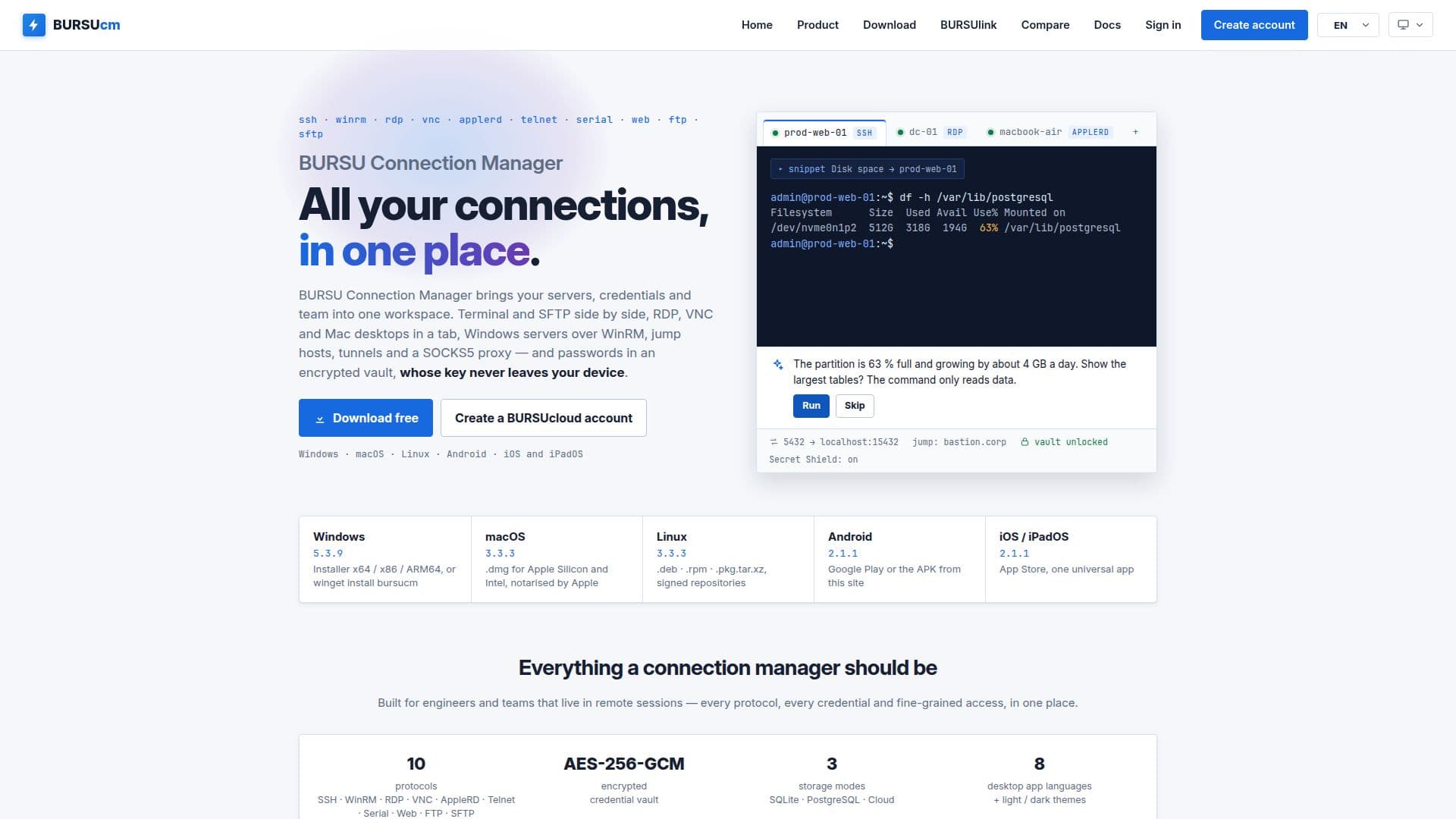
Description
BURSU Connection Manager (BURSUcm) is a comprehensive tool designed to manage various remote connections such as SSH, RDP, VNC, WinRM, and AppleRD. It supports multiple platforms including Windows, macOS, Linux, Android, and iOS, making it a versatile choice for users across different operating systems. The tool features an optional AI assistant that can be activated by adding an API key from providers like OpenAI or Google Gemini. This assistant aids in SSH and WinRM sessions, providing suggestions and automating routine tasks with user approval.
Read More
Security is a priority for BURSUcm, offering encrypted credentials and a zero-knowledge API for cloud sync. Users can store their connection details in an encrypted vault, ensuring that sensitive information remains secure. The tool also supports team collaboration through BURSUcloud, allowing for seamless sync and sharing of connection catalogs across devices.
BURSUcm is designed for both individual users and teams, providing features like session restore, multi-monitor support, and a built-in RDP engine. It also includes BURSUlink, which allows users to connect to computers behind NAT without the need for port forwarding or VPNs. This makes it particularly useful for accessing remote servers or devices in restricted network environments.
The tool is free to download and use, with BURSUcloud offering additional cloud sync and team sharing capabilities. It supports a wide range of protocols and provides a user-friendly interface for managing connections efficiently. Whether you're an IT professional managing multiple servers or a remote worker needing secure access to your office computer, BURSU Connection Manager offers a robust solution.
- CategoryProductivity
- Pricing ModelFreemium
- DeploymentCloud, Desktop
- PlatformsWindows, macOS, Linux, Android, iOS
BURSU Connection Manager's Core Features
SSH, RDP, VNC, WinRM, and AppleRD support
Optional AI assistant for SSH and WinRM
Encrypted credential vault
Zero-knowledge API for cloud sync
Multi-platform support: Windows, macOS, Linux, Android, iOS
BURSUlink for NAT traversal without VPN
Session restore and multi-monitor support
Free to download with optional cloud sync
How to use BURSU Connection Manager?
Download: Get the app from the official website
Install: Follow the installation instructions for your platform
Configure: Set up your connections and preferences
Use: Manage and access remote connections securely
BURSU Connection Manager's Use Cases
- Remote Server Management
- Team Collaboration
- Secure Remote Access
- IT Administration
- Cross-Platform Connectivity