
Description
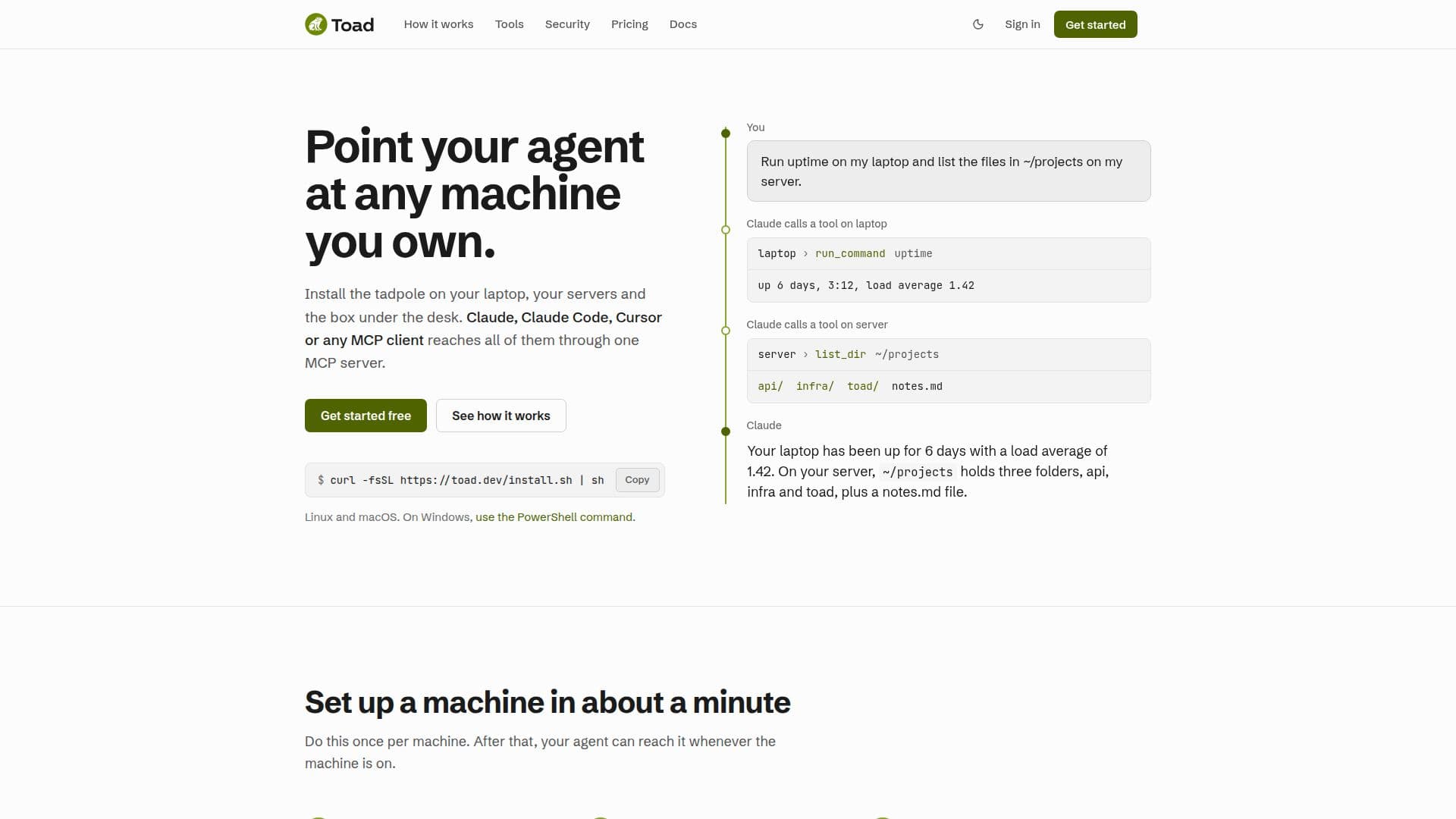
Toad is a versatile tool designed to enable users to control their machines through an AI agent. By installing a lightweight agent known as tadpole on each machine, users can pair their devices with Toad and execute various tasks seamlessly. This setup allows users to run commands, manage files, and even take screenshots across different machines without exposing their network to the internet.
Read More
The system supports macOS, Linux, and Windows, providing a comprehensive solution for managing multiple devices. Users can configure which tools are available on each machine, ensuring that sensitive operations are controlled and logged. Toad's security measures include outbound-only connections and OAuth-based authentication, eliminating the need for API keys.
Toad offers two pricing tiers: a free plan for a single machine and a Pro plan for up to 100 machines. The Pro plan includes additional features such as increased call limits, extended activity history, and email notifications. This makes Toad suitable for both individual users and larger teams who require robust machine management capabilities.
The tool is particularly beneficial for developers and IT professionals who need to maintain and monitor multiple systems. With Toad, users can efficiently manage their infrastructure, ensuring that all operations are logged and secure. The platform's flexibility and security features make it a valuable asset for anyone looking to streamline their machine management processes.
- CategoryAI Agent Builders
- Pricing ModelFreemium
- DeploymentCloud
- PlatformsmacOS, Linux, Windows
Toad's Core Features
Control machines via AI agent
Install tadpole for secure connections
Run commands and manage files
Supports macOS, Linux, and Windows
Outbound-only connections for security
OAuth-based authentication
Free and Pro pricing tiers
Comprehensive logging of activities
Customizable tool availability per machine
Email notifications for Pro users
How to use Toad?
Install: Set up tadpole on each machine
Pair: Connect machines to Toad
Configure: Choose available tools per machine
Use: Run commands and manage files
Monitor: Check logs and activity
Secure: Ensure outbound-only connections
Upgrade: Opt for Pro plan for more features
Toad's Use Cases
- Remote Machine Management
- Secure File Operations
- Command Execution
- Infrastructure Monitoring
- Development Environment Setup