Description
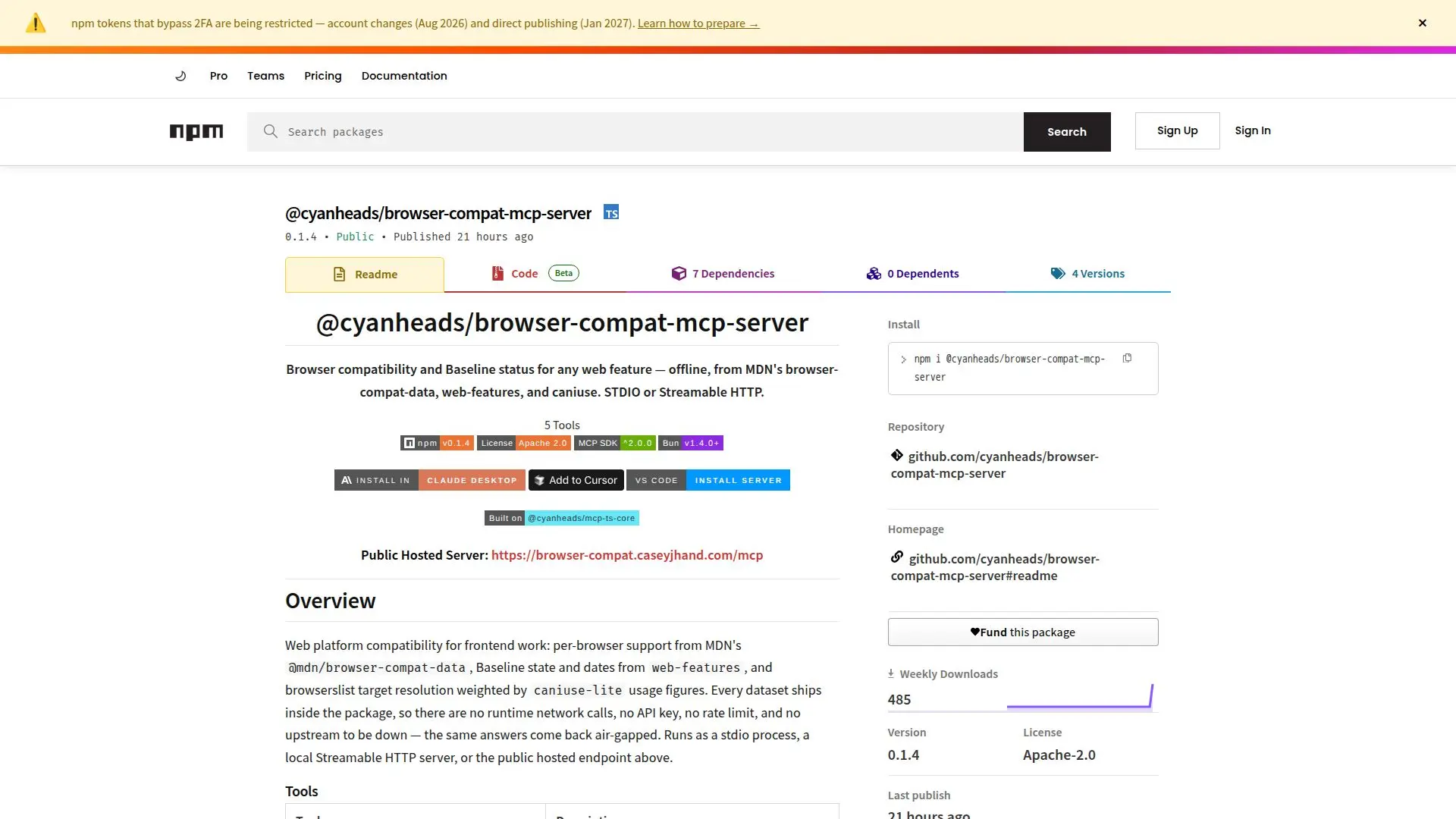
The @cyanheads/browser-compat-mcp-server is a tool designed to offer comprehensive browser compatibility and baseline status for web features. It utilizes datasets from MDN's browser-compat-data, web-features, and caniuse, providing accurate compatibility information without the need for runtime network calls, API keys, or rate limits. This server can run as a stdio process, a local Streamable HTTP server, or through a public hosted endpoint, ensuring flexibility in deployment.
Read More
Key capabilities include tools for enumerating reference vocabulary, obtaining full compatibility records for specific features, checking baseline status across multiple features, searching for features by name or keyword, and comparing feature support against explicit browserslist target queries. Each tool is designed to provide detailed insights into browser support, standards status, and usage figures.
The server is built on @cyanheads/mcp-ts-core, supporting stdio and Streamable HTTP transports, pluggable authentication, swappable storage options, and structured logging with optional OpenTelemetry tracing. It bundles all necessary datasets, ensuring consistent and reliable results even in offline environments.
This tool is ideal for developers and teams working on frontend web projects who need reliable compatibility data to make informed decisions about feature support across different browsers. It eliminates the need for external API calls, providing a seamless and efficient solution for browser compatibility checks.
- CategoryAI Coding Assistants
- Pricing ModelOpen source
- DeploymentSTDIO, HTTP
- PlatformsBun, Node.js
Browser Compat MCP Server's Core Features
Offline browser compatibility data
Baseline status for web features
STDIO and Streamable HTTP operation
No runtime network calls
Tools for feature compatibility checks
Search features by name or keyword
Compare support against browserslist
Bundled datasets for consistent results
How to use Browser Compat MCP Server?
Configure: Set up MCP client configuration
Deploy: Choose stdio or HTTP transport
Use: Access compatibility tools
Optimize: Utilize structured logging
Browser Compat MCP Server's Use Cases
- Frontend development
- Feature analysis
- Offline development
- Browser support comparison
- Web standards compliance