
Description
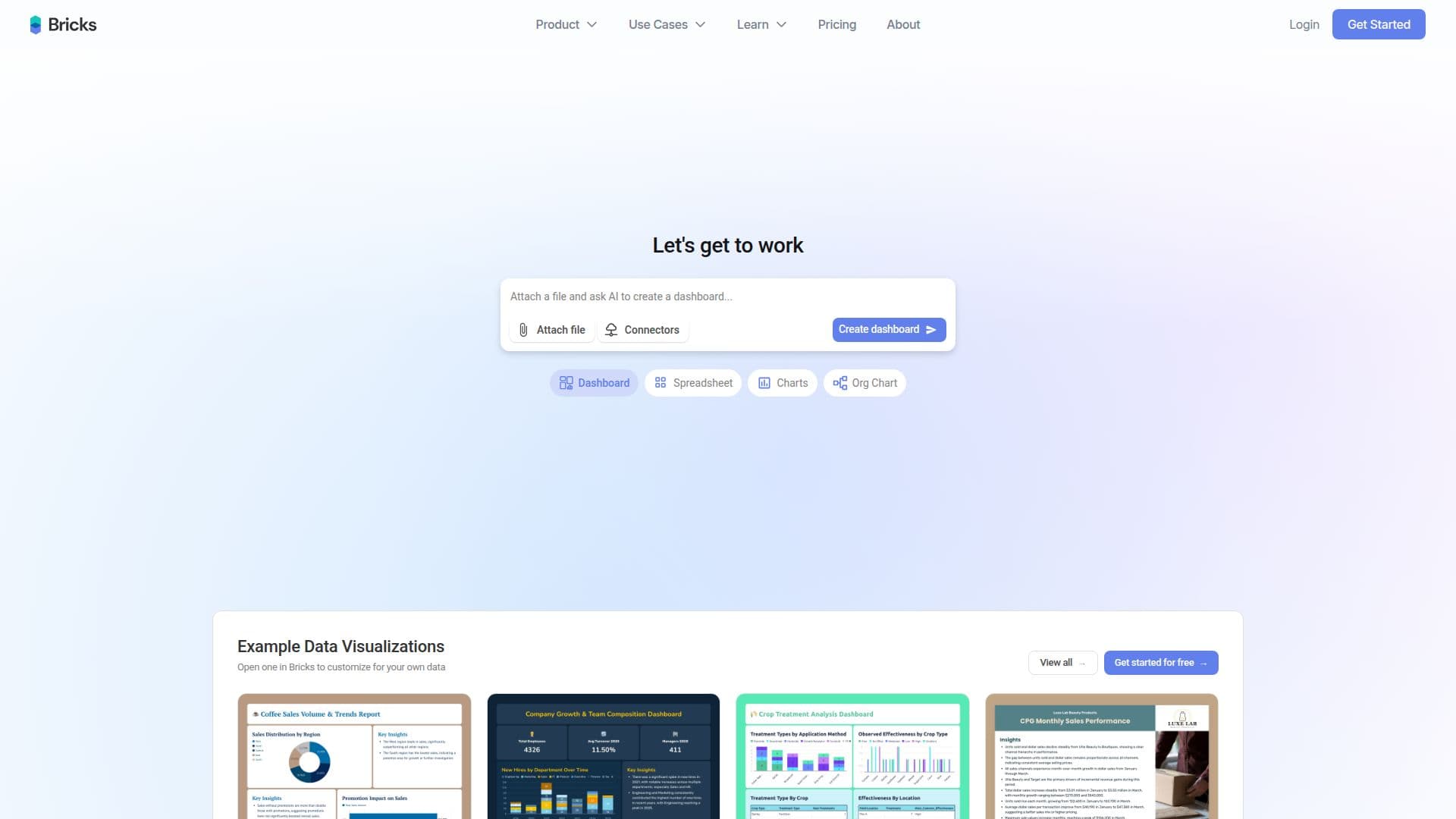
Bricks is an AI data analyst designed to simplify the process of creating dashboards and reports from your data files. By allowing users to upload CSV, Excel, or PDF files, Bricks automatically generates professional charts, tables, and insights in mere seconds. This tool is particularly beneficial for individuals and teams who need to visualize their data quickly without the complexities associated with traditional BI tools like Tableau or Power BI.
Read More
One of the standout features of Bricks is its ability to provide full control over every dashboard element. Users can refresh their dashboards with new data in just one click, ensuring that their visualizations are always up-to-date. Additionally, Bricks supports interactive filtering, allowing users to delve deeper into their data and gain more nuanced insights. The platform also offers a range of professional themes, eliminating the need for design work and enabling users to present their data in a polished manner.
Bricks is designed for small to medium-sized datasets, making it ideal for everyday business data such as sales reports, marketing analytics, and operational metrics. The tool is user-friendly, requiring no technical skills or prior experience in data analysis. Users can simply upload their data files and let Bricks' AI do the heavy lifting, creating stunning dashboards that look professionally designed.
Collaboration is another key aspect of Bricks. The platform allows teams to work together seamlessly, with options for sharing dashboards and managing access permissions. Whether you are part of a small team or a larger organization, Bricks provides the flexibility needed to collaborate on data projects effectively. With its focus on privacy and security, Bricks ensures that all data is encrypted and protected, giving users peace of mind as they work with sensitive information.
In summary, Bricks is an innovative solution for anyone looking to turn their data into actionable insights quickly and efficiently. With its AI-powered capabilities, user-friendly interface, and collaborative features, Bricks empowers users to make data-driven decisions with confidence.
- CategoryAI Spreadsheet Tools
- Pricing ModelFreemium
- DeploymentCloud
- PlatformsWeb
Bricks's Core Features
One-Click Dashboard Refresh
Interactive Filtering
Professional Themes
Data Encryption
AI-Powered Insights
Team Collaboration
Customizable Dashboards
Supports CSV, Excel, PDF uploads
How to use Bricks?
Upload your data file: Start by uploading a CSV, Excel, or PDF file to Bricks.
Let AI analyze: Allow Bricks' AI to automatically analyze your data.
View your dashboard: In seconds, your dashboard will be created with charts and insights.
Customize as needed: Use natural language prompts to ask for new charts or manually edit elements.
Share with your team: Collaborate by sharing dashboards with team members.
Export your dashboard: Choose to export your dashboard to PDF or PowerPoint.
Refresh with new data: Update your dashboard with new data using the one-click refresh feature.
Bricks's Use Cases
- Sales Reporting
- Marketing Analytics
- Financial Reporting
- Project Management
- Customer Insights