Description
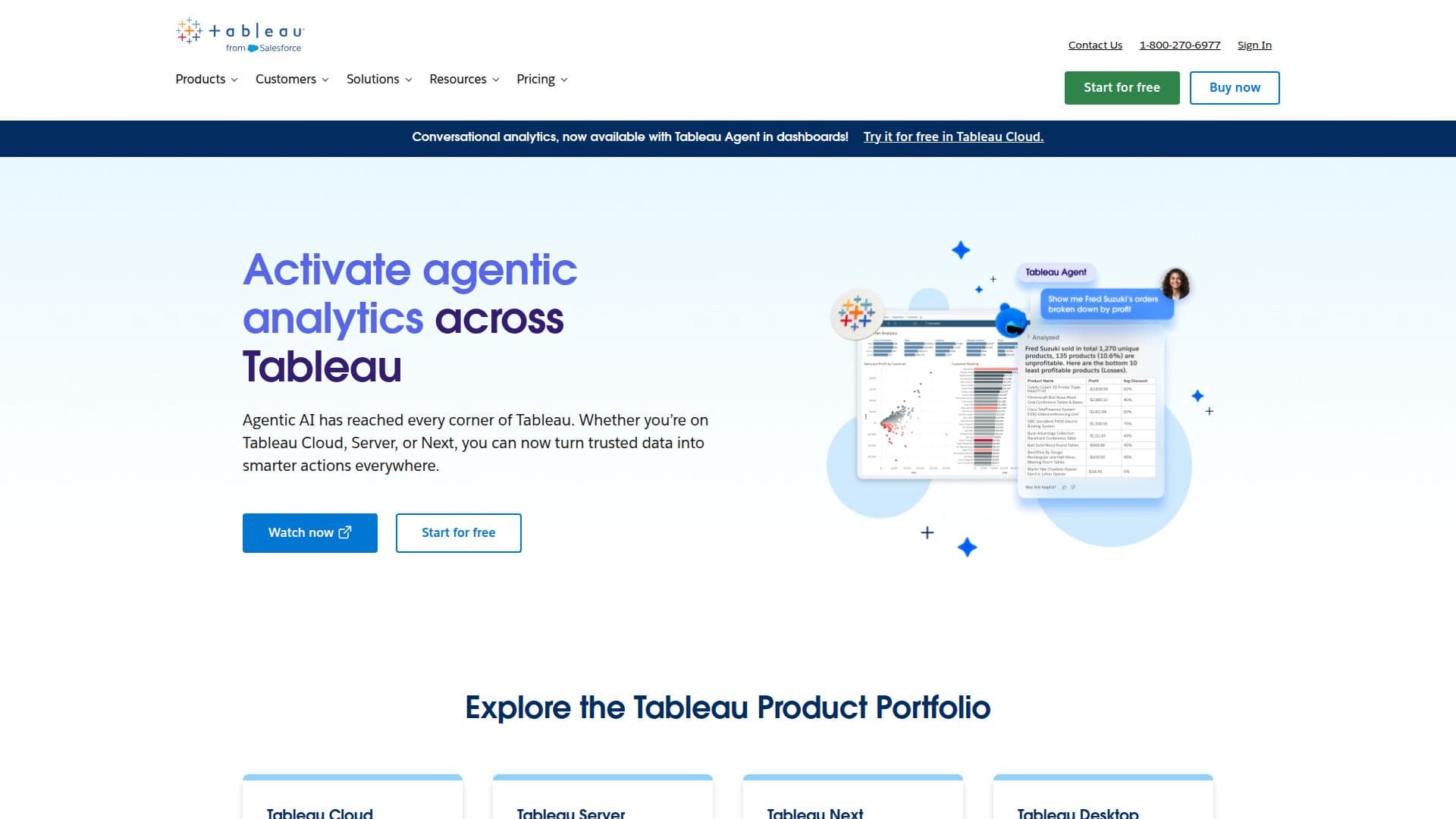
Tableau is designed to help individuals and organizations see and understand their data more effectively. With its intuitive interface, users can connect to almost any database and utilize drag-and-drop functionality to create compelling visualizations. This software is particularly beneficial for those looking to share insights securely and efficiently, without the need for extensive technical knowledge.
Read More
The platform offers several deployment options, including Tableau Cloud, a fully hosted analytics platform that allows users to analyze data and share insights without managing servers or infrastructure. Tableau Server, on the other hand, provides a self-hosted solution for organizations that require full control over their data and analytics deployment, whether on-premises or in the cloud.
Tableau Next is an open analytics platform that integrates AI capabilities, enabling users to turn insights into actions more quickly and intelligently. Tableau Desktop offers a flexible environment for data exploration, modeling, and visualization, allowing users to work offline and discover intelligent insights rapidly.
Tableau's commitment to fostering a data culture within organizations is evident through its community, which connects millions of users worldwide. This community serves as a resource for learning and inspiration, helping users to maximize the value of their analytics investments. With features like conversational analytics and AI-powered insights, Tableau empowers users across various roles, from analysts to business leaders, to make data-driven decisions effectively.
The platform is suitable for a wide range of industries, including healthcare, education, finance, and the public sector. By replacing static reports with interactive dashboards, Tableau enhances data accessibility and understanding, ultimately driving better outcomes for organizations. Whether you are looking to improve operational efficiency or enhance customer experiences, Tableau provides the tools necessary to leverage data effectively.
- CategoryData Visualization
- Pricing ModelFreemium
- DeploymentCloud, On-Premises
- PlatformsWeb
Tableau's Core Features
Cloud-based analytics
Self-hosted analytics
AI-powered insights
Data visualization
Interactive dashboards
Community support
Data governance
Integration with Salesforce CRM
How to use Tableau?
Connect to your data source: Start by linking Tableau to your database or data files.
Create visualizations: Use drag-and-drop features to design charts and graphs.
Analyze data: Explore your visualizations to uncover insights and trends.
Share insights: Distribute your dashboards securely with team members or stakeholders.
Tableau's Use Cases
- Healthcare Analytics
- Educational Insights
- Financial Reporting
- Public Sector Transparency
- Sales Performance